Powerful EcoFlow stations for energy anywhere!
In cart {{totalProductsCount}} item(s)
Your cart is empty
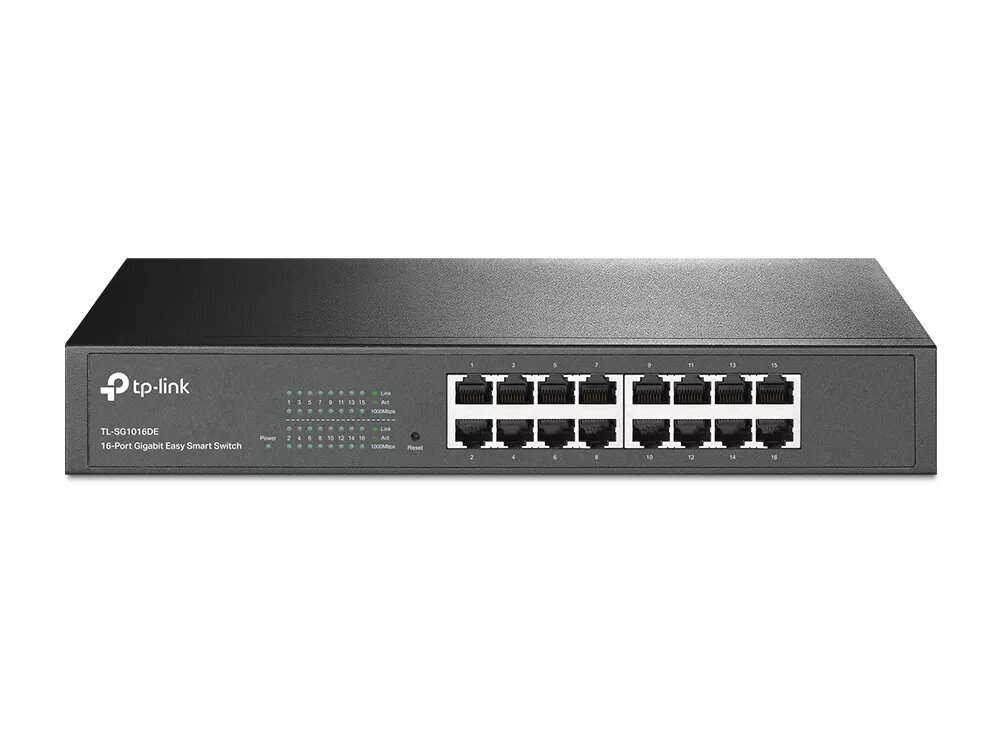
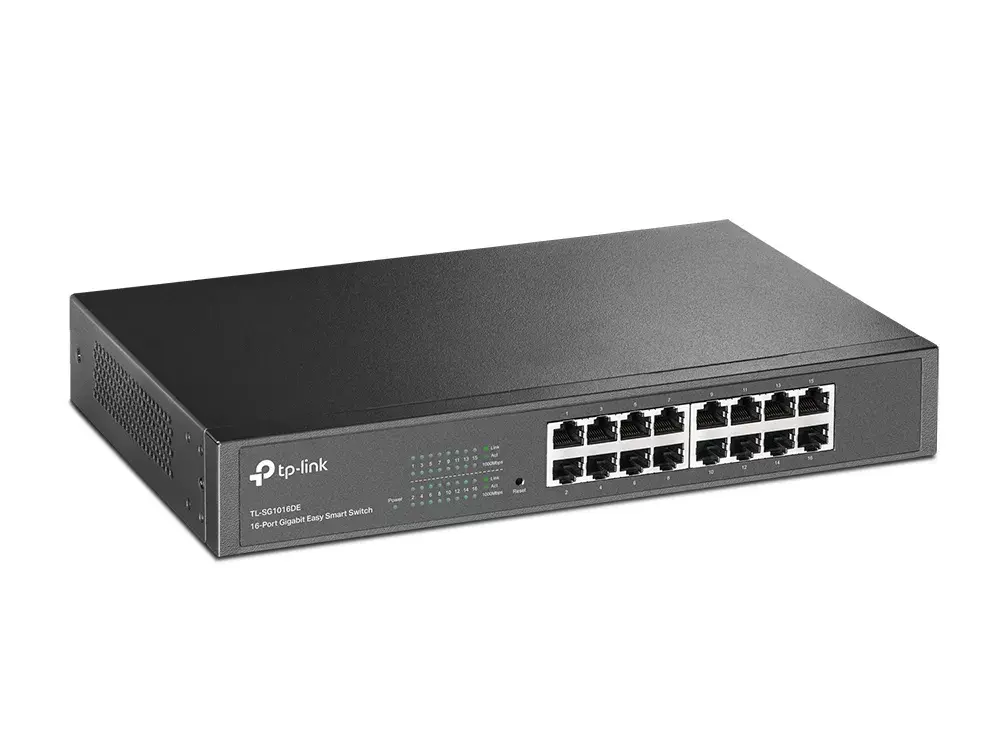
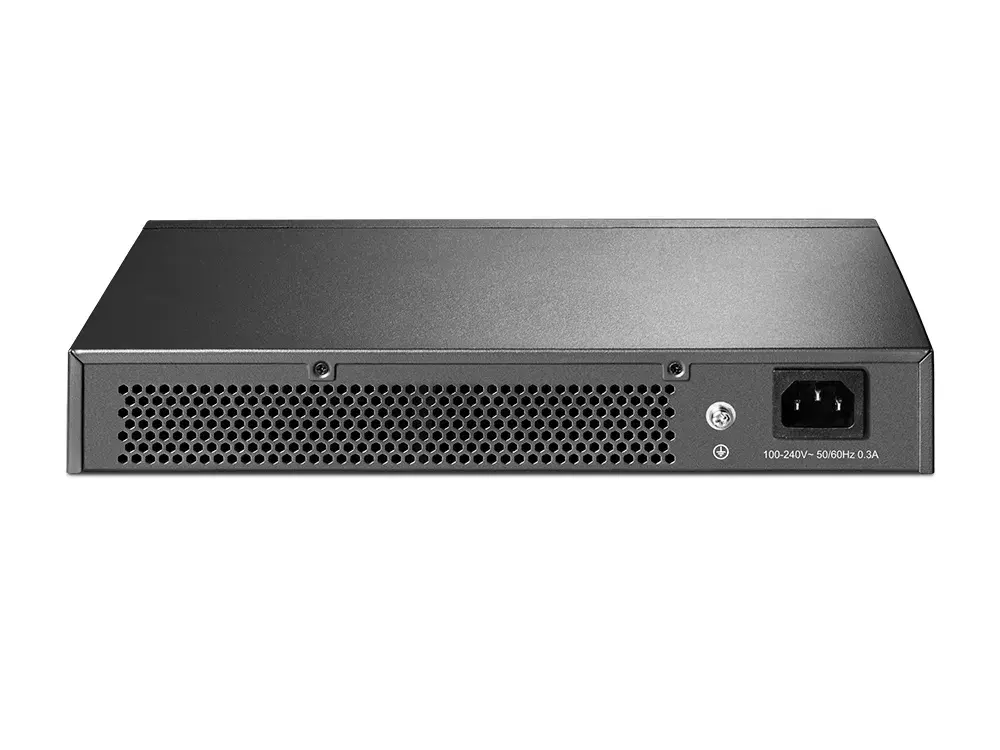
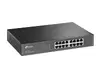
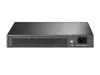
TP-Link TL-SG1016DE Managed L2 Gigabit Ethernet Network Switch, 16 Ports, Black
The TP-Link TL-SG1016DE is a managed L2 Gigabit Ethernet network switch designed to provide a significant performance upgrade for small and medium-sized business environments. Featuring 16 Gigabit Ethernet ports, this device offers essential network management capabilities, including VLAN support, Quality of Service (QoS), and IGMP snooping. Its robust design ensures reliable high-speed connectivity, while the integrated management features allow administrators to monitor traffic, prevent loops, and perform cable diagnostics to maintain a stable and efficient network infrastructure.
This switch excels by offering a balance between simplicity and advanced control, making it an ideal step up from basic unmanaged switches. It incorporates energy-efficient technology that automatically adjusts power consumption based on link status and cable length, potentially reducing power usage by up to 40%. The device supports traffic prioritization, ensuring that latency-sensitive applications like voice and video conferencing remain smooth and jitter-free. Furthermore, its rack-mountable design and compact form factor allow for flexible installation in various professional settings, while the intuitive management interface simplifies network segmentation and security tasks.
This switch may not be suitable for large-scale enterprise environments that require complex Layer 3 routing capabilities or advanced features like full CLI management. It is also not designed for high-density data centers that require 10G uplink support or redundant power supply systems.
To use the TL-SG1016DE, connect your network devices to the RJ-45 ports using standard Ethernet cables. The switch features auto-negotiation, which automatically detects the speed of connected devices, and auto MDI/MDI-X, which eliminates the need for specific crossover cables. Once connected, you can access the web-based management interface to configure VLANs, set port priorities, and monitor network health through the provided diagnostic tools.
For the best performance and longevity, ensure the switch is placed in a well-ventilated area to prevent overheating. Regularly check for firmware updates through the TP-Link support portal to ensure your device remains secure and compatible with the latest network standards.
{{highlightedFeature.featureTitle}}:
{{getProductFeatureValueById(product, highlightedFeature.featureId)}}