Leave your address - as soon as the price of the product goes down, you'll know about it right away
TP-Link 300Mbps Wi-Fi Range Extender with AC Passthrough
In cart {{totalProductsCount}} item(s)
Your cart is empty
TP-Link 300Mbps Wi-Fi Range Extender with AC Passthrough
Leave your address - as soon as the price of the product goes down, you'll know about it right away
TP-Link 300Mbps Wi-Fi Range Extender with AC Passthrough
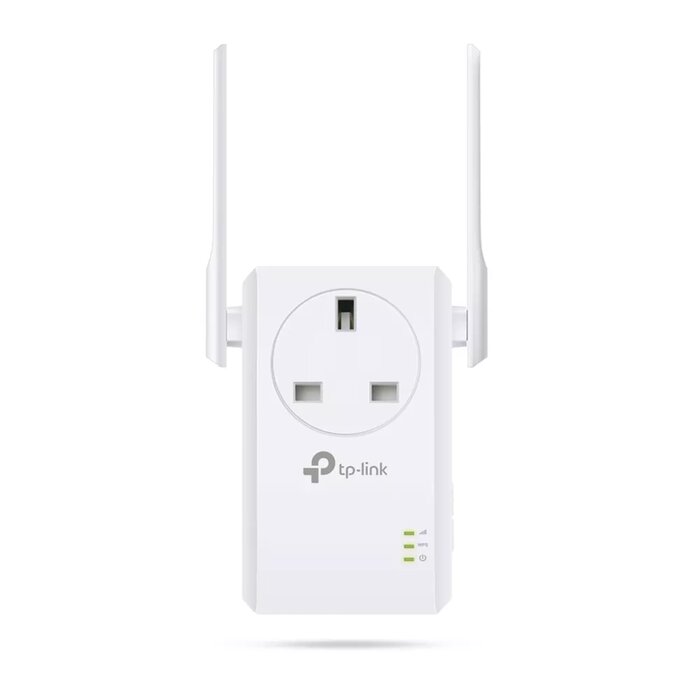
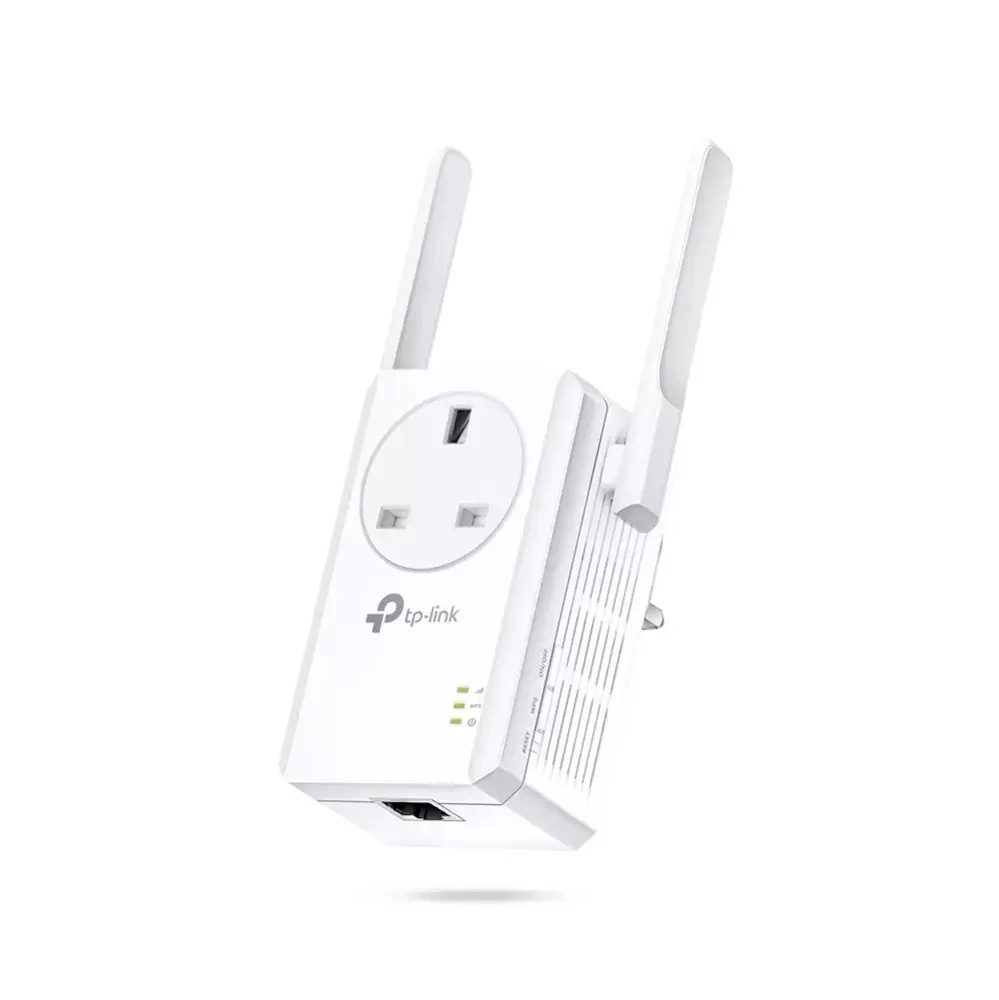
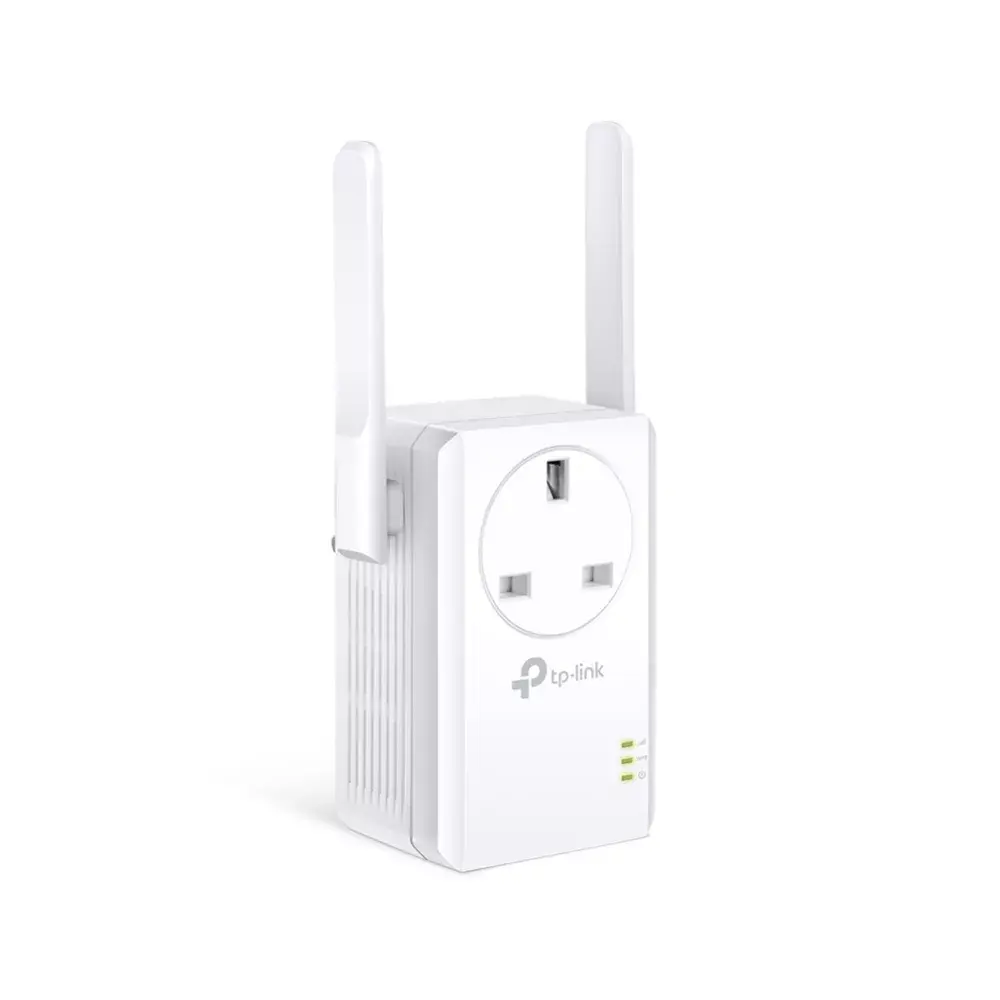
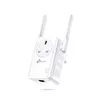
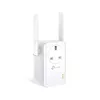
The TP-Link 300Mbps Wi-Fi Range Extender with AC Passthrough (model TL-WA860RE) increases wireless coverage and improves signal quality for home or small office networks. Equipped with two external antennas and a built-in power socket, the extender delivers up to 300 Mbps wireless transmission and preserves the use of the wall outlet. It supports AP Mode to create a Wi-Fi access point from a wired connection and can act as a wireless adapter for wired devices. The device is compatible with TP-Link Tether app for remote monitoring and basic configuration from Android or iOS devices.
The TL-WA860RE supports plug-and-play setup via WPS for quick connection to an existing router and retains configuration when relocated. Two external antennas improve signal strength and coverage, while the AC passthrough integrated power socket keeps the outlet available. Smart signal indicator LEDs help identify the optimal installation location. Additional modes allow the unit to function as an access point or as a wireless adapter for wired equipment.
Plug the extender into a power outlet within range of your router, press the WPS button on your router and then on the TL-WA860RE to establish a wireless link automatically. After initial setup, you may unplug and relocate the extender within the router’s coverage area and it will reconnect without reconfiguration. To use AP Mode, connect an Ethernet cable from your modem or switch to the extender’s LAN port and switch to Access Point mode via the web interface or Tether app. For connecting wired devices, attach them to the extender’s Ethernet port when it operates in adapter mode.
Place the extender midway between your router and the area with weak Wi‑Fi signals, using the smart signal LEDs to ensure a stable connection. Avoid installing the unit near large metal objects, microwaves or cordless phone bases to reduce interference. Update firmware and use the TP‑Link Tether app to manage settings and monitor performance.
{{highlightedFeature.featureTitle}}:
{{getProductFeatureValueById(product, highlightedFeature.featureId)}}
| Warehouse | Stock | Delivery to the store | Store Price | |
| WH332 | 8 | 02.07.2026 | 22.99 € | |
| WH109 | 167 | 16.07.2026 | 28.49 € |
|
20.49 €
Stock:
50
Delivery Date:
Tomorrow
Best delivery
Warehouse: BT19
|
|
20.99 €
Stock:
2
Delivery Date:
Thursday
Warehouse: BT5
|
|
20.99 €
Stock:
10
Delivery Date:
02.07.2026
Warehouse: WH155
|
|
20.99 €
Stock:
15
Delivery Date:
02.07.2026
Warehouse: WH166
|
|
21.49 €
Stock:
45
Delivery Date:
Friday
Warehouse: EU2
|
|
21.49 €
Stock:
100
Delivery Date:
02.07.2026
Warehouse: WH174
|
|
22.49 €
Stock:
40
Delivery Date:
02.07.2026
Warehouse: WH334
|
|
22.99 €
Stock:
2
Delivery Date:
01.07.2026
Warehouse: EU57
|
|
23.99 €
Stock:
20
Delivery Date:
02.07.2026
Warehouse: EU85
|
|
24.49 €
Stock:
1
Delivery Date:
02.07.2026
Warehouse: EU16
|
|
24.99 €
Stock:
2
Delivery Date:
02.07.2026
Warehouse: WH337
|
|
25.49 €
Stock:
3
Delivery Date:
25.06.2026
Warehouse: BT34
|
|
26.99 €
Stock:
8
Delivery Date:
07.07.2026
Warehouse: WH355
|
|
26.99 €
Stock:
100
Delivery Date:
02.07.2026
Warehouse: WH94
|
|
22.99 €
Stock:
8
Delivery Date:
02.07.2026
Warehouse: WH332
|
|
28.49 €
Stock:
167
Delivery Date:
16.07.2026
Warehouse: WH109
|