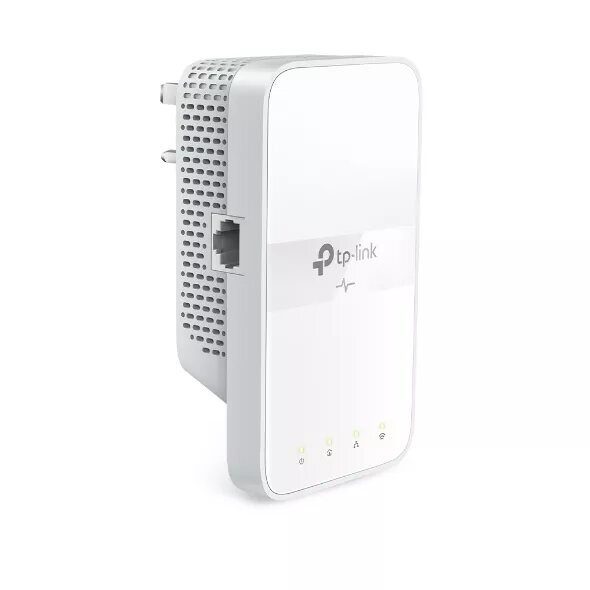
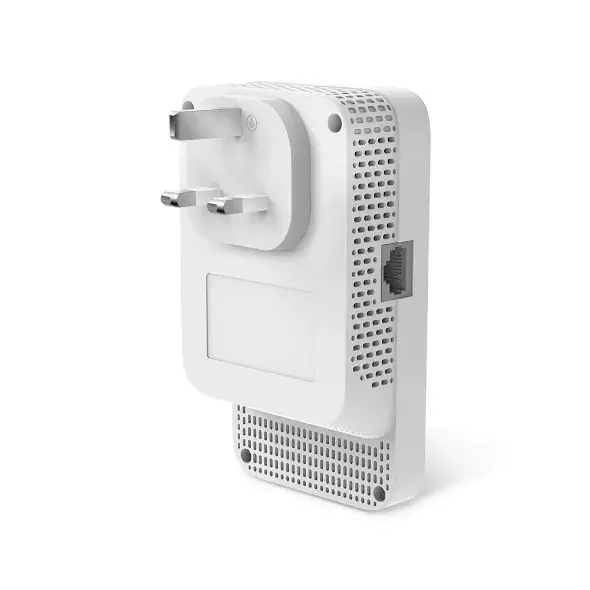
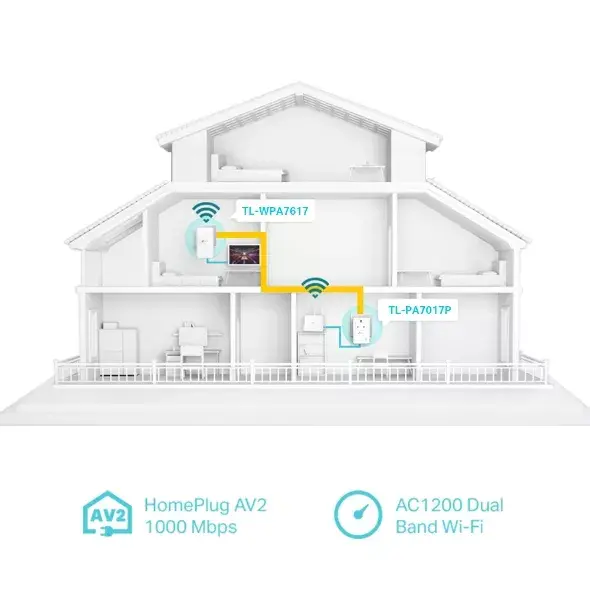
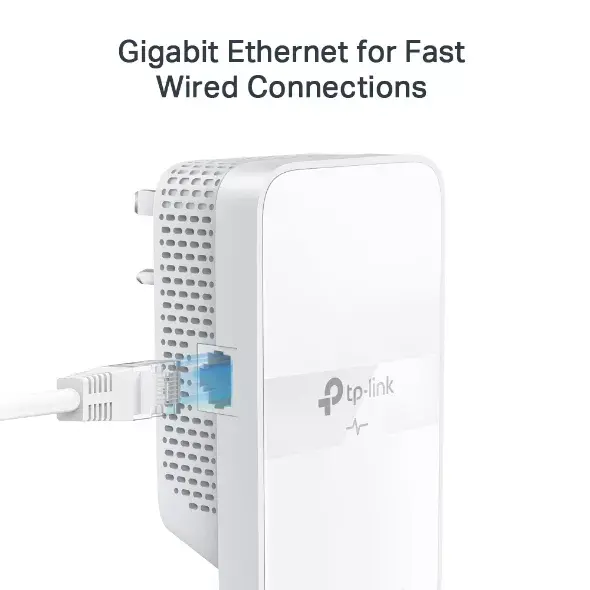
-
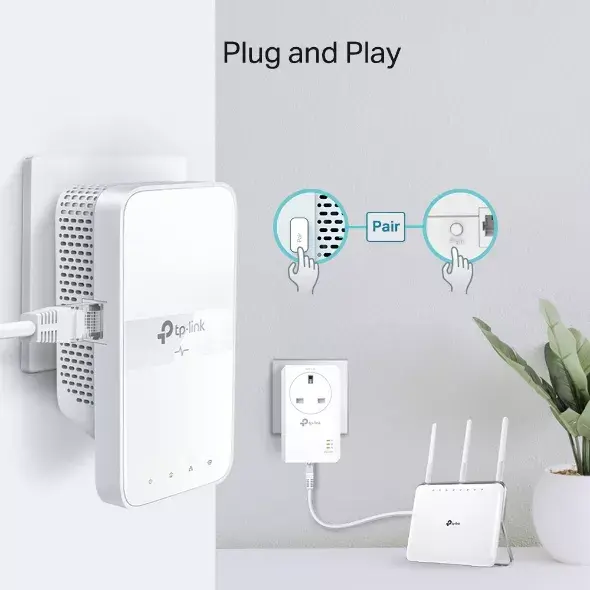
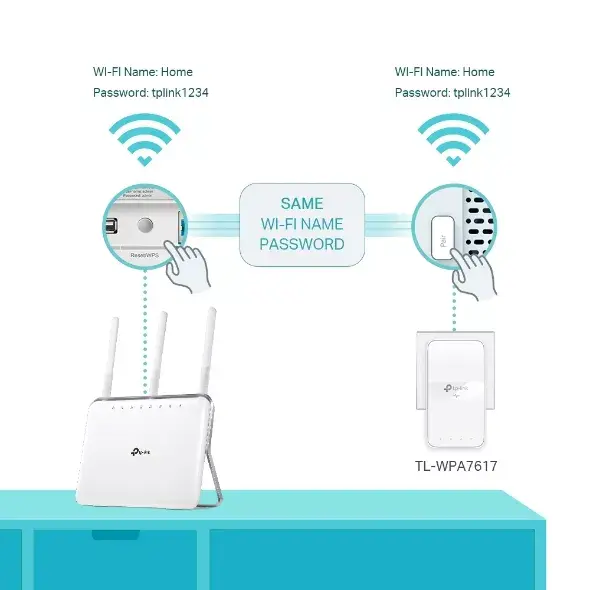
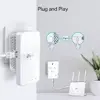
Plug and Play:
Indicates whether this product supports is "plug and play". Plug and play is hardware or software that, after being installed ("plugged in"), can immediately be used ("played with"), as opposed to hardware or software which requires configuration.
-
Yes
-
Maximum operating distance:
The maximum distance from which you can operate the device.
-
300 m
-
Security algorithms:
Security algorithms are used to provide authentication, cipher key generation, integrity and radio link privacy to users on mobile networks. The security algorithms supported are the ones that can be used with this product.
-
WPA-PSK, WEP, 128-bit AES, WPA2-PSK
-
Modulation:
Modulation is the process of varying one or more properties of a periodic waveform, called the carrier signal (High Frequency Signal), with a modulating signal which typically contains information to be transmitted. The aim of digital modulation is to transfer a digital bit stream over an analog bandpass channel, for example over the public switched telephone network (where a bandpass filter limits the frequency range to between 300 and 3400 Hz), or over a limited radio frequency band. The aim of analog modulation is to transfer an analog baseband (or lowpass) signal, for example an audio signal or TV signal, over an analog bandpass channel at a different frequency, for example over a limited radio frequency band or a cable TV network channel.
-
OFDM
-
Built-in power socket:
There is a power socket (port) in the device.
-
No
-
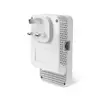
Power plug:
A power plug is a 2 or 3 pinned device that is placed into an electrical socket in order to make an electrical connection.
-
Type G
-
Networking standards:
The way in which the network is working, e.g. IEEE 802.11a, IEEE 802.11b, IEEE 802.11g.
-
IEEE 802.11ac, IEEE 802.11a, IEEE 802.11n, IEEE 802.11b, IEEE 802.11g, IEEE 802.3u, IEEE 802.3ab, IEEE 802.3
-
Wi-Fi standards:
The type of wireless local area network (LAN). It can be ad-hoc, where units in a network communicate peer-to-peer, or Infrastructure, where units communicate with each other via an access point A LAN interconnects computers in a small area e.g. home, school or office.
-
Wi-Fi 4 (802.11n), Wi-Fi 5 (802.11ac), 802.11g, 802.11b, 802.11a
-
Top Wi-Fi standard:
Connection of this device is done via Wi-Fi in a high standard.
-
Wi-Fi 5 (802.11ac)
-
Wi-Fi:
Popular technology that allows an electronic device to exchange data or connect to the internet wirelessly using radio waves.
-
Yes
-
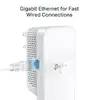
Ethernet LAN (RJ-45) ports:
Number of Ethernet LAN (RJ-45) ports (connecting interfaces) in the device. Ethernet LAN (RJ-45) ports allow a computer to connect to the ethernet.
-
1
-
Ethernet LAN data rates:
The different speed levels of the Ethernet LAN connection.
-
1000, 100, 10
-
Ethernet LAN interface type:
The characteristics of the Ethernet LAN interface.
-
Gigabit Ethernet
-
Ethernet LAN:
An Ethernet LAN (Local Area Network) interface is present, for a wired conection via a cable.
-
Yes
-
Maximum data transfer rate:
The maximum speed with which data can be transmitted from one device to another.
-
1200 Mbit/s