JBL speakers and headphones for pure and deep sound!
In cart {{totalProductsCount}} item(s)
Your cart is empty
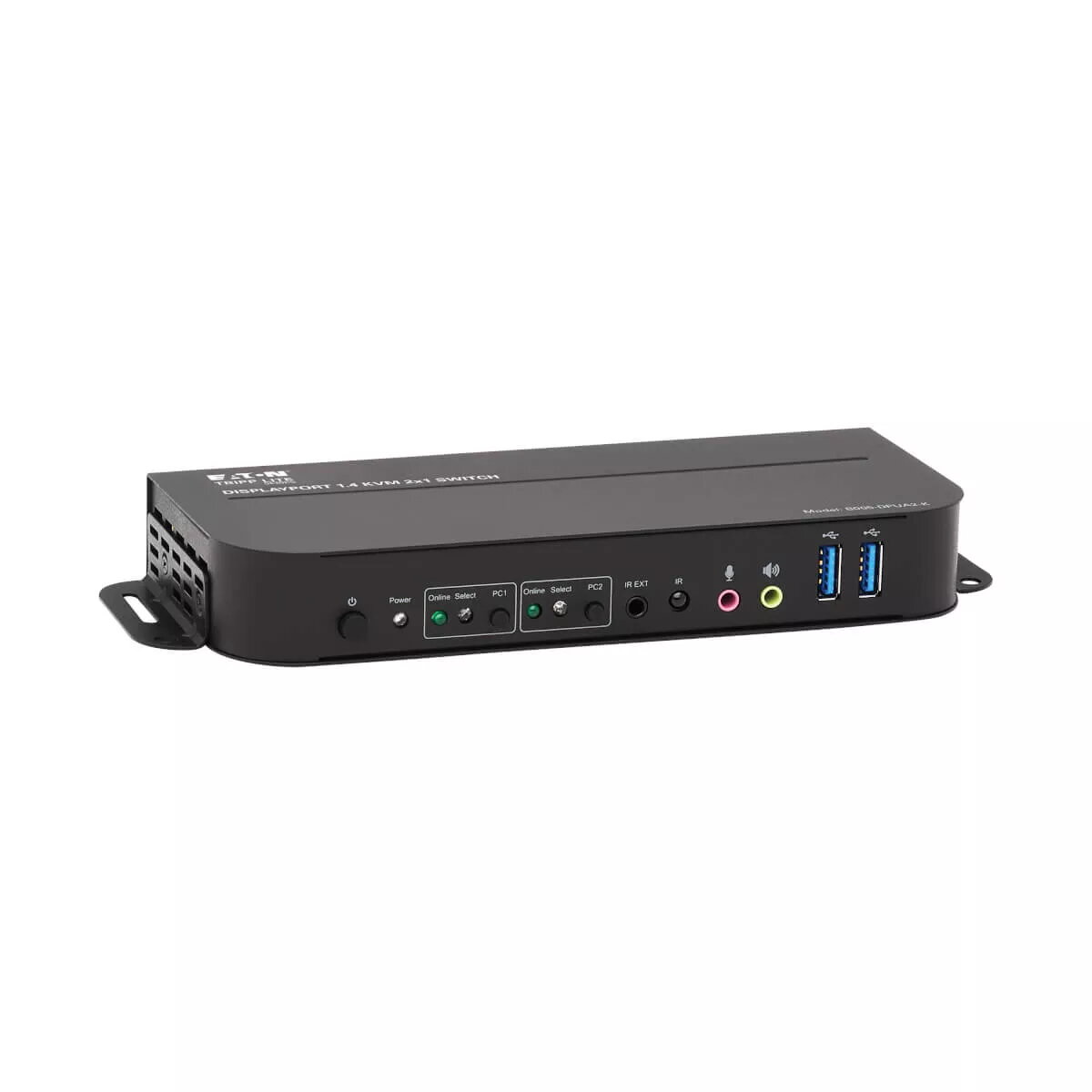
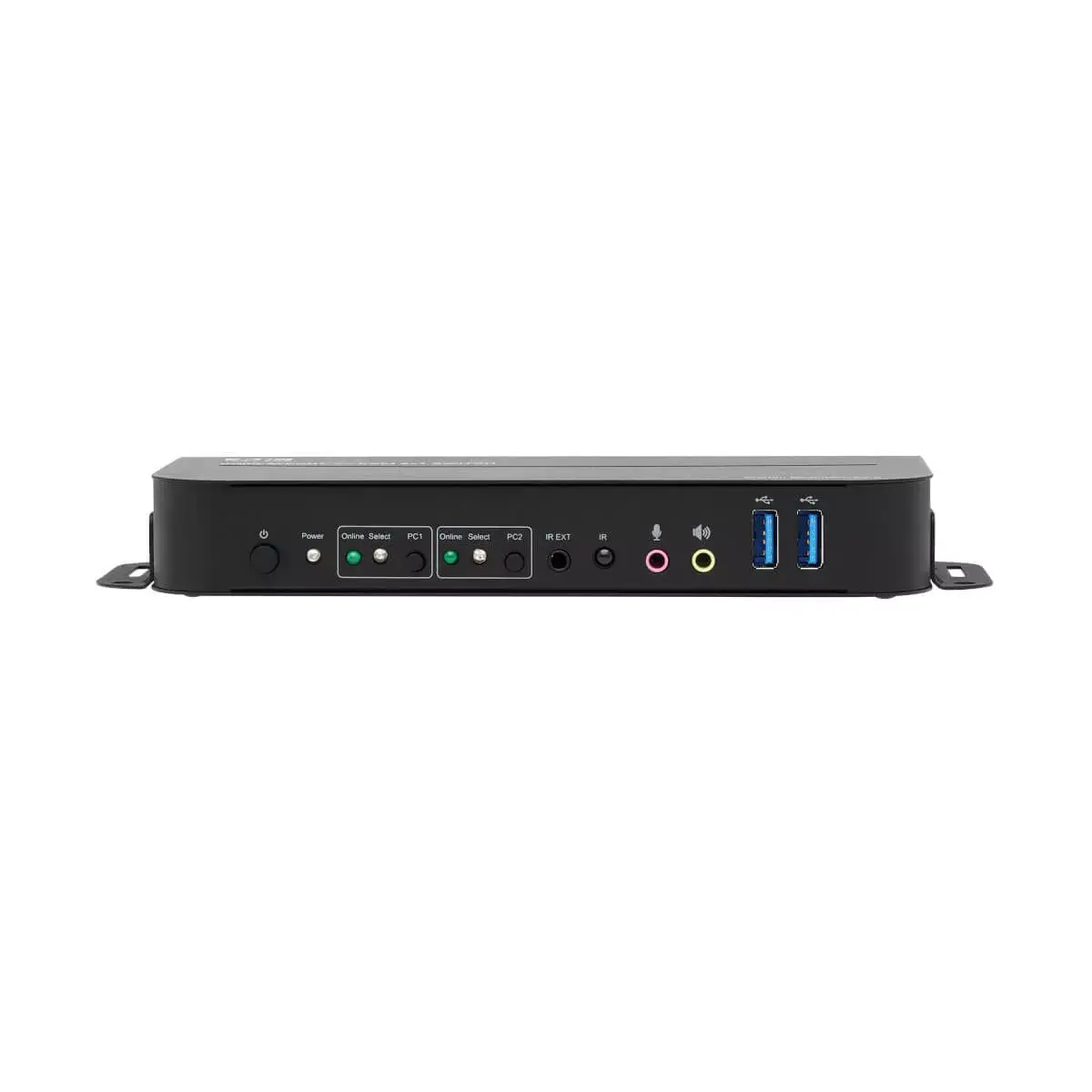
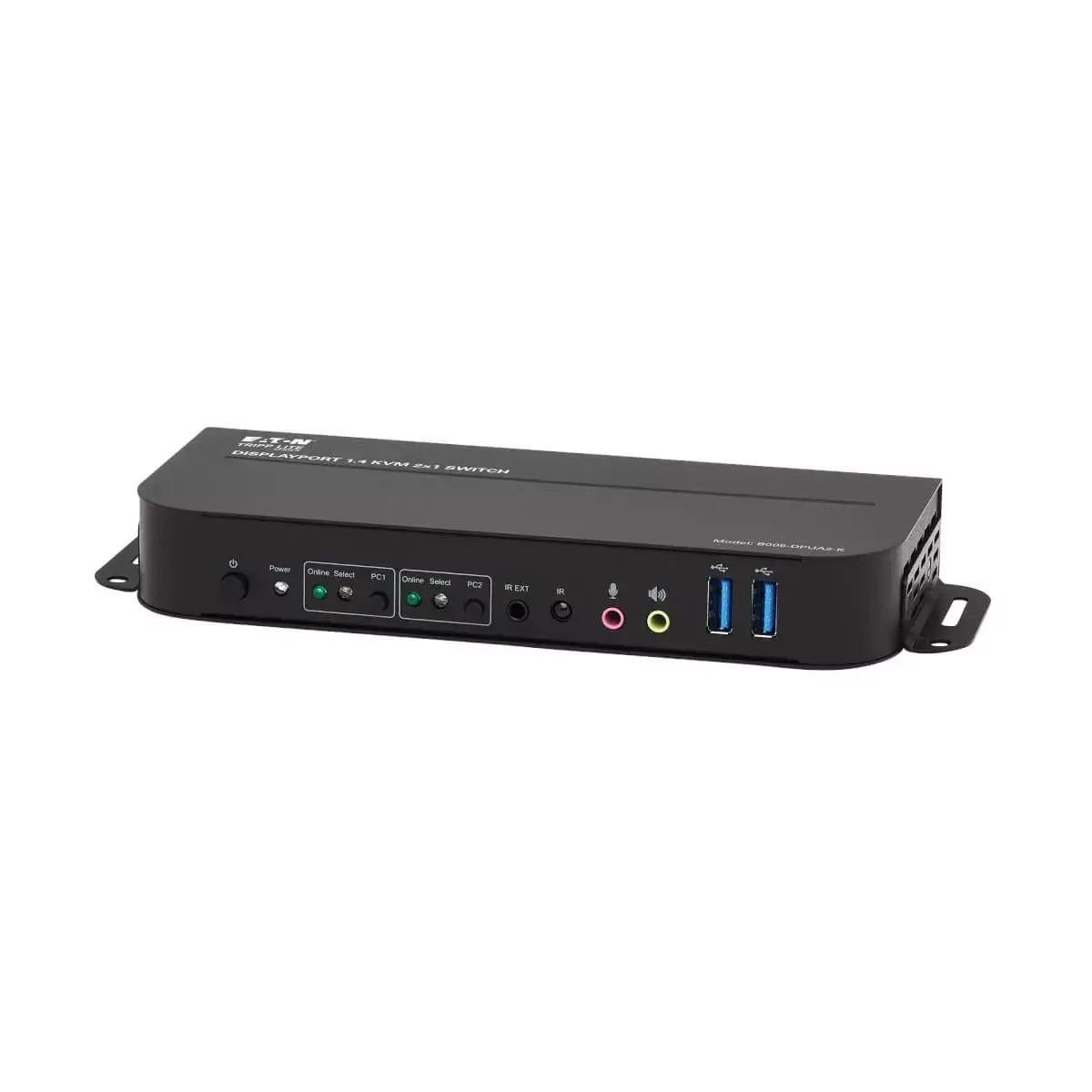
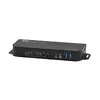
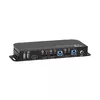
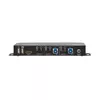
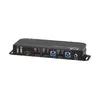
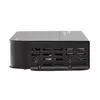
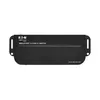
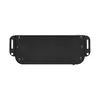
KVM Switch Tripp Lite B005-DPUA2-K 2-Port DisplayPort/USB
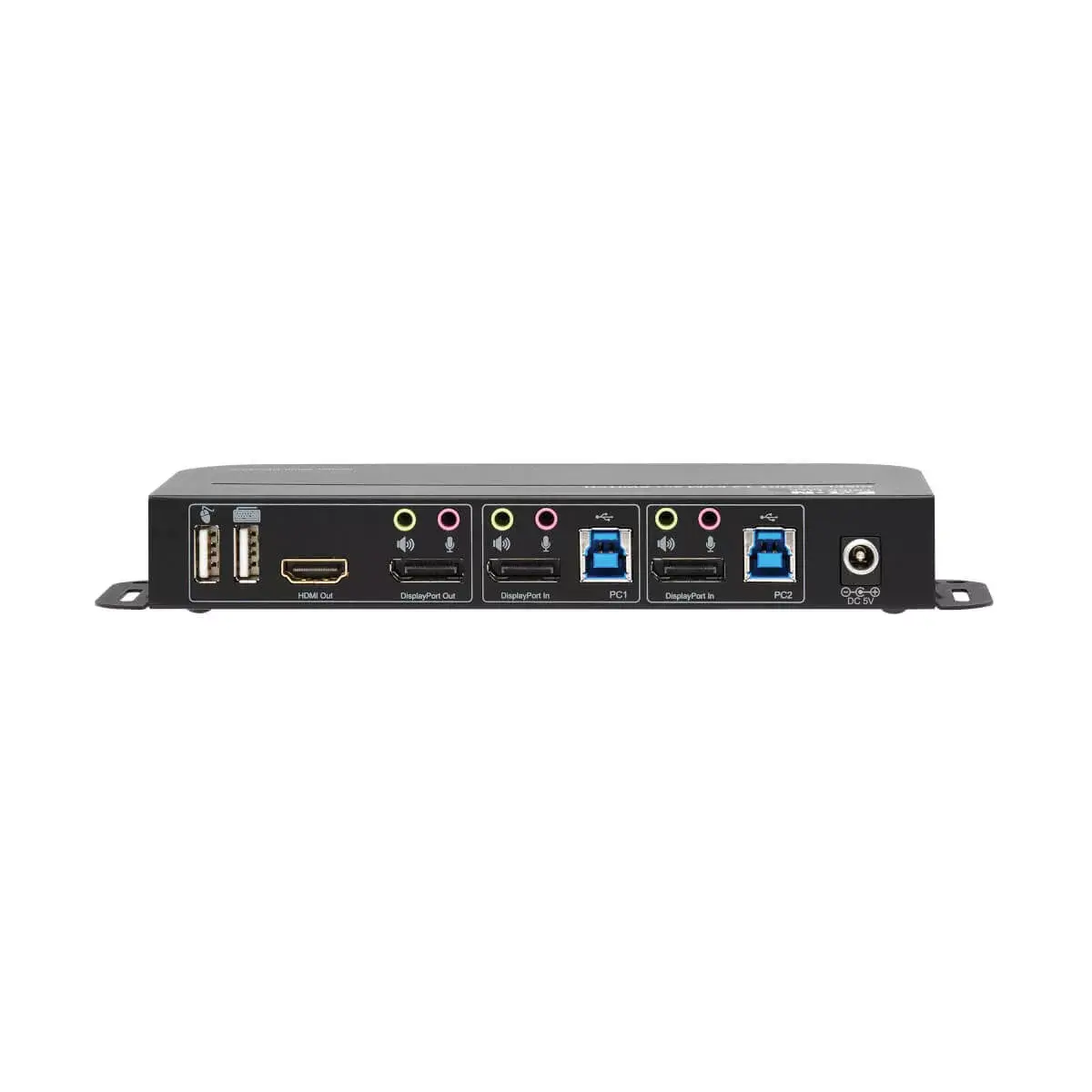
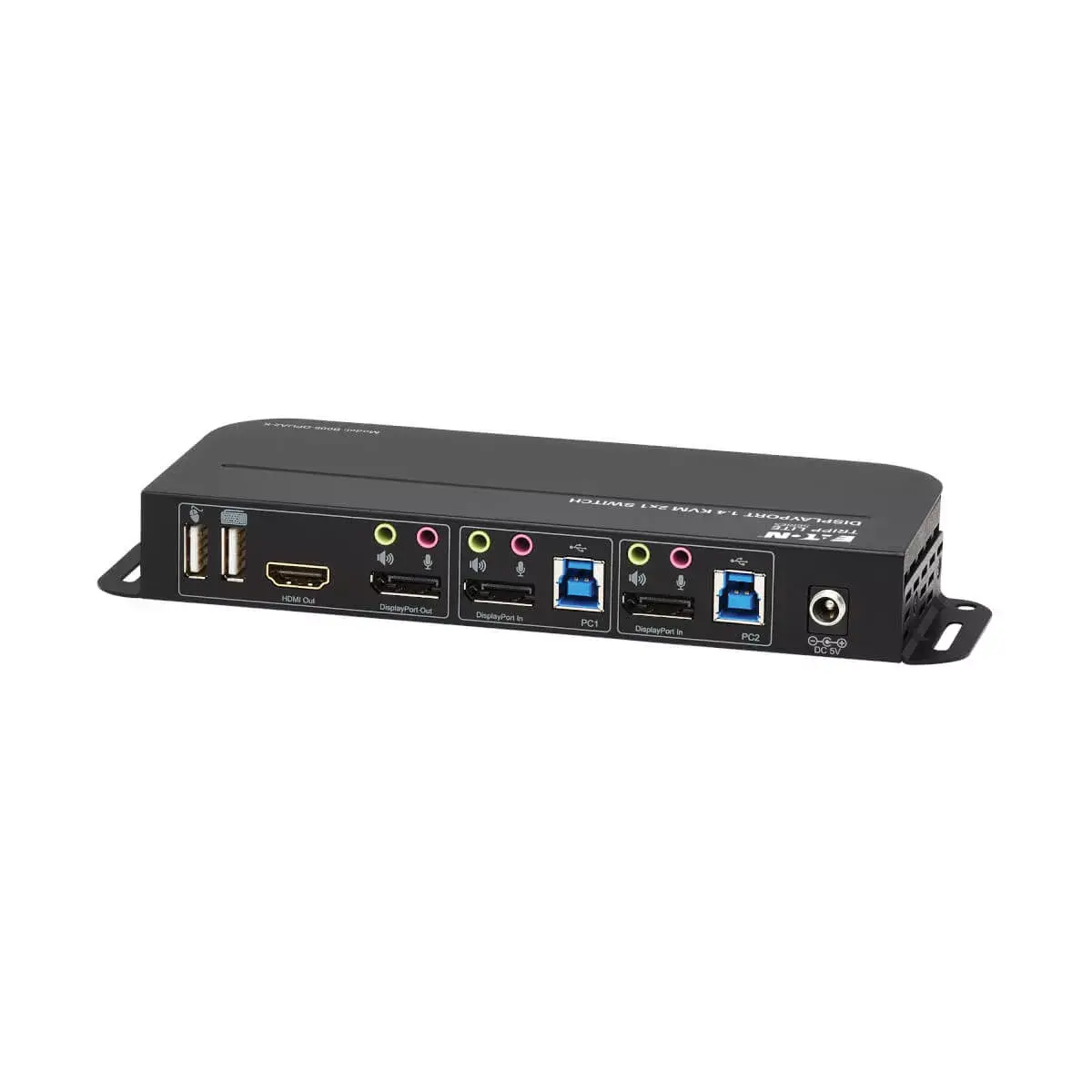
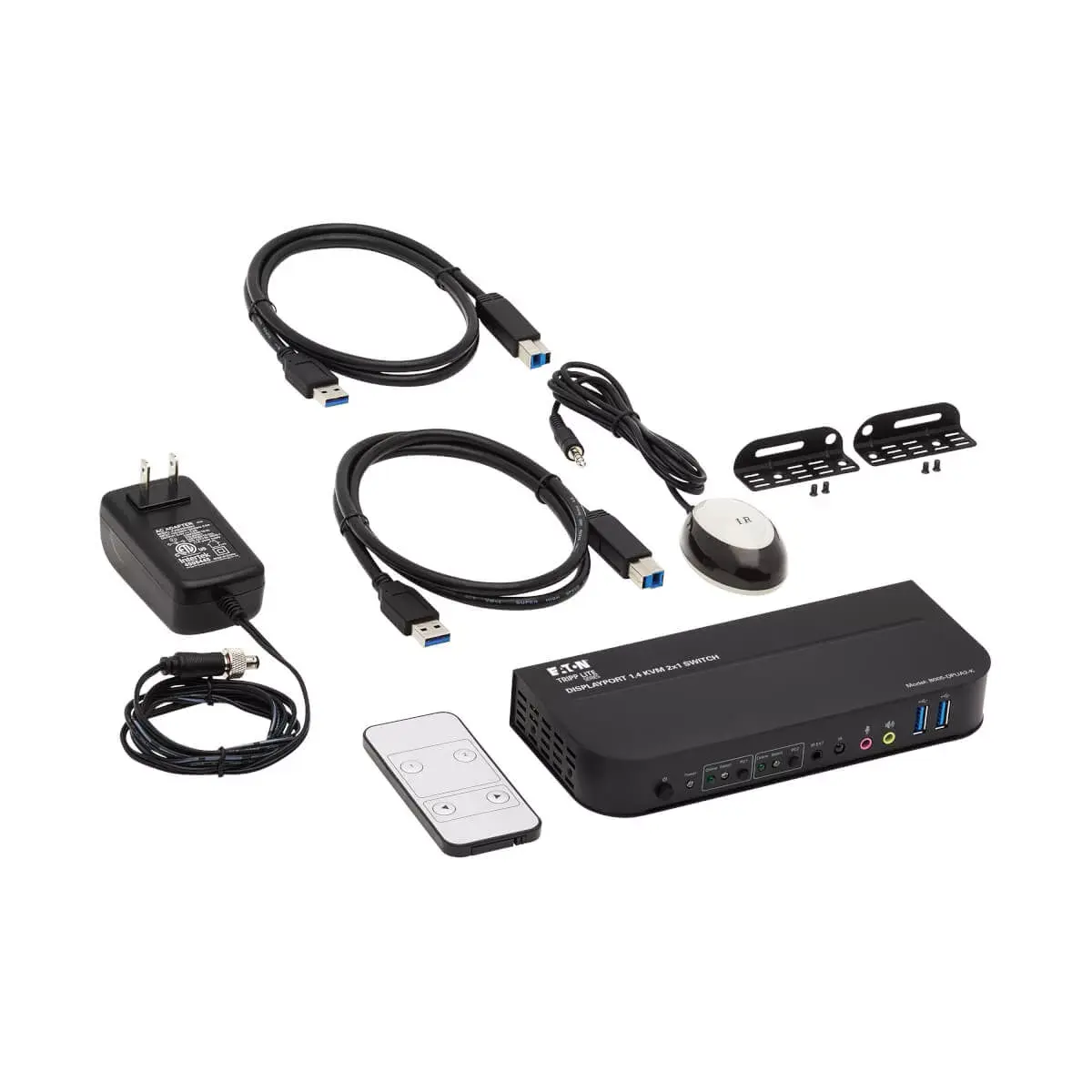
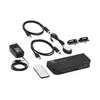
This DisplayPort KVM switch connects two DisplayPort-enabled computers or devices to one monitor, a USB keyboard and a USB mouse, allowing control, boot and reboot of both systems while saving desk space. It supports desktops, laptops, media centers, game consoles, Blu-ray/DVD players, set-top boxes, DVRs and other DisplayPort sources. The package includes USB 3.0 host cables and a DC power adapter for simple setup, and the unit works with Windows, macOS and Linux without drivers.
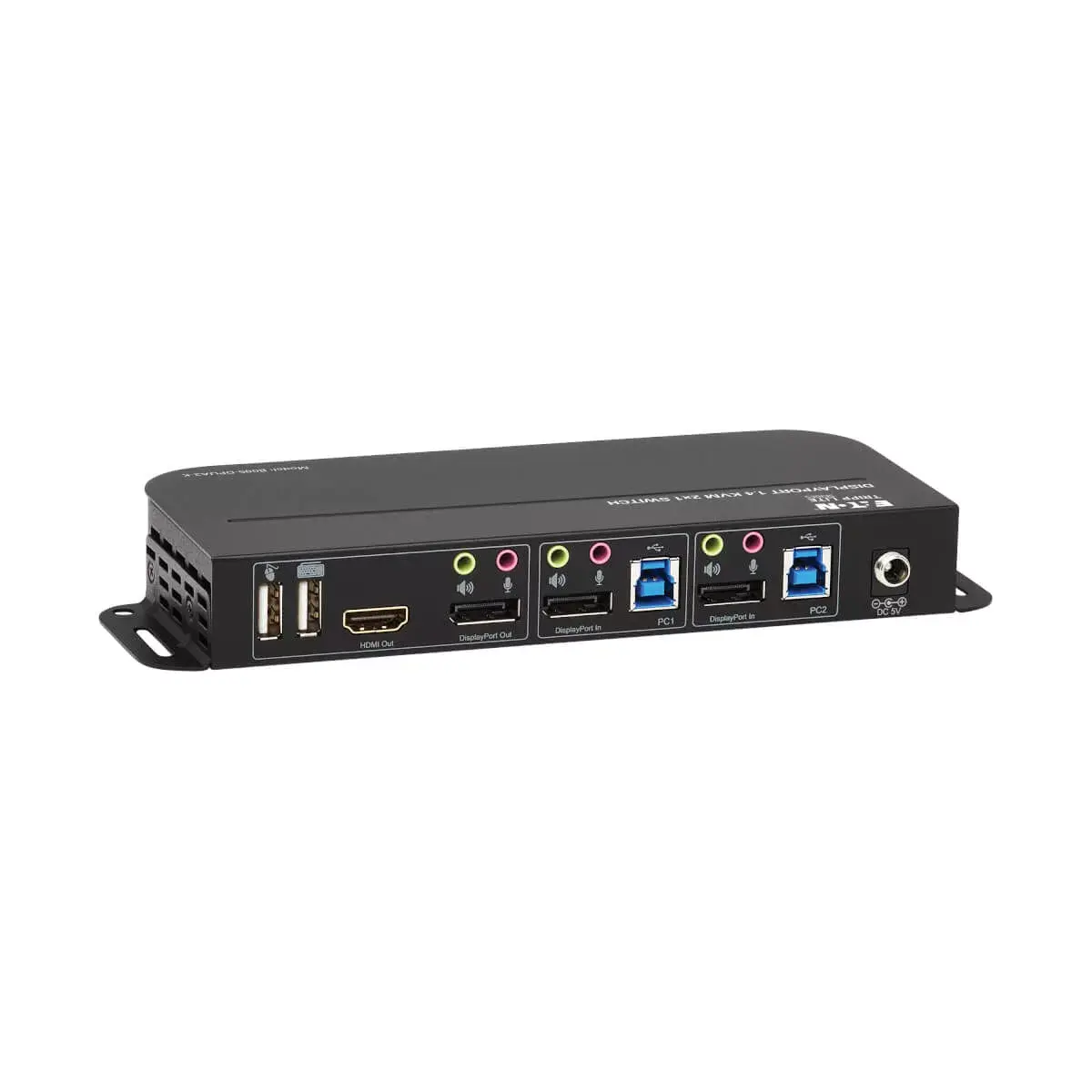
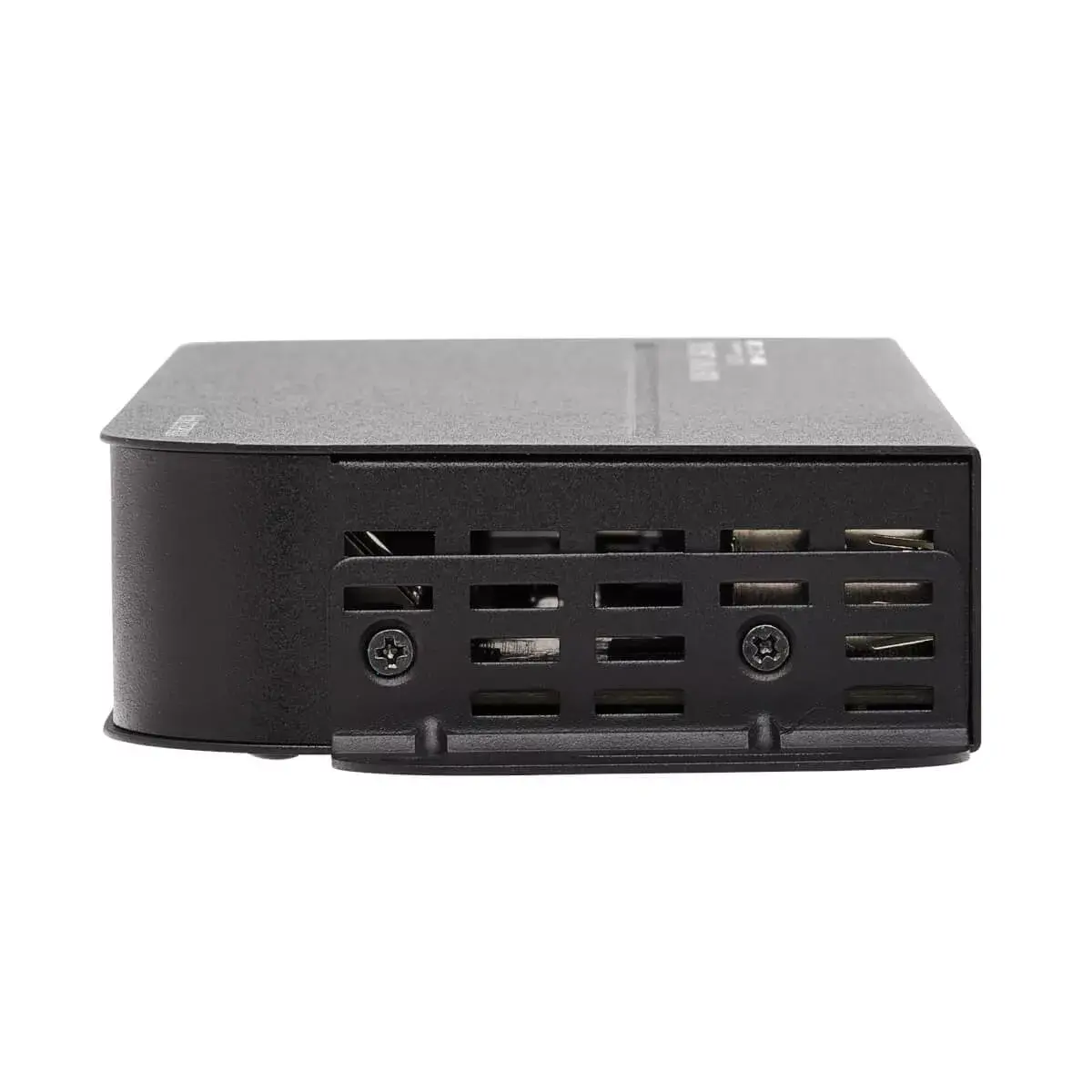
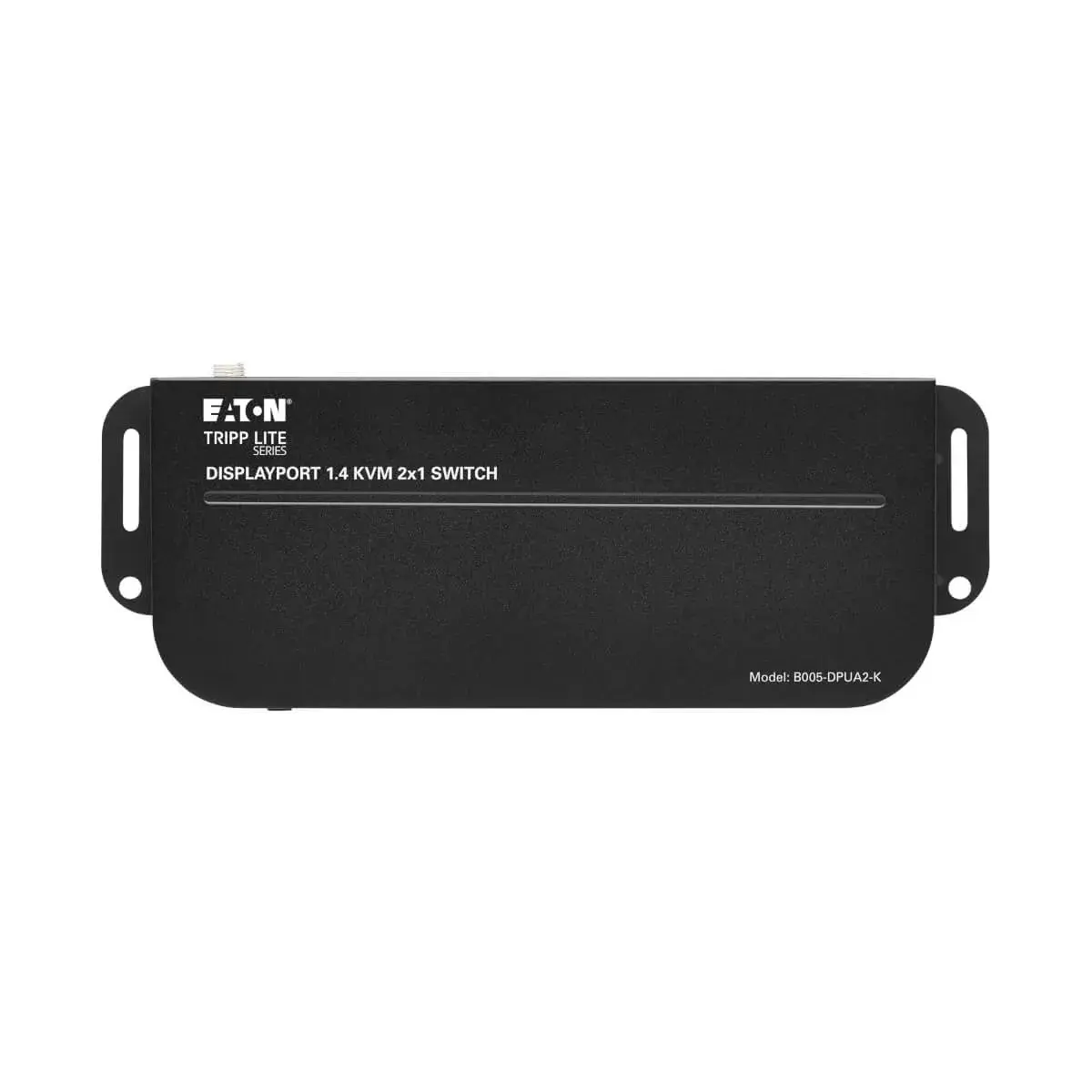
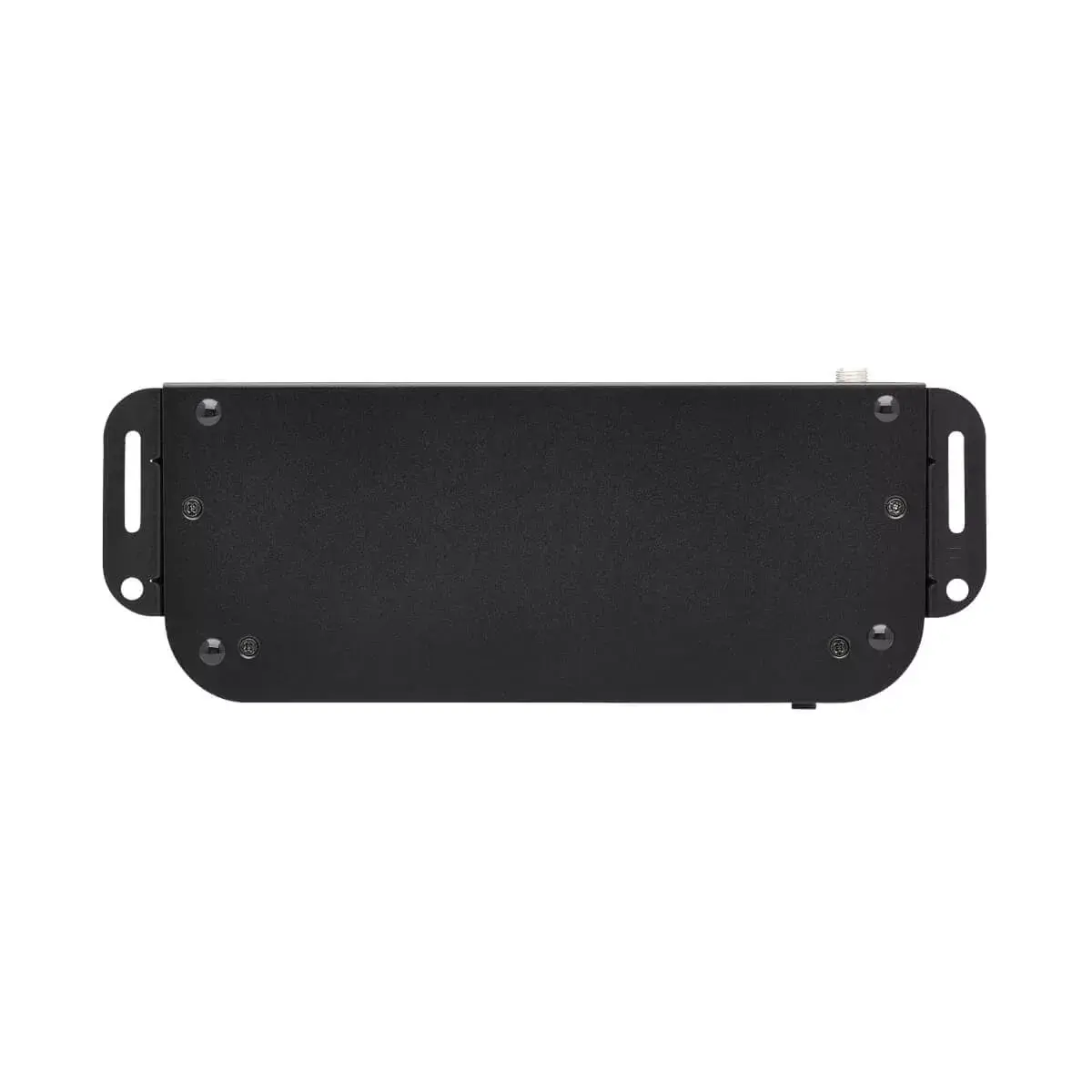
The KVM supports DisplayPort++ so an incoming DisplayPort signal can be converted to HDMI, providing one DisplayPort output and one HDMI output (only one monitor active at a time). Switching between systems is available via front-panel push buttons, hotkey commands, mouse traversal, the included IR remote or Auto Scan mode. Two USB 3.0 hub ports allow sharing peripherals such as printers, external drives, scanners and webcams between both computers. The metal housing includes mounting brackets for wall- or under-desk installation, offering a durable, space-saving solution.
Connect each computer’s DisplayPort output and USB 3.0 port to the corresponding inputs on the KVM using the supplied USB and DisplayPort cables. Select the monitor connection — DisplayPort or HDMI — noting that only one output can be active at a time. Plug in the included DC adapter and power on the unit and connected devices. Switch between computers using the front-panel buttons, hotkey commands, mouse movement, the IR remote, or enable Auto Scan to cycle automatically. Attach shared peripherals to the USB 3.0 hub ports; the KVM handles device switching without installing drivers.
For best 4K@60 Hz and HDR results, use certified DisplayPort 1.2 or higher cables and verify that monitors and source devices support HDR and HDCP 2.2. When mounting under a desk or on a wall, use suitable screws and anchors that match the included brackets and the installation surface.
{{highlightedFeature.featureTitle}}:
{{getProductFeatureValueById(product, highlightedFeature.featureId)}}
{{ productComparisonGenerationError }}