Save time and money with our discounts!
In cart {{totalProductsCount}} item(s)
Your cart is empty
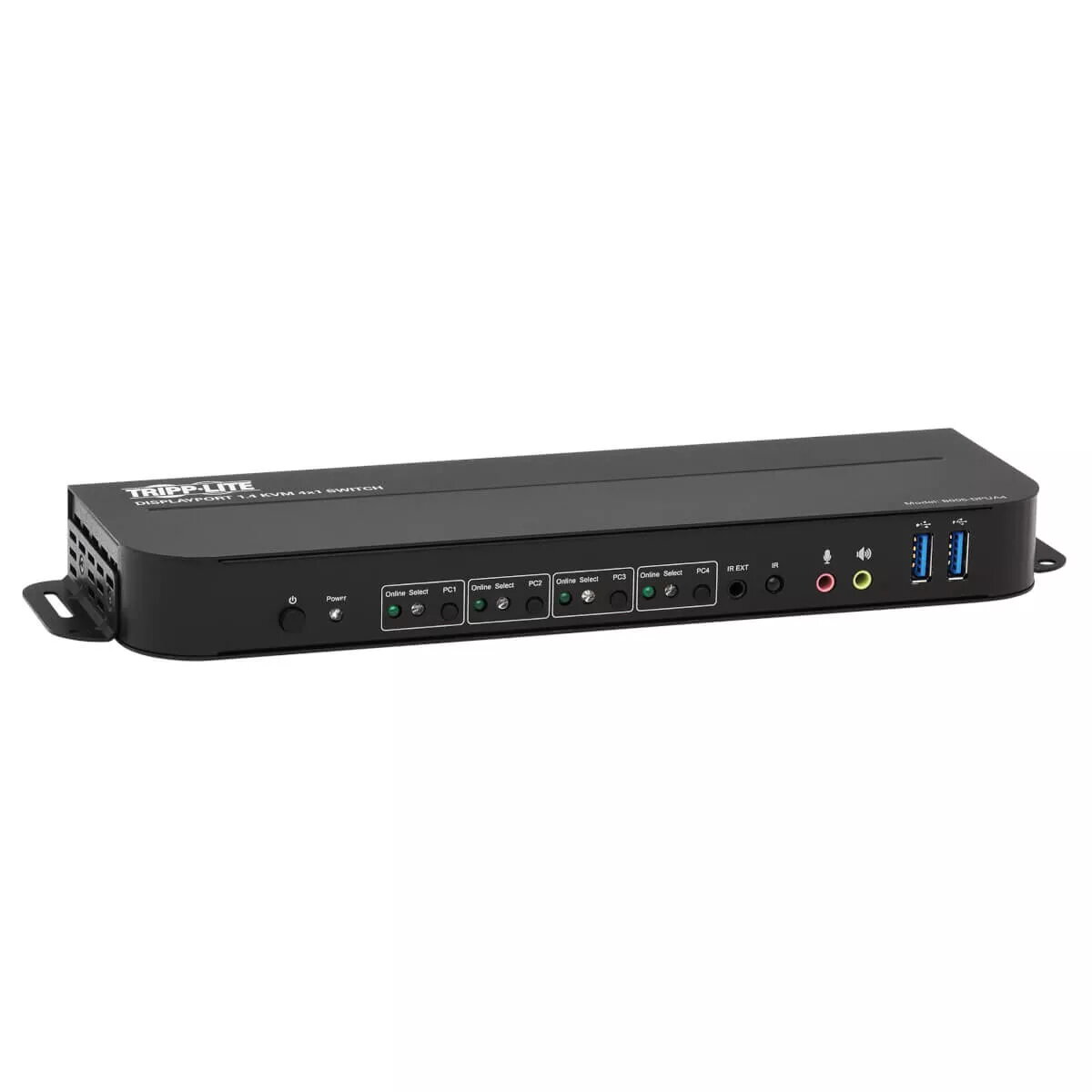
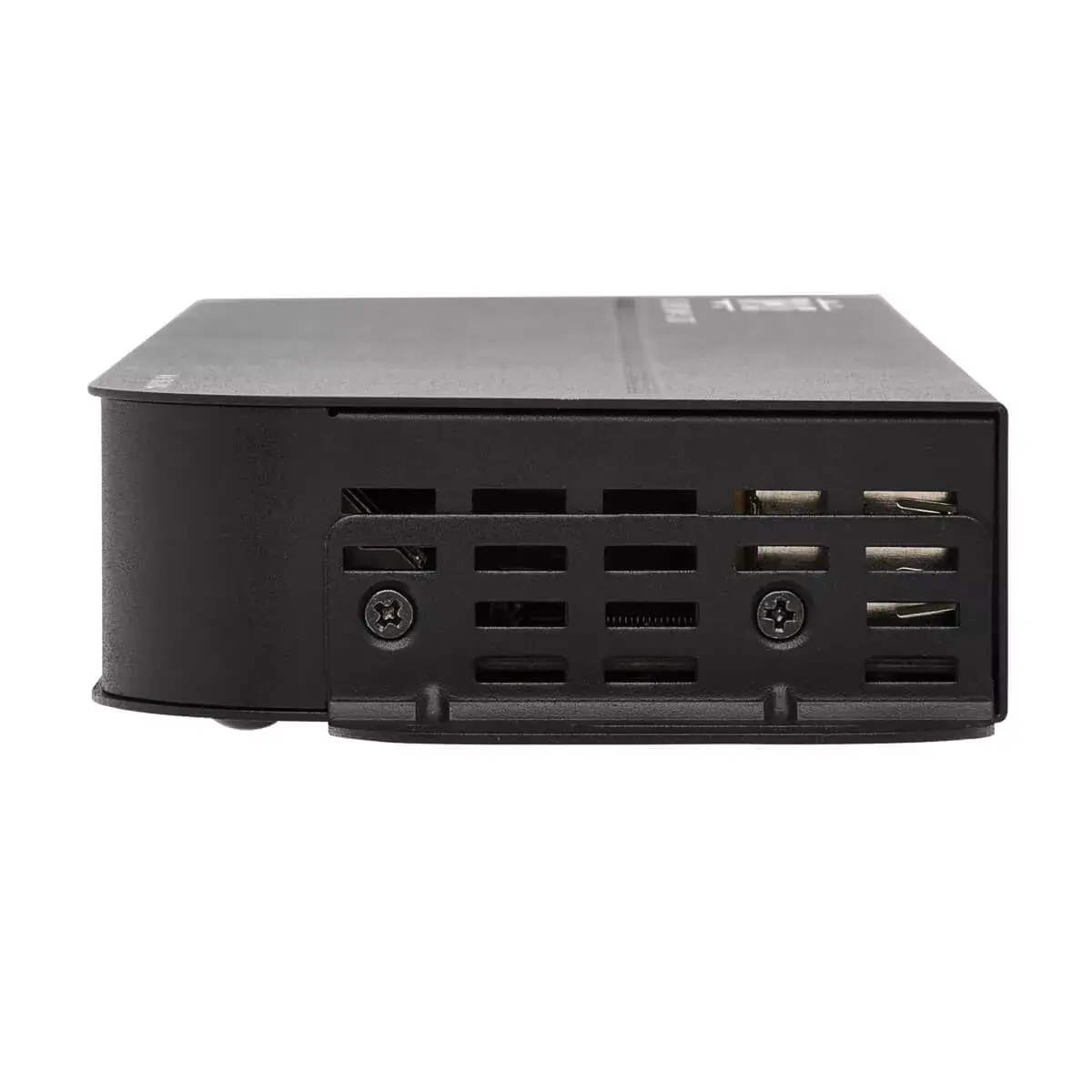
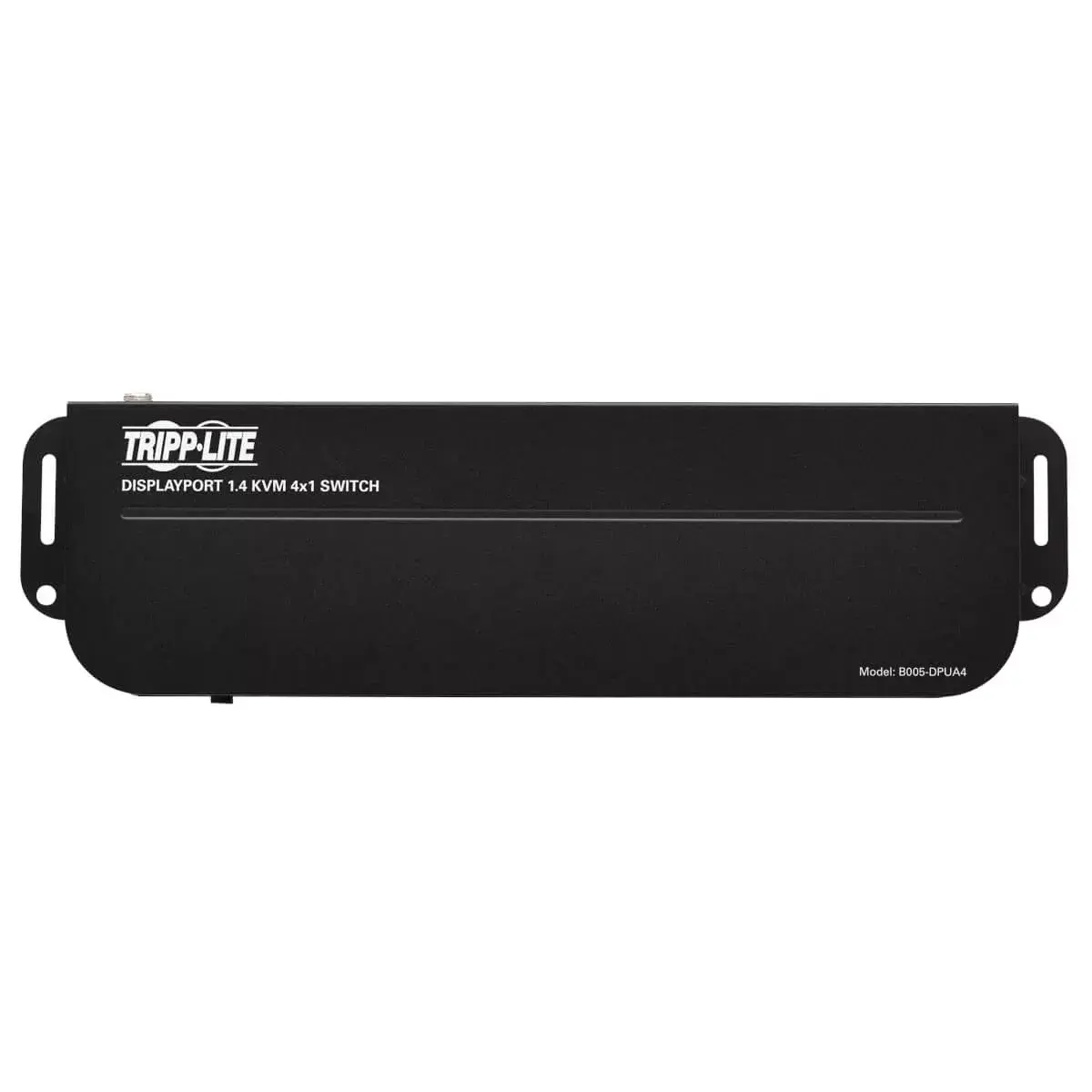
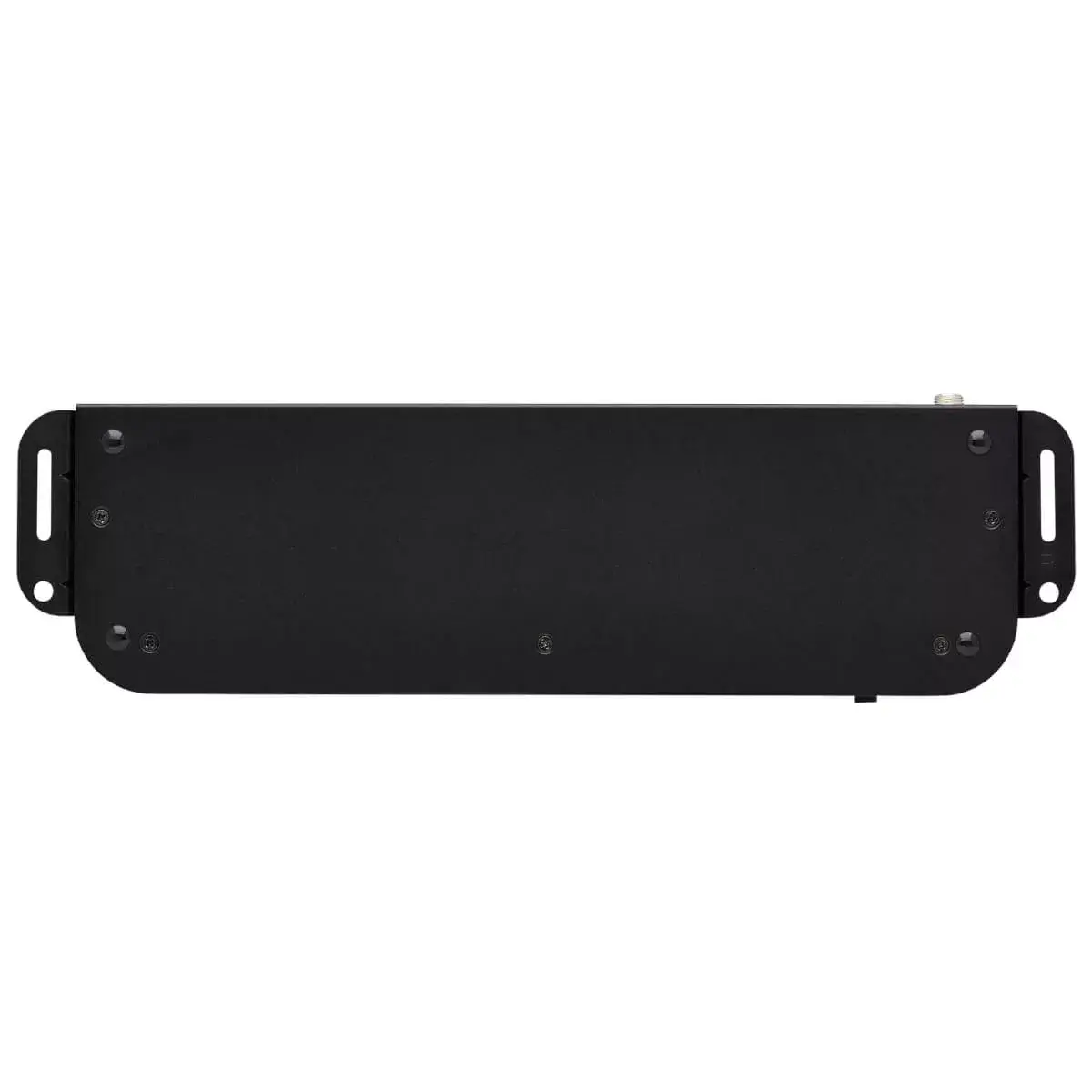
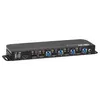
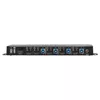
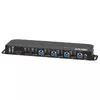
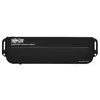
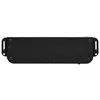
KVM switch Tripp Lite B005-DPUA4 — 4-port DisplayPort/USB, 4K@60Hz HDR, HDCP 2.2, DP 1.4, IR, USB sharing
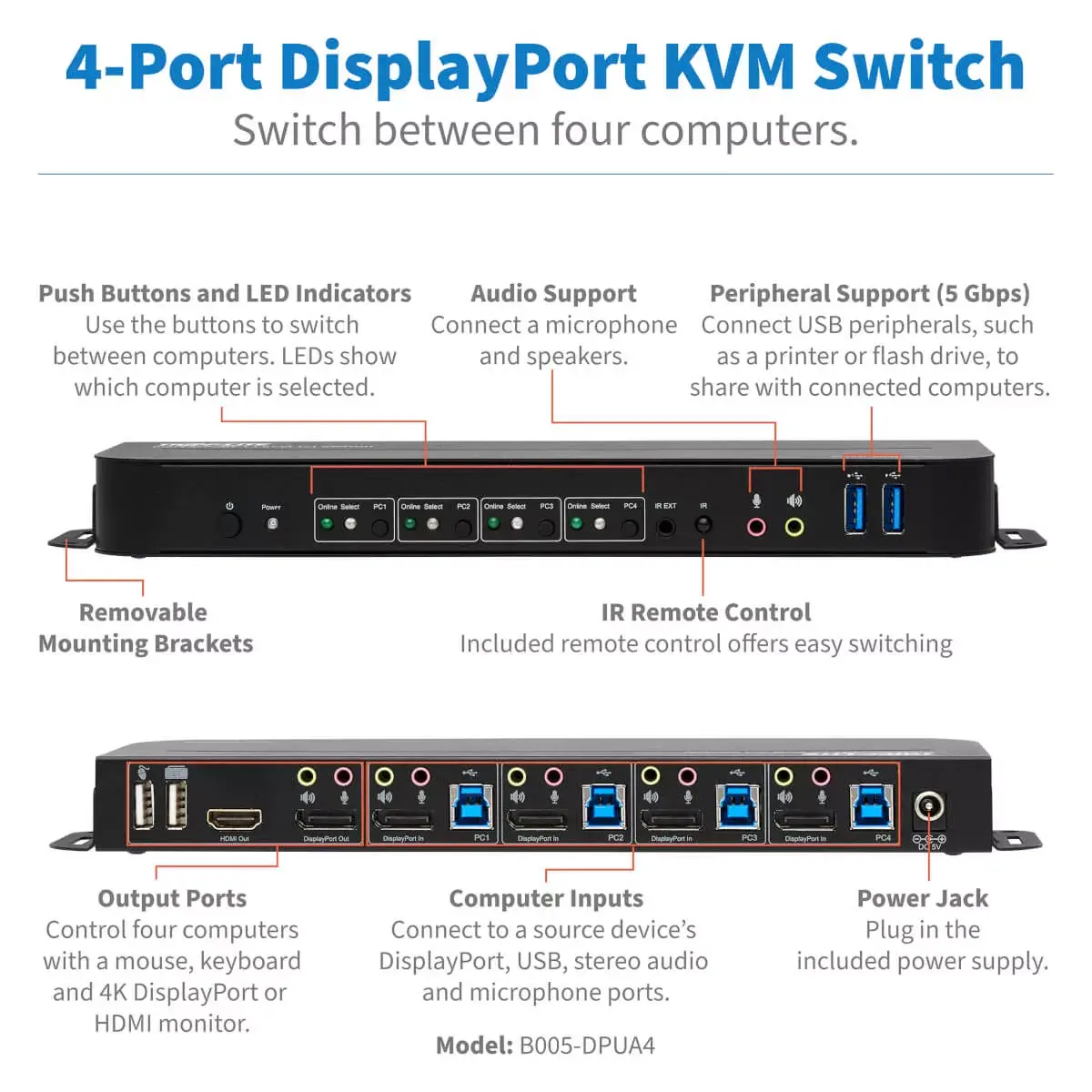
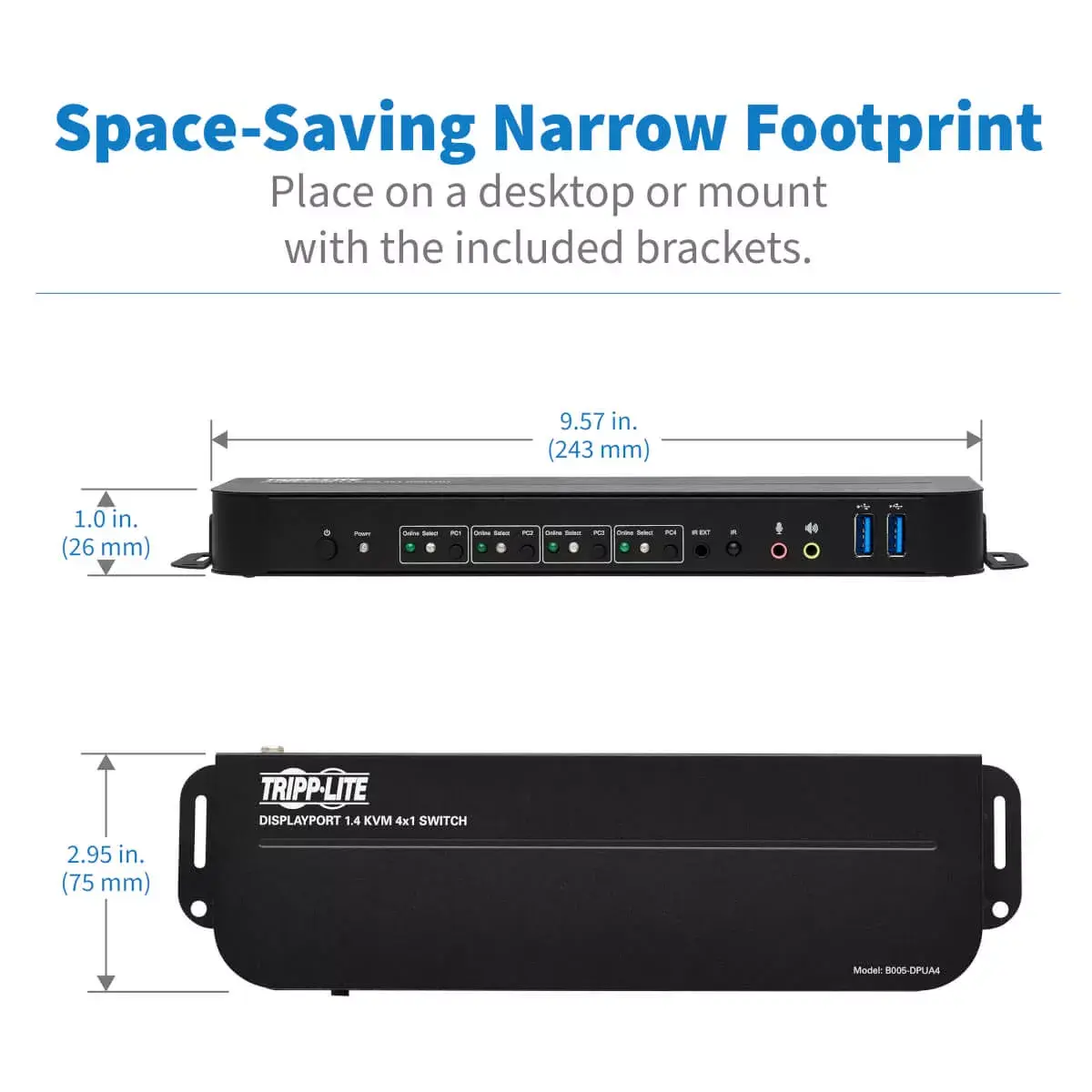
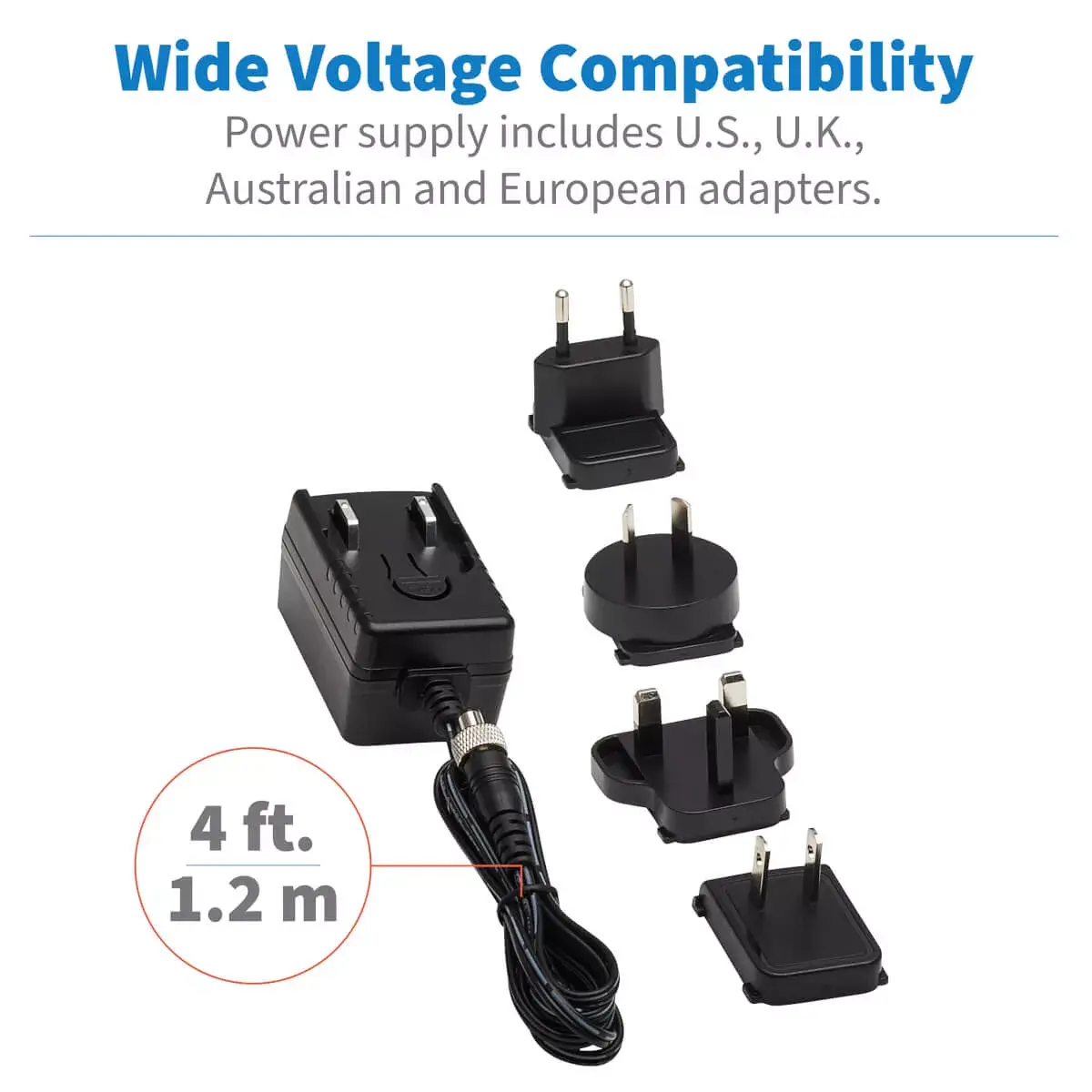
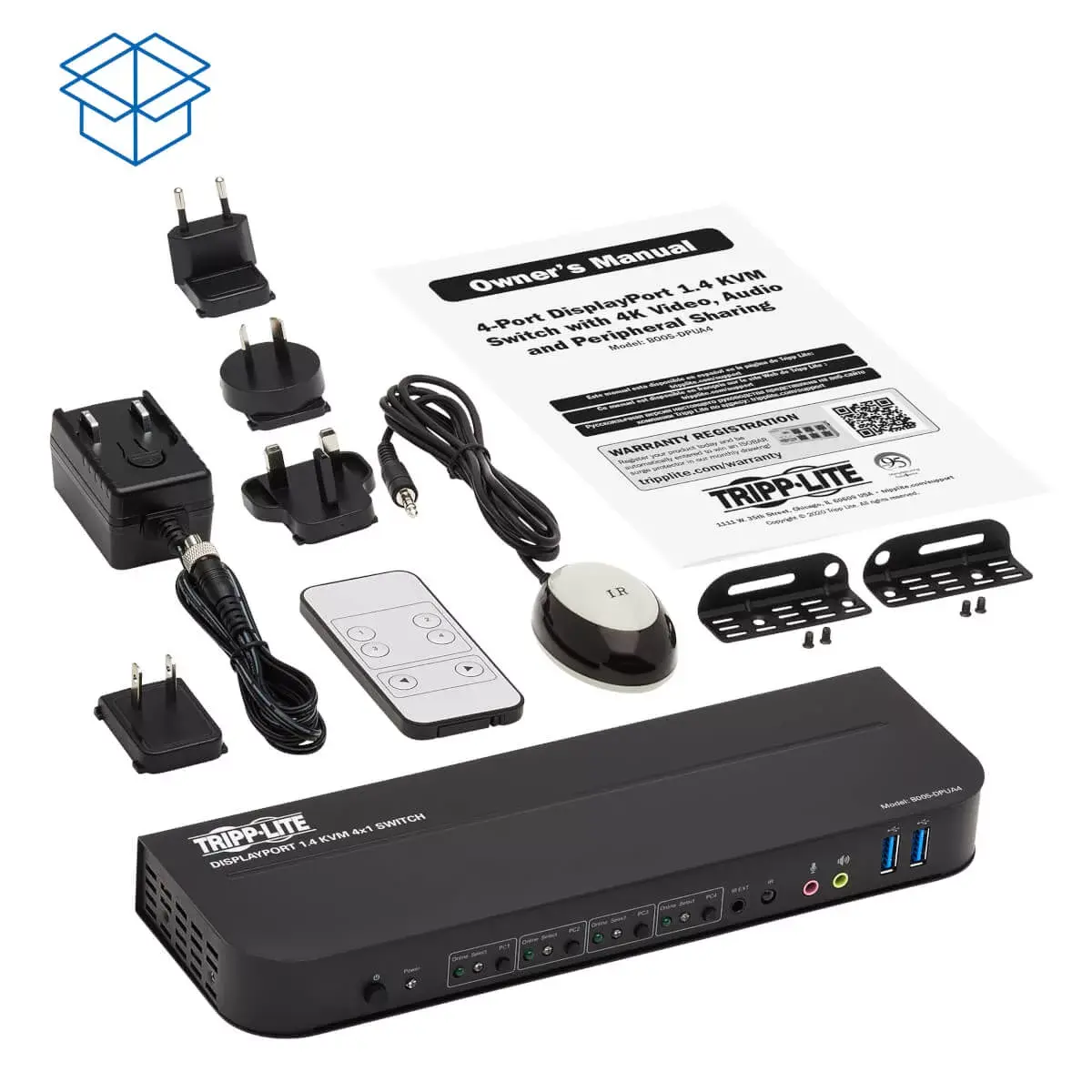
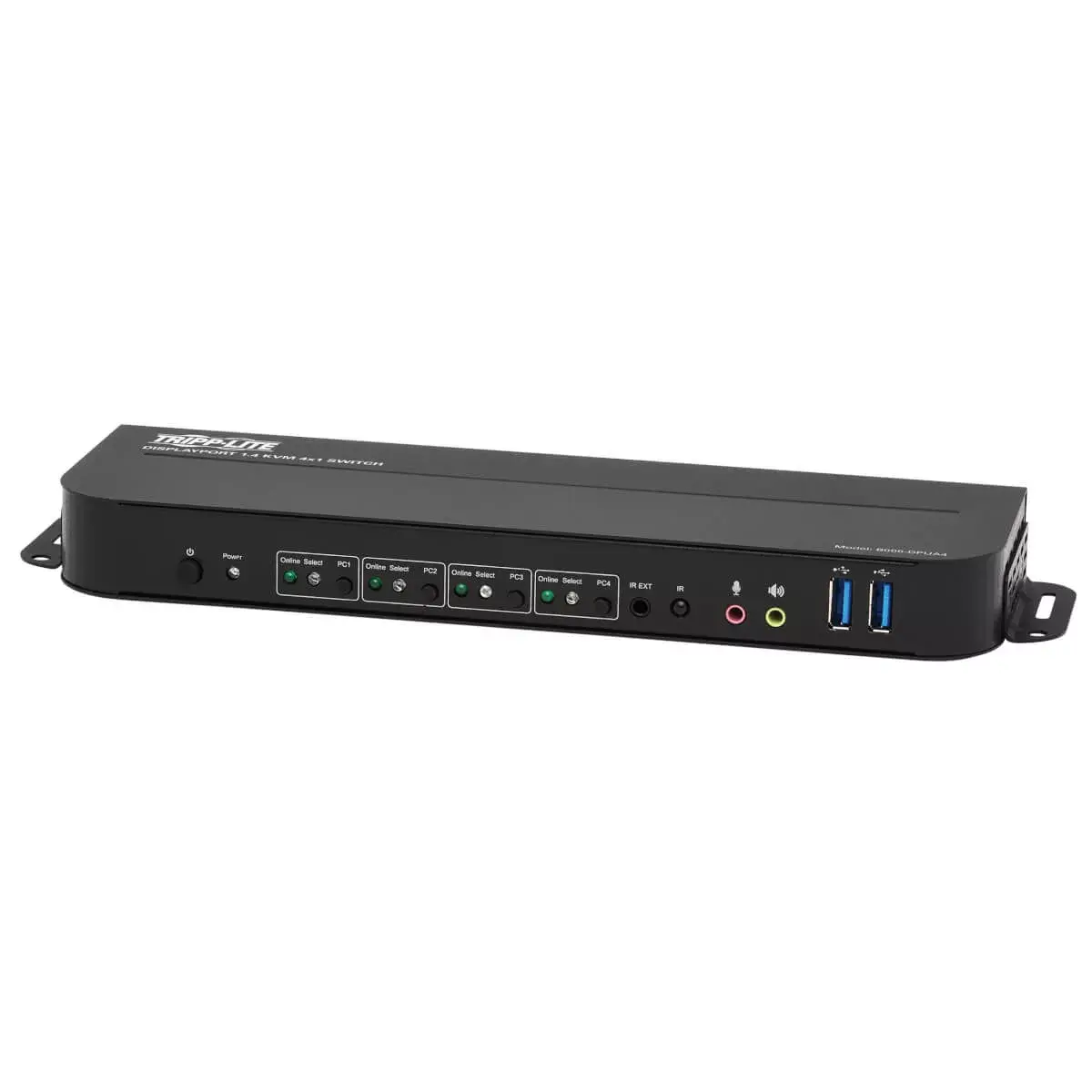
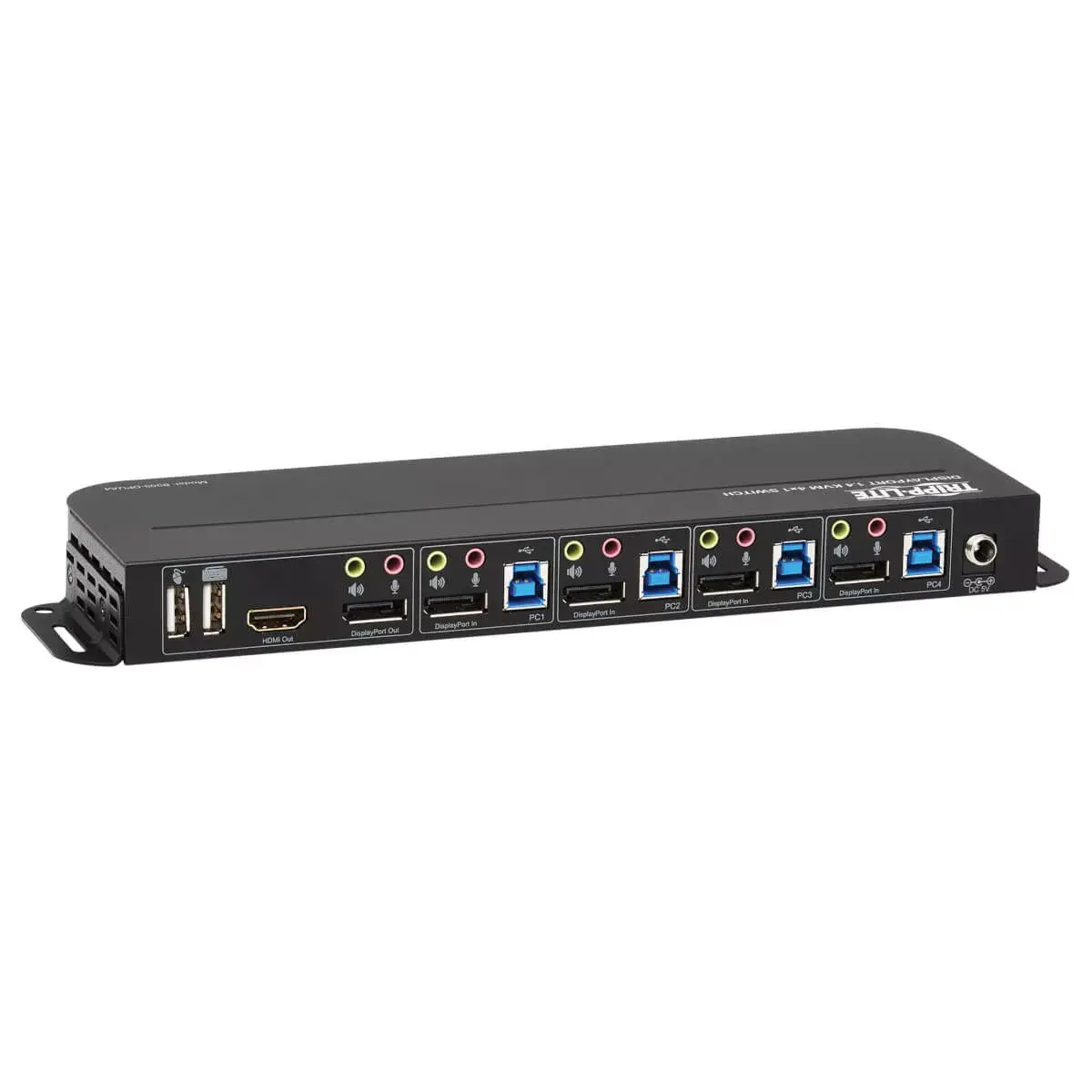
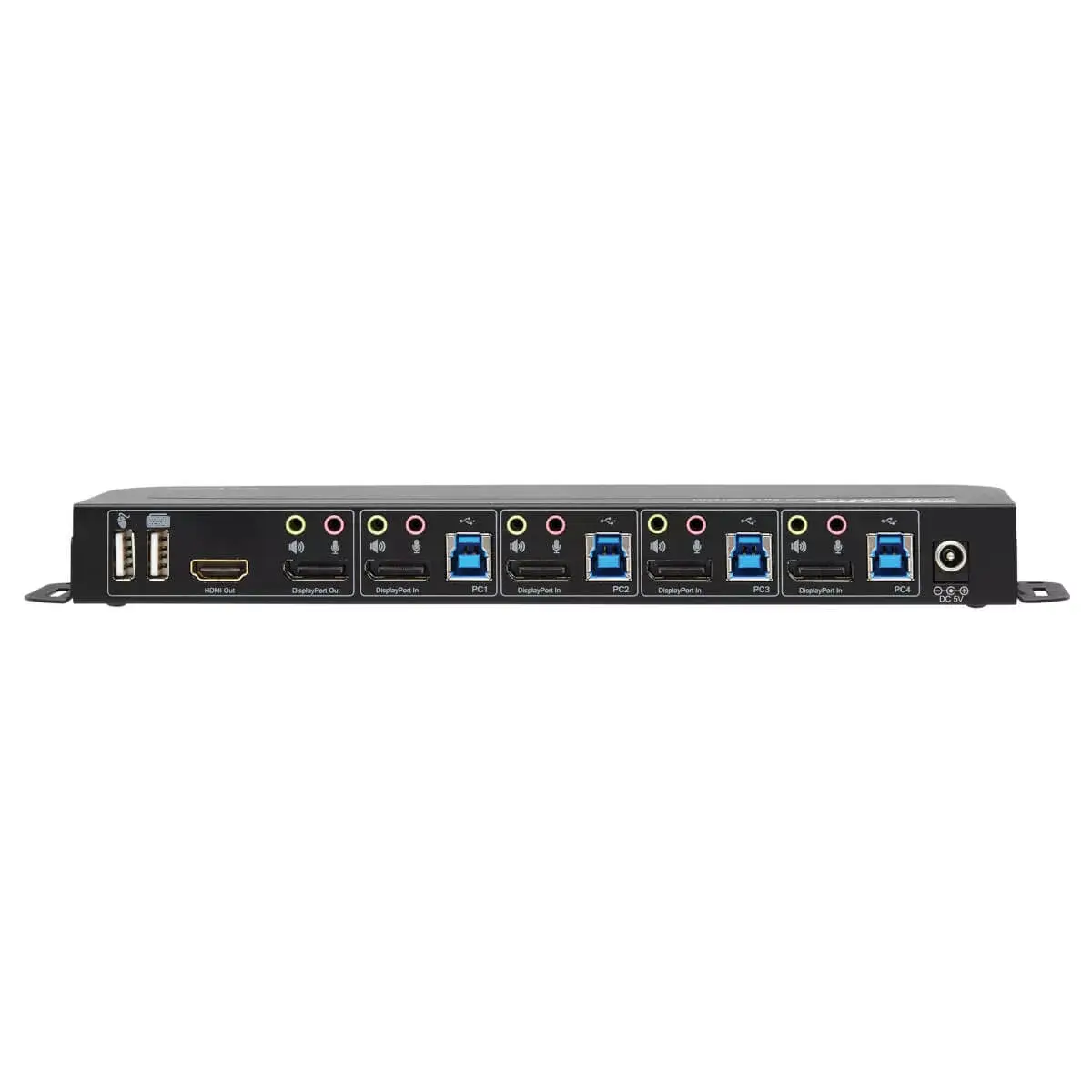
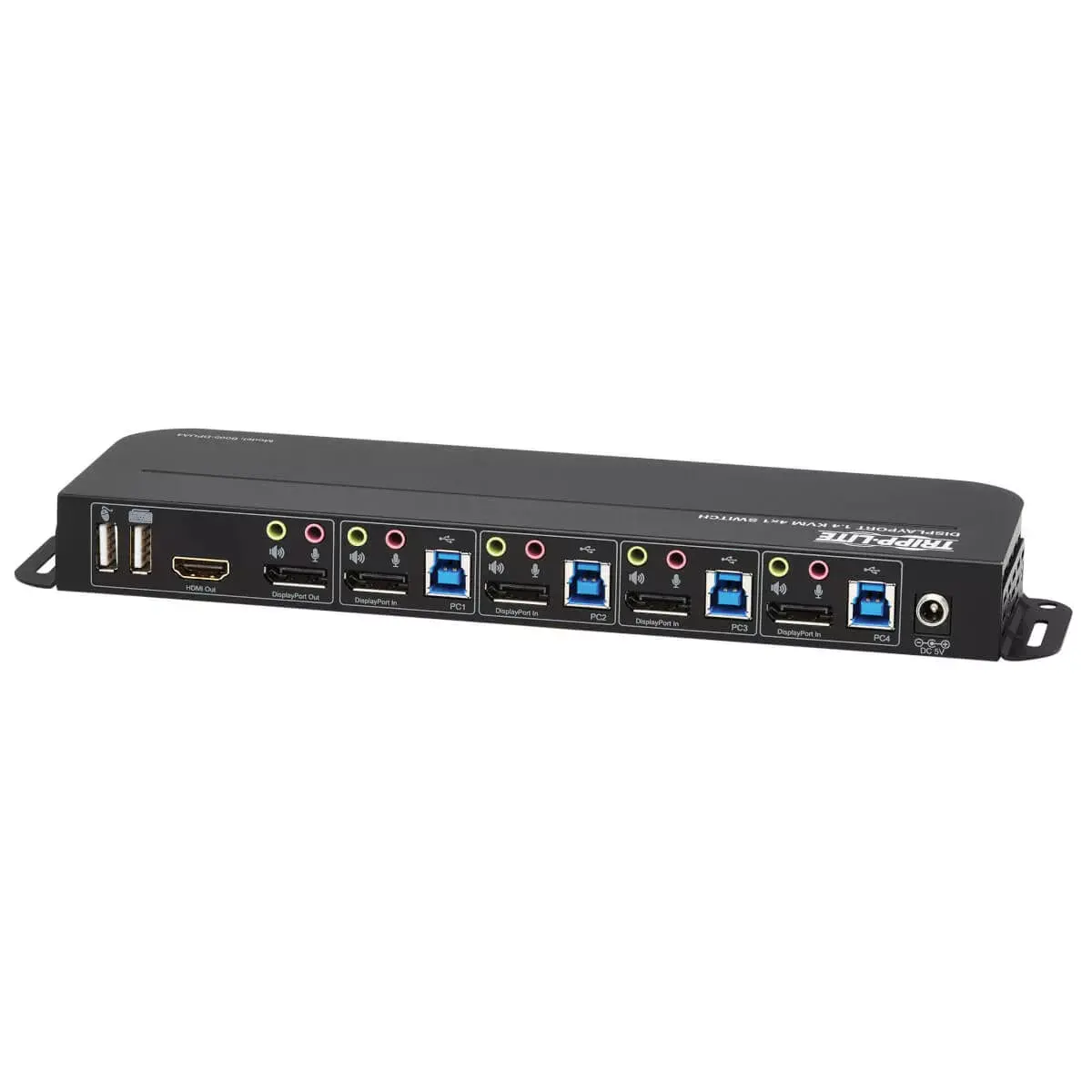
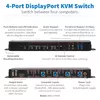
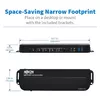
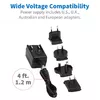
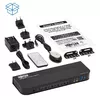
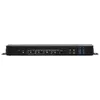
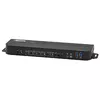
The Tripp Lite B005-DPUA4 is a 4-port DisplayPort/USB KVM switch that allows one monitor, one USB keyboard and one USB mouse to control up to four DisplayPort-enabled computers or devices. It supports DisplayPort 1.4 with DP++ for HDMI conversion, offers one DisplayPort output and one HDMI output (only one output active at a time), and provides USB 3.0 hub ports for sharing peripherals. The unit supports Ultra HD 4K (4096 × 2160) at 60 Hz, HDR and 4:4:4 chroma for accurate color reproduction, and is HDCP 2.2 compliant. The metal housing includes mounting brackets for wall or under-desk installation and uses an external AC power adapter.
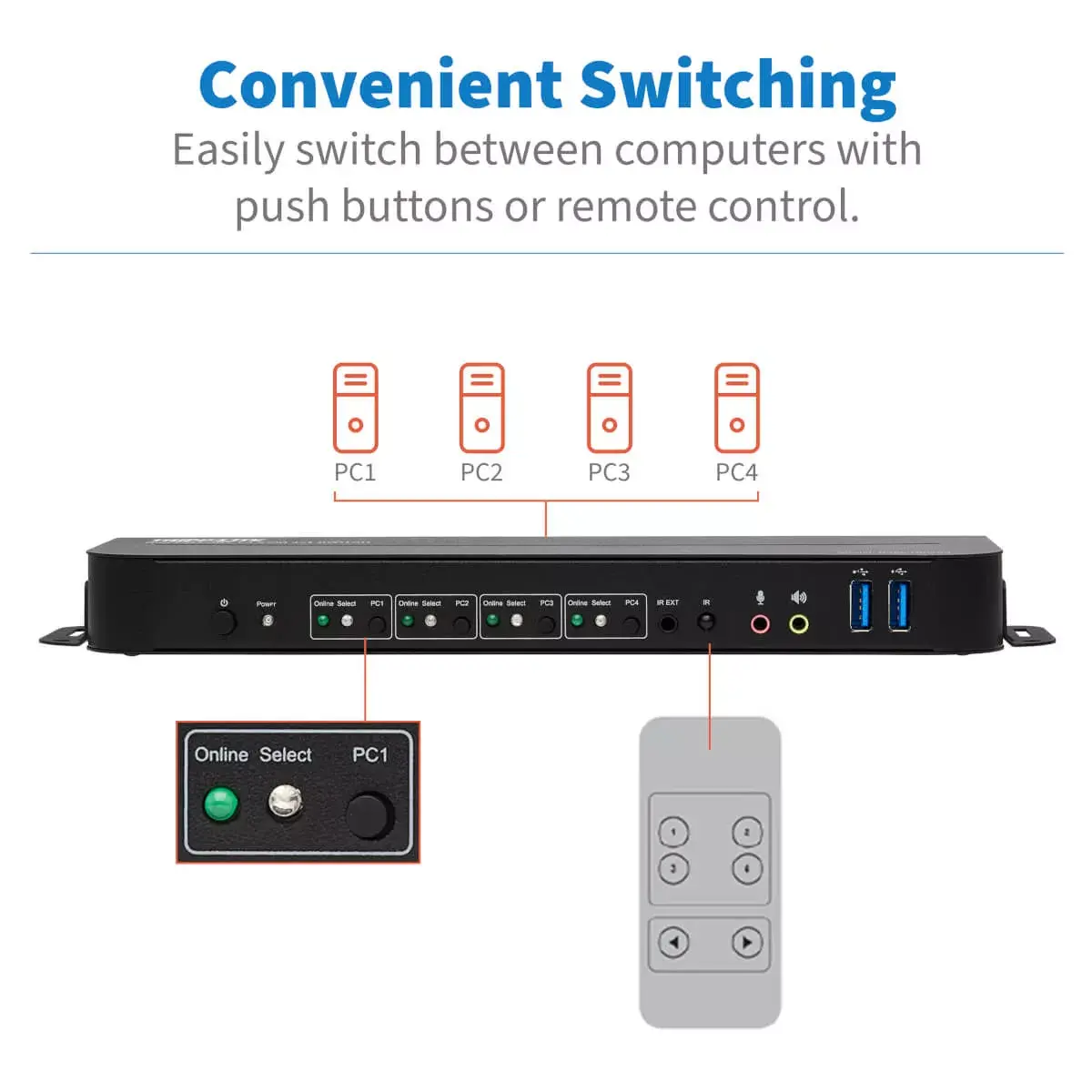
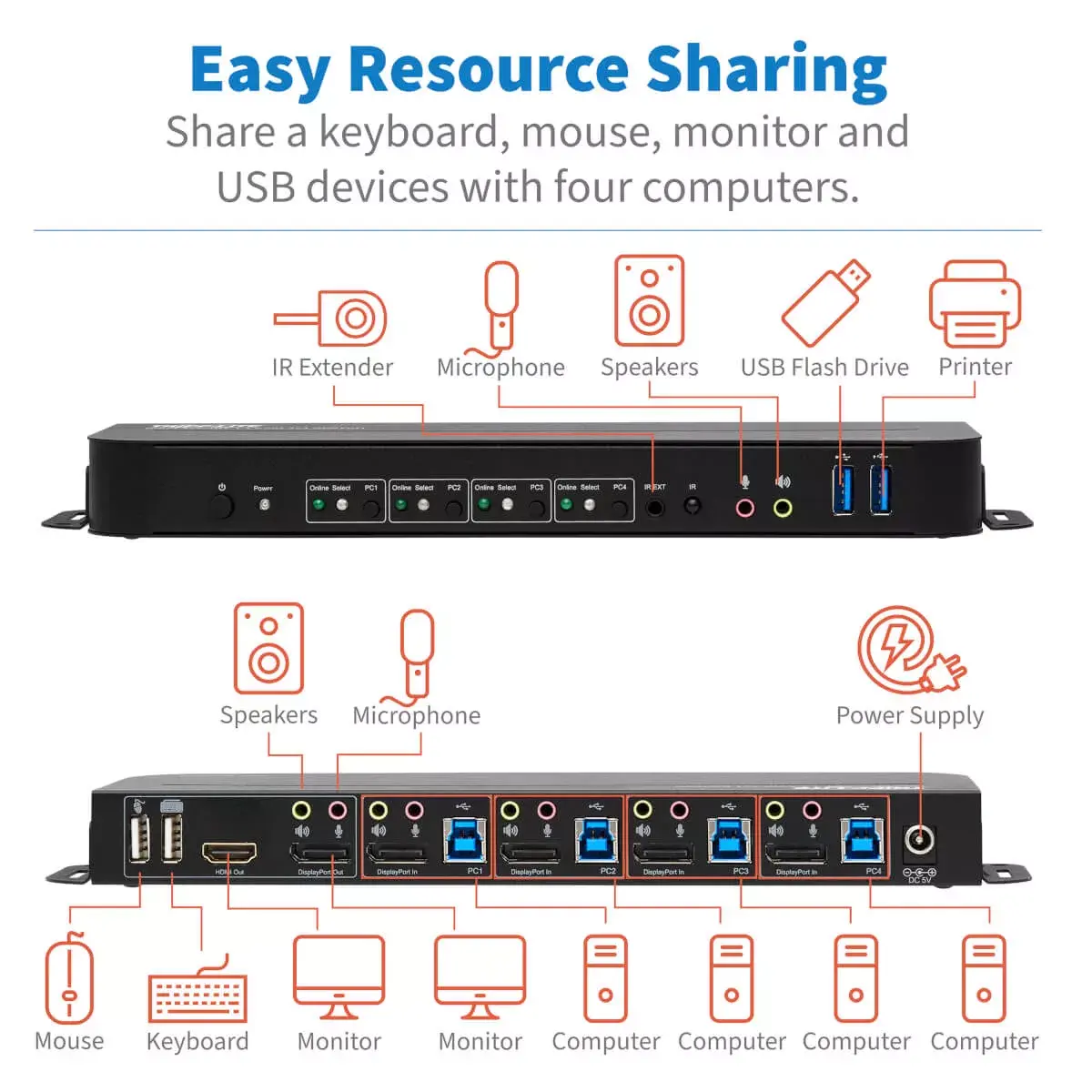
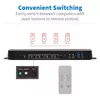
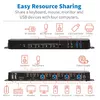
This KVM switch consolidates control of four DisplayPort-equipped systems into a single workspace, reducing the need for multiple monitors and input devices. DP++ support enables connection to HDMI displays without extra converters, while USB 3.0 hub ports allow high-speed peripheral sharing. Front-panel buttons, hotkeys, mouse switching, an included IR remote and Auto Scan mode provide multiple, flexible switching methods. The switch supports 4K@60Hz, HDR and 4:4:4 chroma, maintaining high video quality for gaming, media playback and professional use.
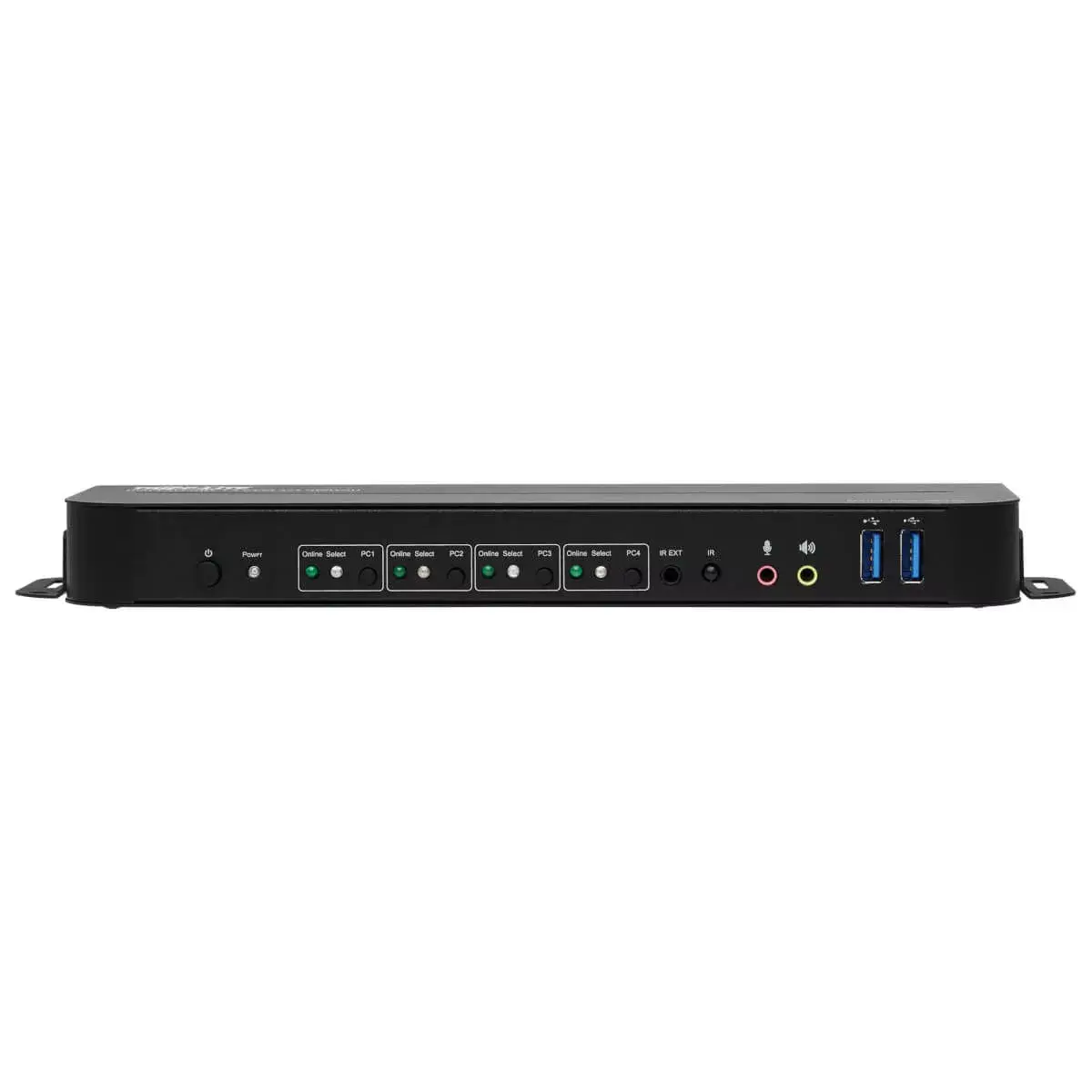
Connect each DisplayPort-equipped computer to one of the four DisplayPort inputs on the KVM and attach your monitor to either the DisplayPort or HDMI output. Plug a USB keyboard and USB mouse into the switch’s console USB ports and connect USB peripherals to the USB 3.0 hub ports if needed. Attach the external AC power adapter and power on the switch and connected devices. Switch between computers using the front-panel buttons, hotkey commands, mouse movement, the included IR remote (battery required) or enable Auto Scan to cycle through systems automatically.
For best video performance at 4K@60Hz with HDR and 4:4:4 chroma, use certified DisplayPort 1.4 cables and ensure connected monitors and source devices support the same standards. When converting to HDMI via DP++, verify the HDMI display supports the target resolution and HDCP 2.2 if protected content is required.
{{highlightedFeature.featureTitle}}:
{{getProductFeatureValueById(product, highlightedFeature.featureId)}}
{{ productComparisonGenerationError }}