JBL speakers and headphones for pure and deep sound!
In cart {{totalProductsCount}} item(s)
Your cart is empty
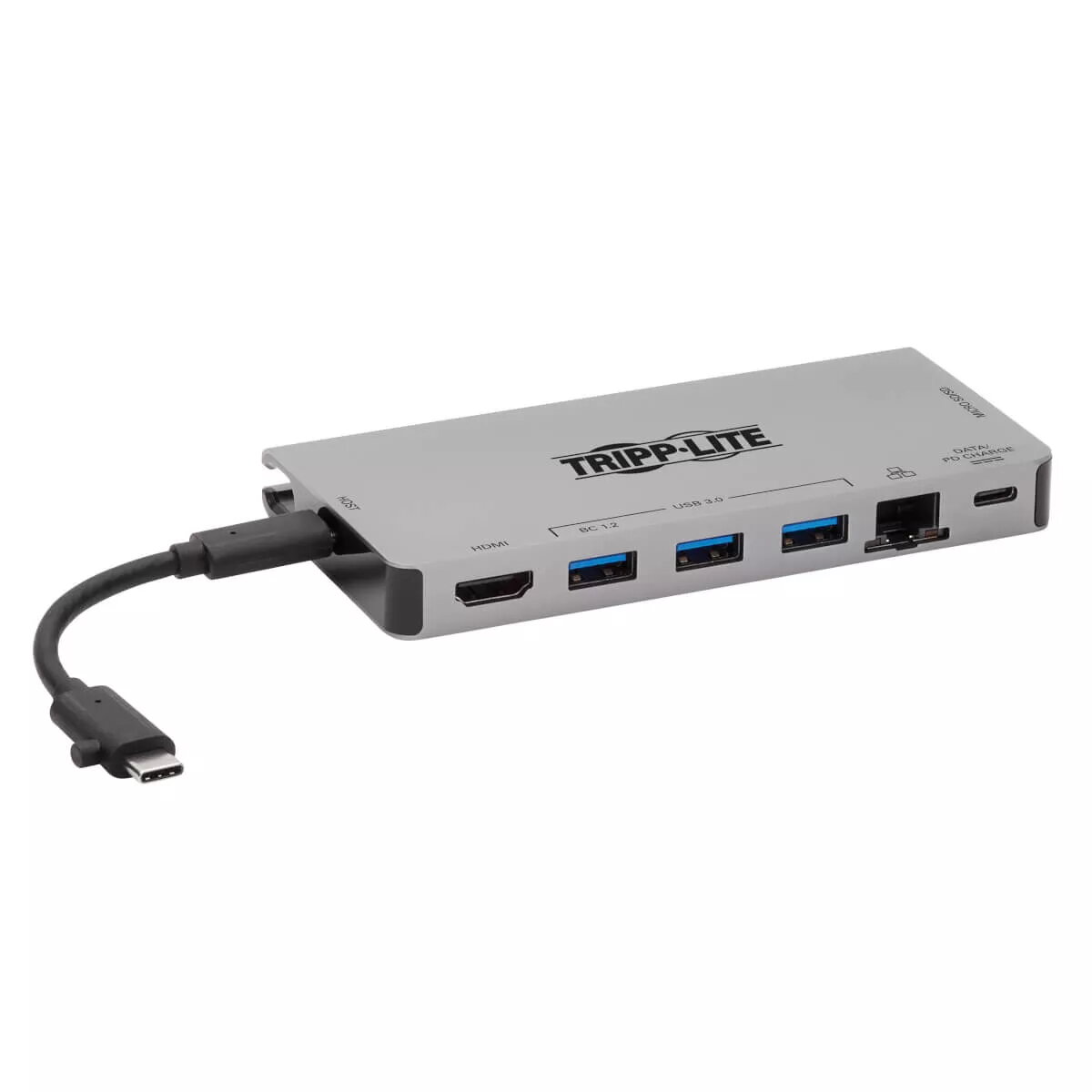
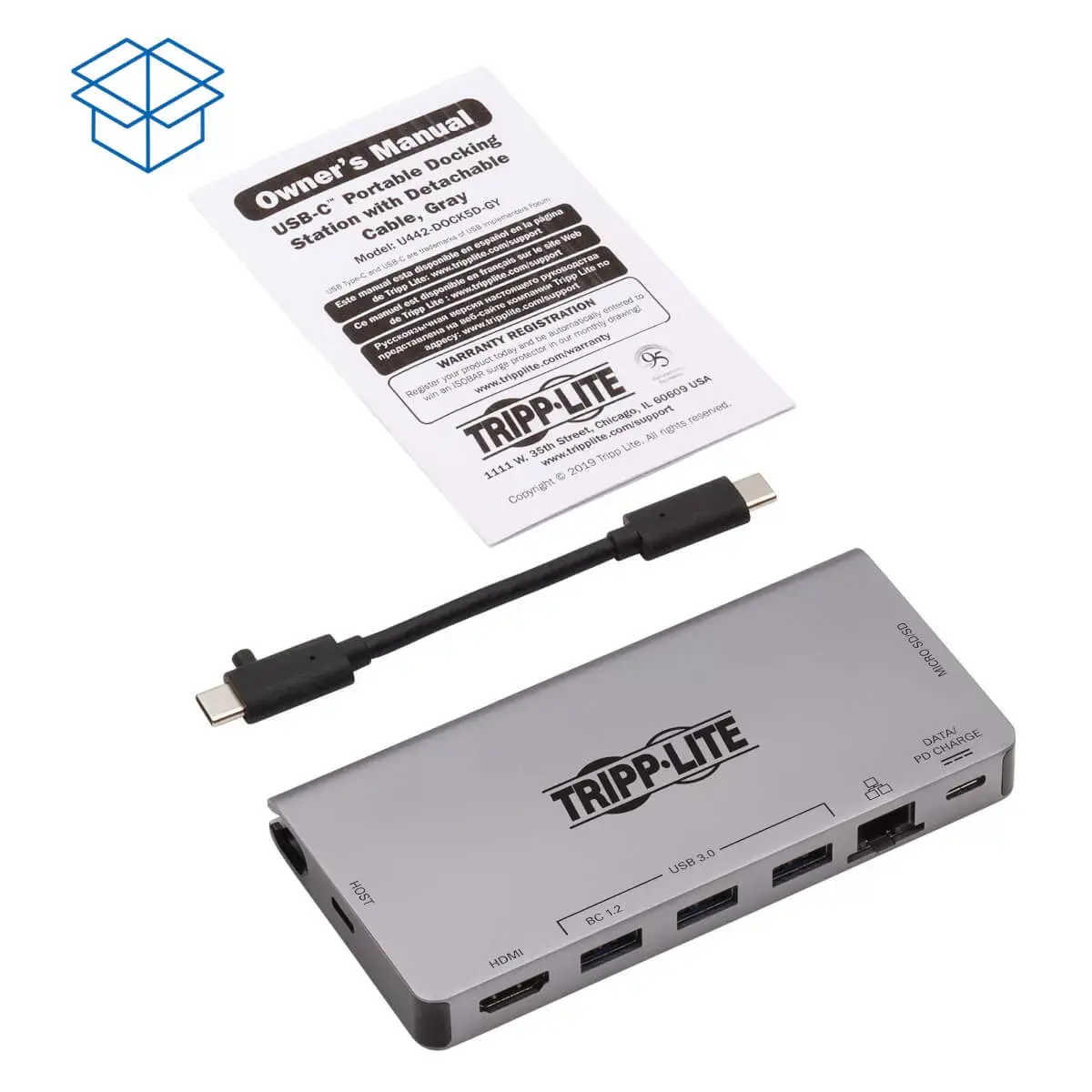
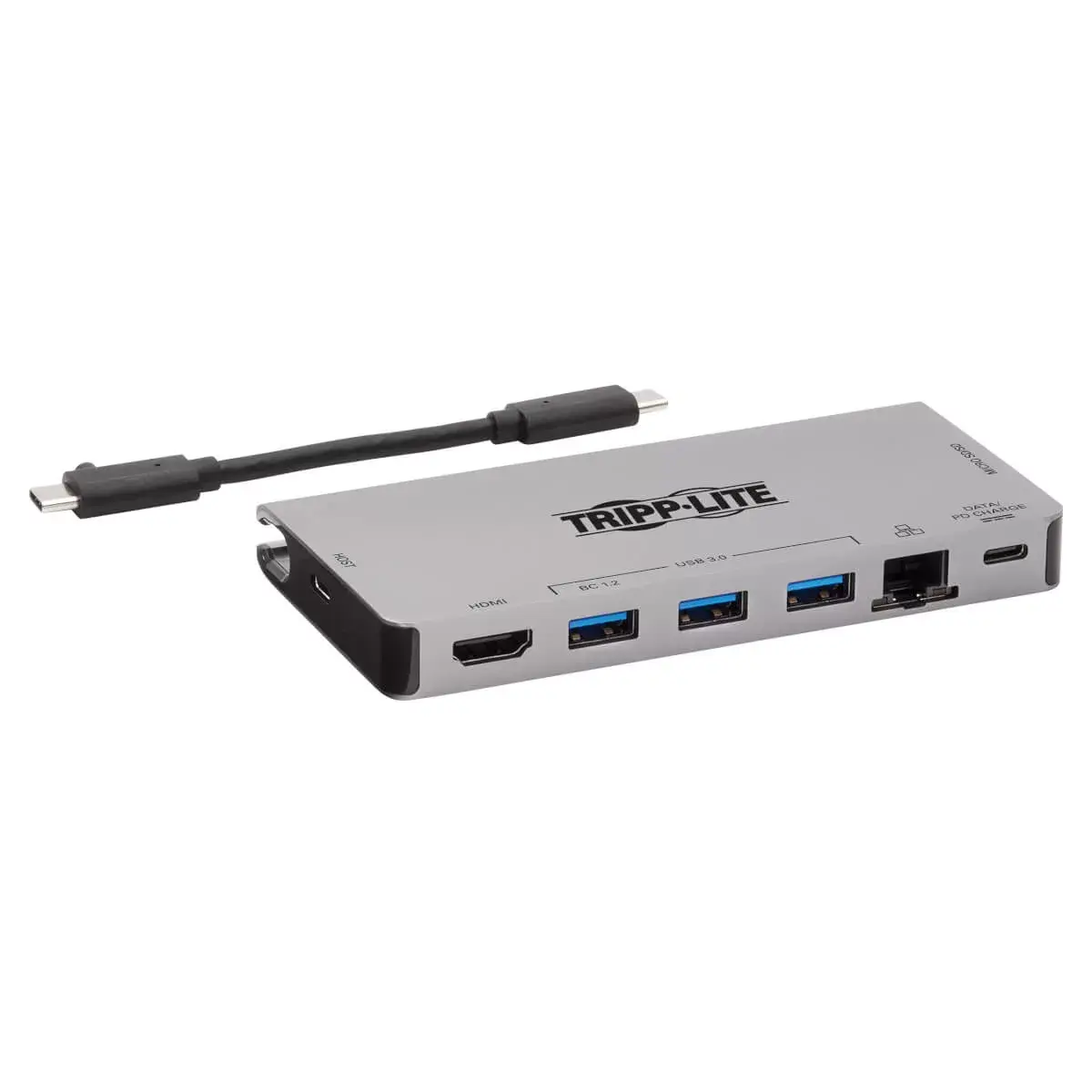
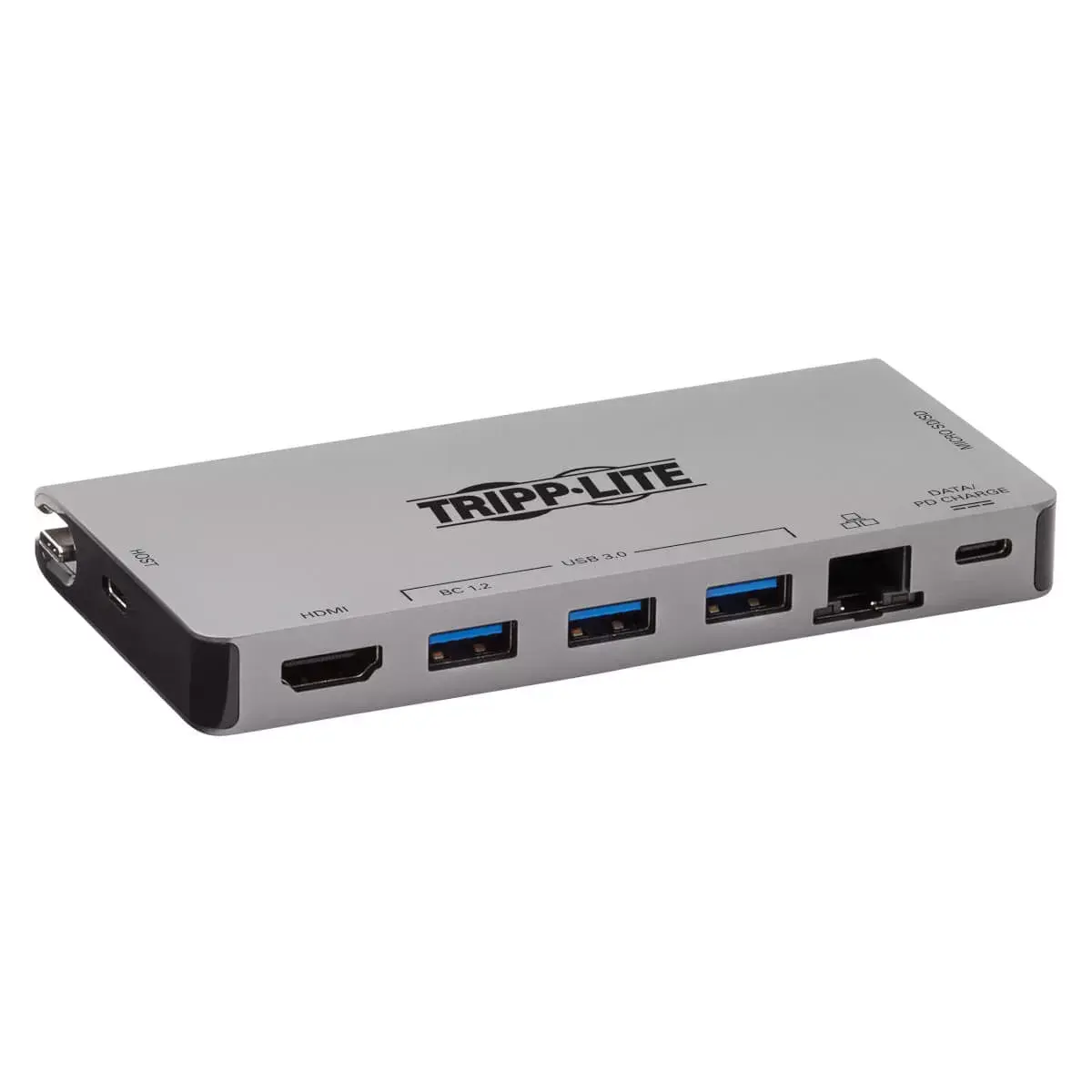
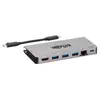
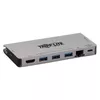
USB-C Dock Tripp Lite U442-DOCK5D-GY — 4K HDMI, USB 3.x 5Gbps, USB-A/C hub, GbE, SD/MicroSD, 100W PD, detachable cord, grey
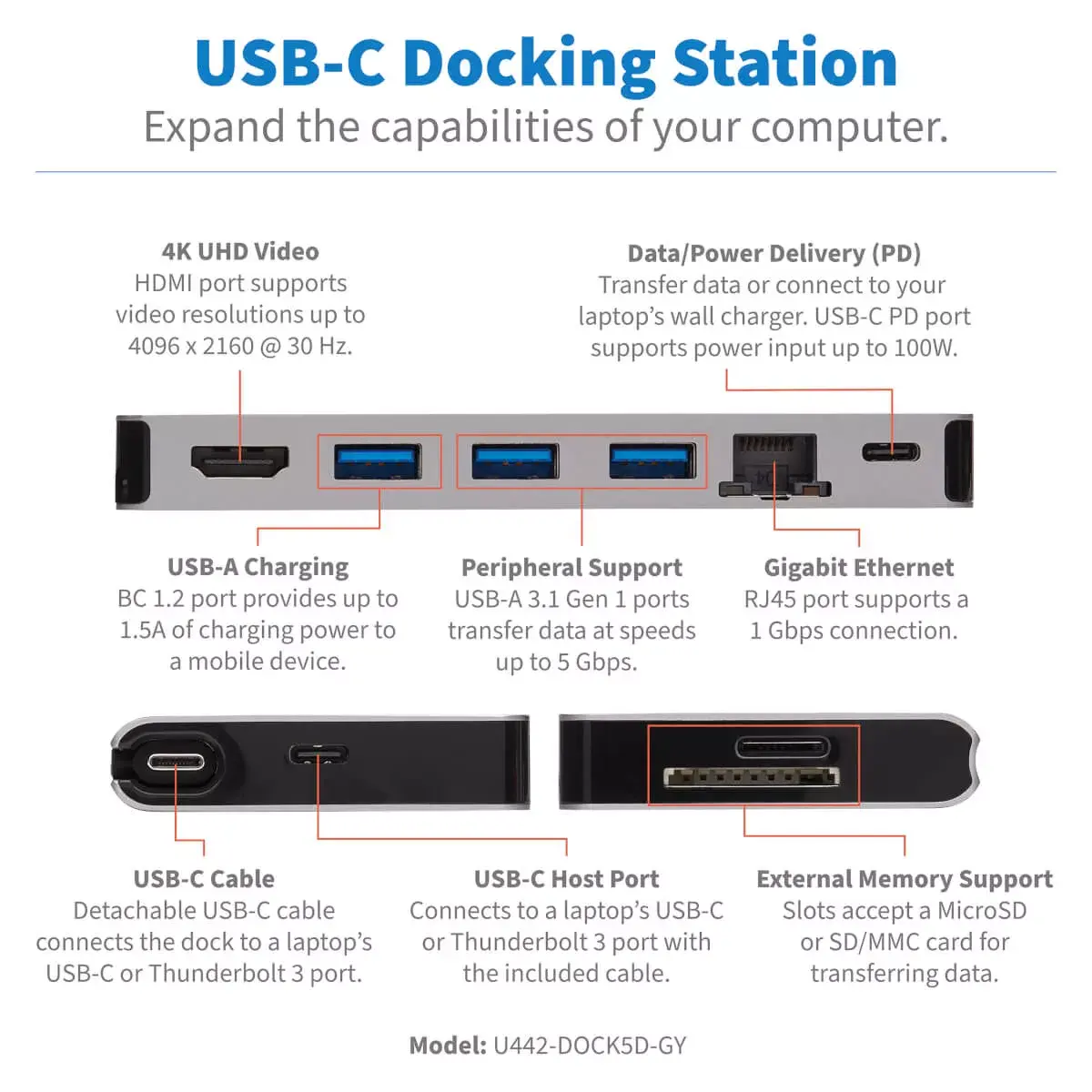
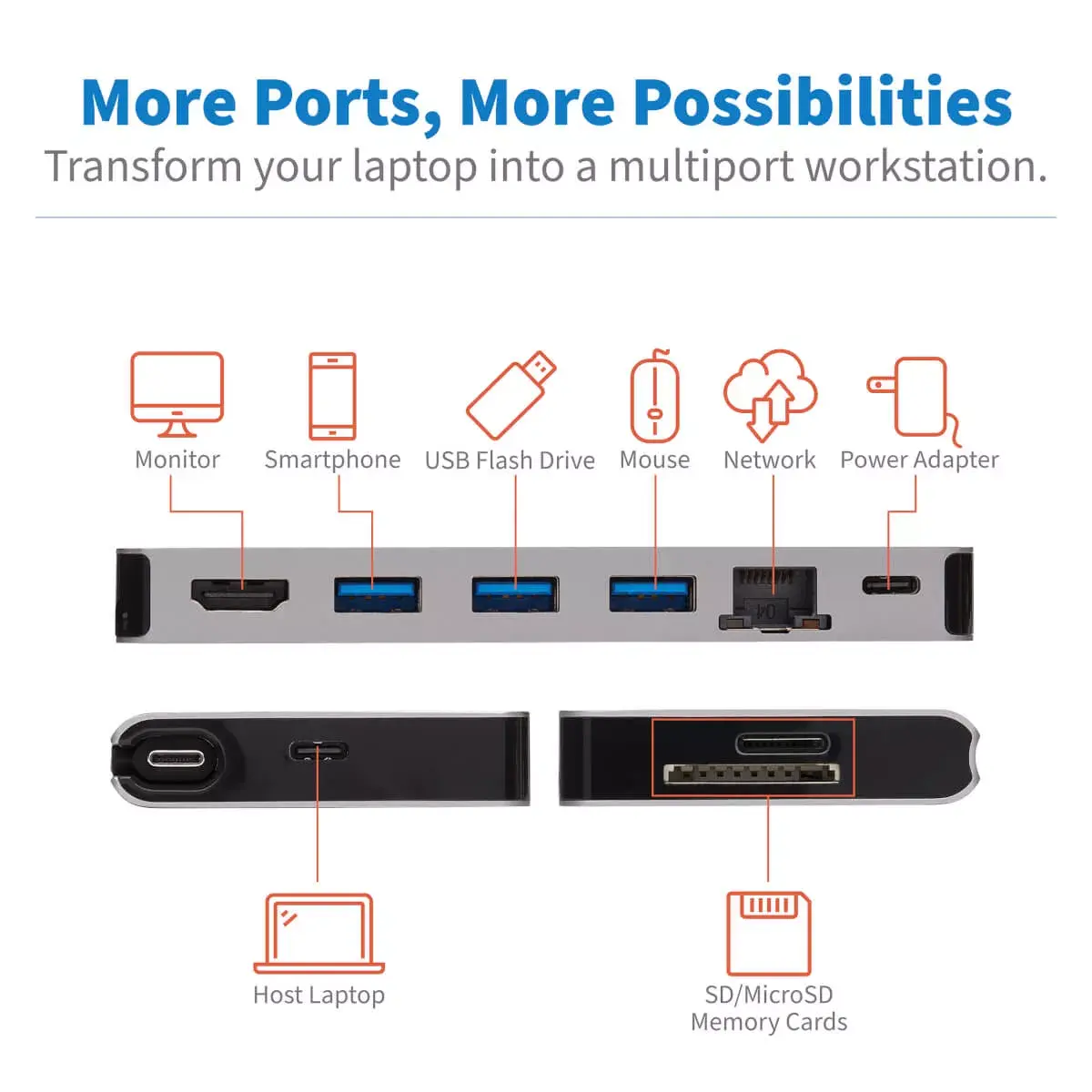
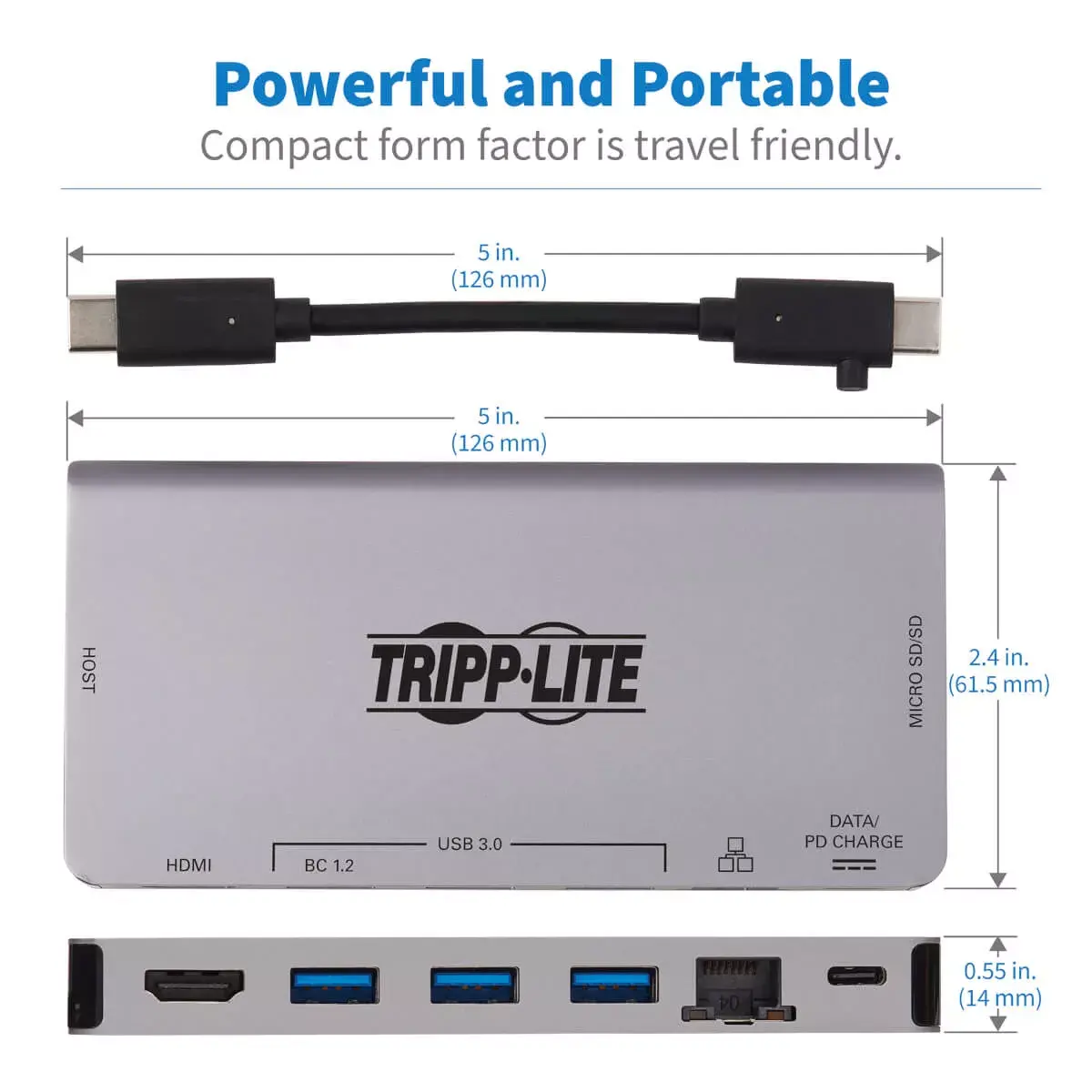
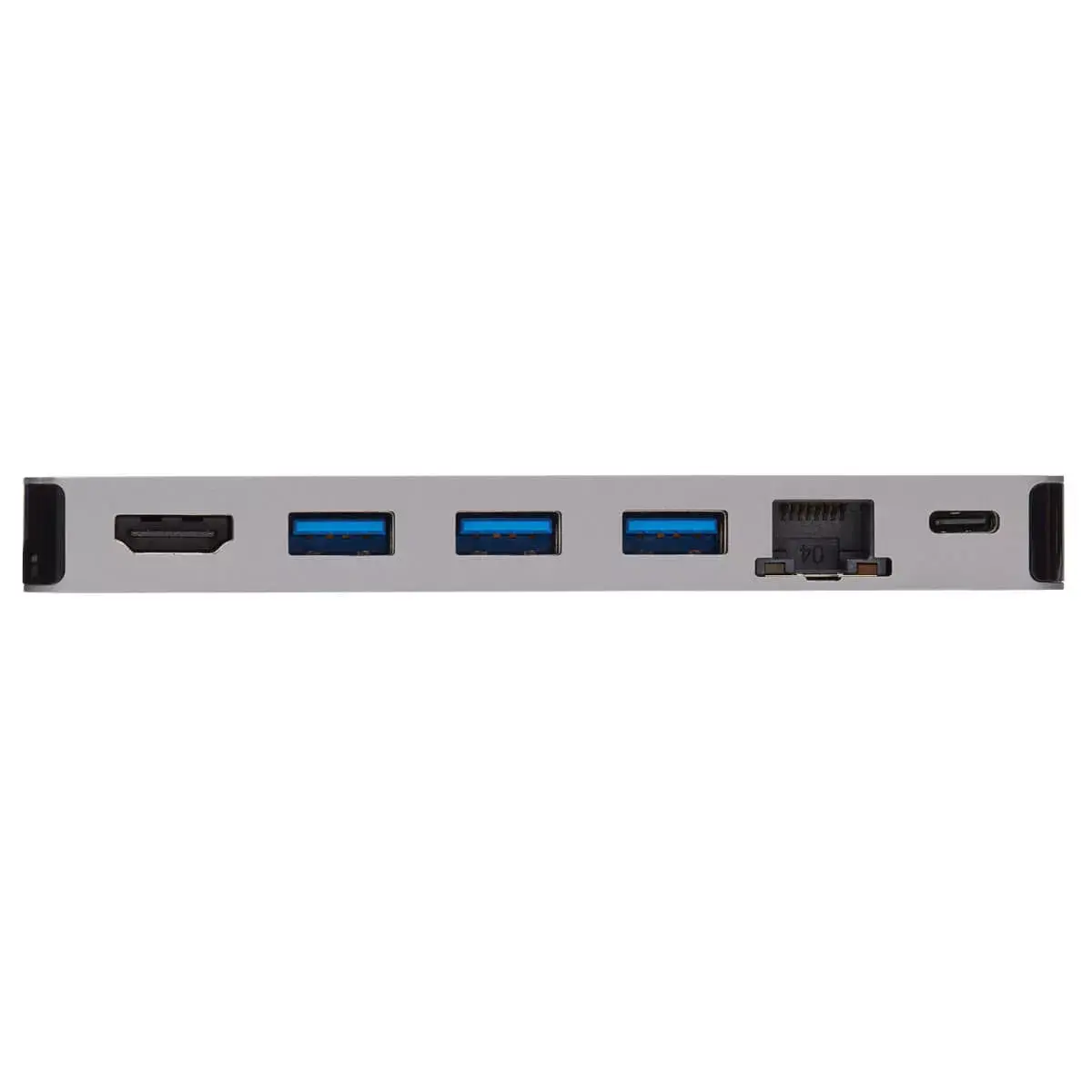
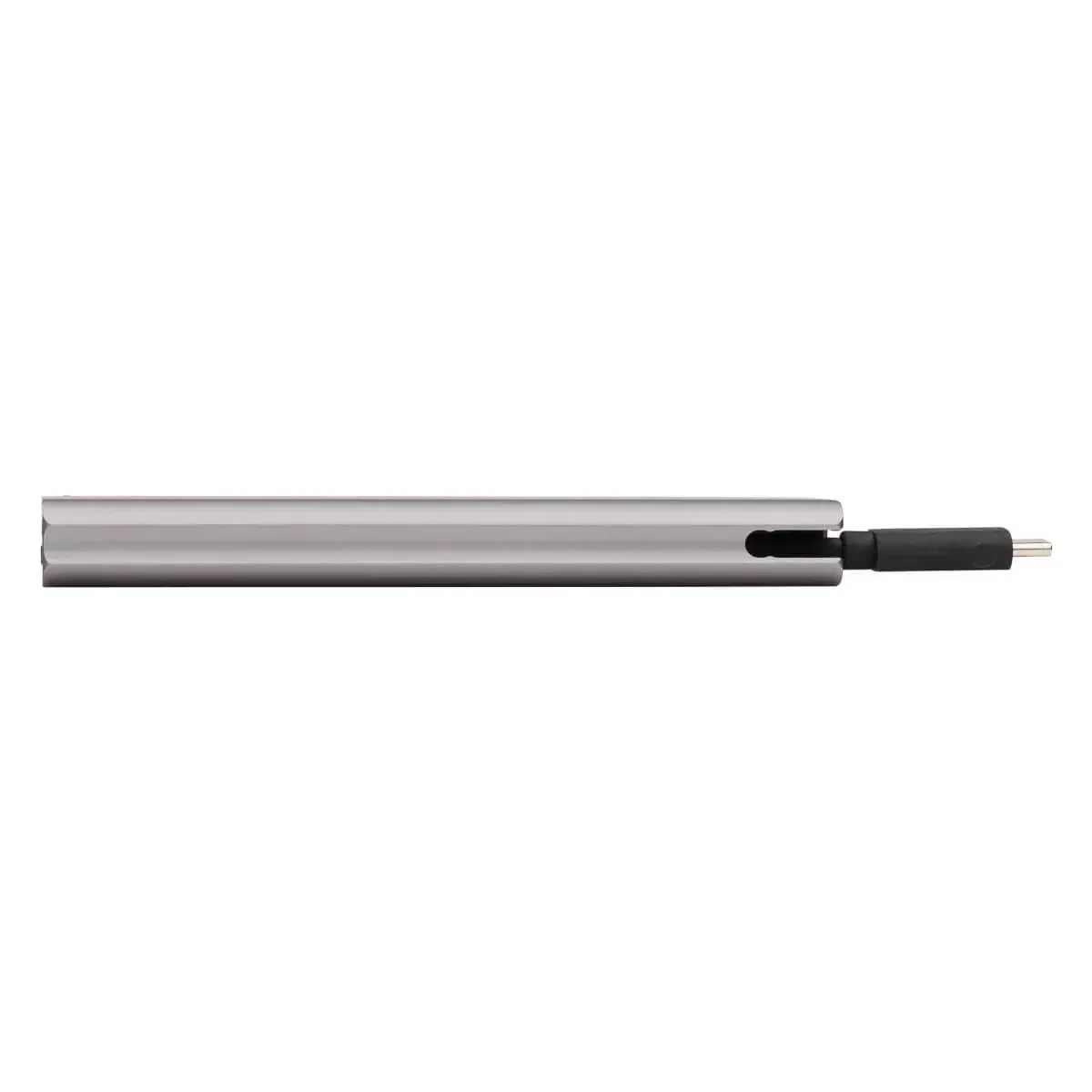
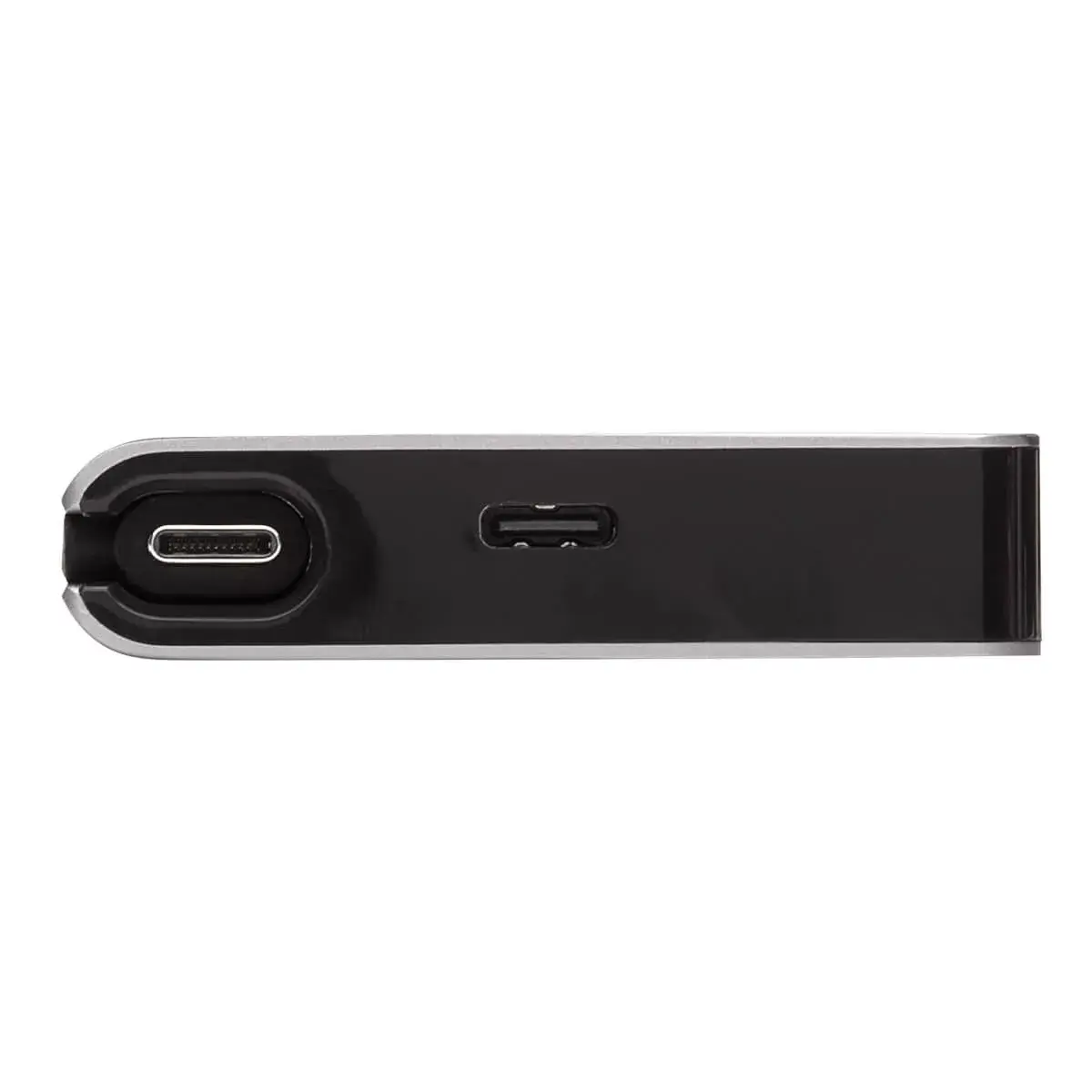
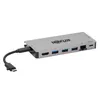
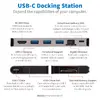
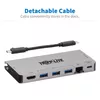
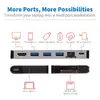
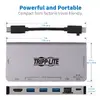
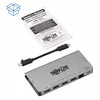
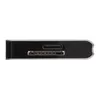
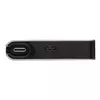
Tripp Lite U442-DOCK5D-GY is a wired USB-C docking station that expands a laptop, Chromebook, smartphone or PC with a USB-C or Thunderbolt 3 port. The dock provides a 4K HDMI video output, multiple USB-A and USB-C ports at USB 3.x speeds (up to 5 Gbps), Gigabit Ethernet, SD and microSD card slots, and up to 100 W USB Power Delivery via a PD charging port. The unit uses a detachable reversible USB-C cable for the host connection and is ready to use without additional drivers.
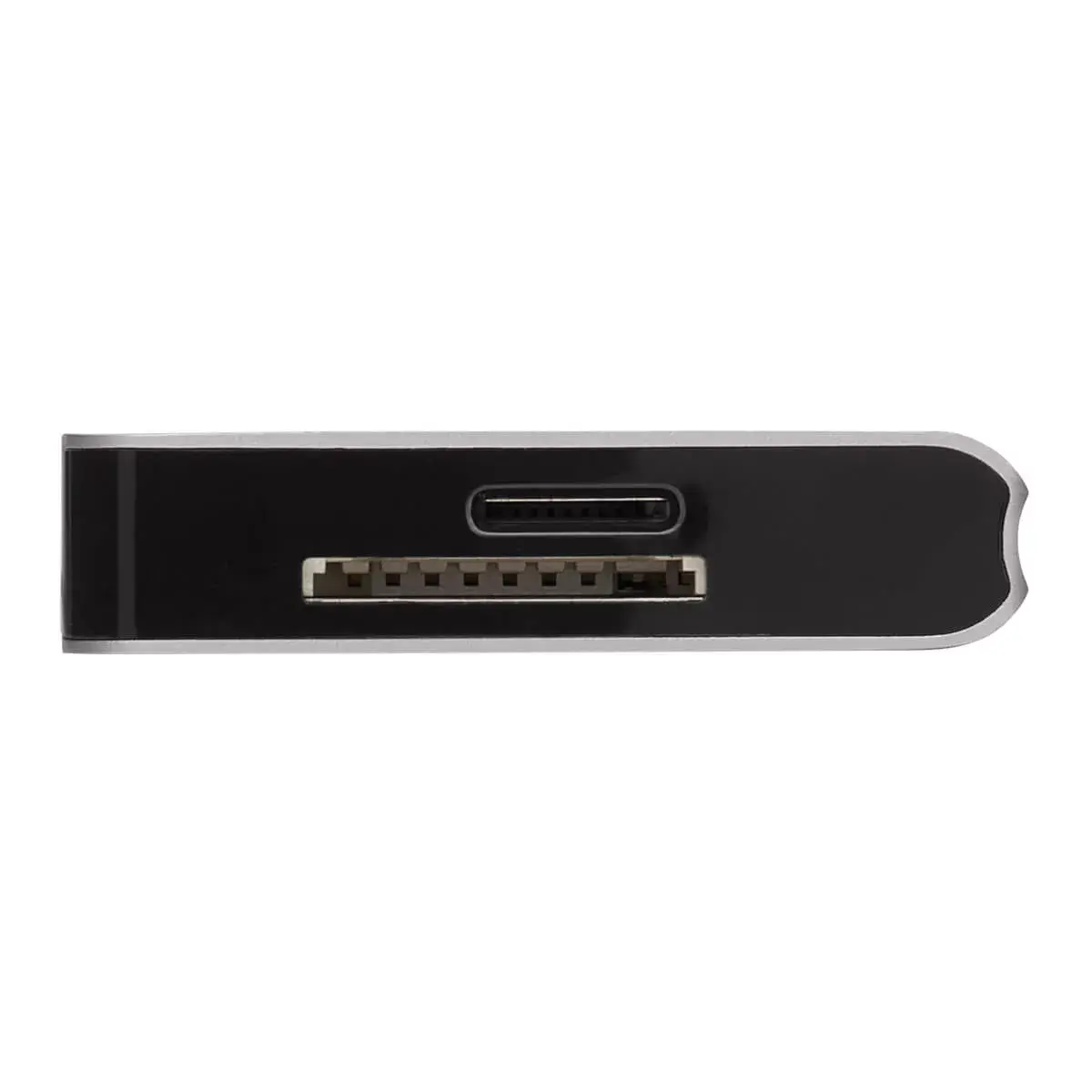
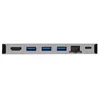
This USB-C dock supports DisplayPort Alternate Mode to convert audio/video signals and output 4K video with digital audio to an HDMI display. The HDMI output supports up to 3840 x 2160 at 30 Hz with 4:4:4 chroma subsampling and multi-channel sound. Three USB-A ports and one USB-C port provide fast USB 3.x data transfer rates up to 5 Gbps and charging capability for connected peripherals. The PD 3.0-compatible USB-C port accepts up to 20V 5A (100W) input for charging notebooks or powering connected devices while maintaining data transfer. A Gigabit RJ45 Ethernet port offers 10/100/1000 Mbps wired networking, and SD/microSD card slots allow direct access to external memory cards.
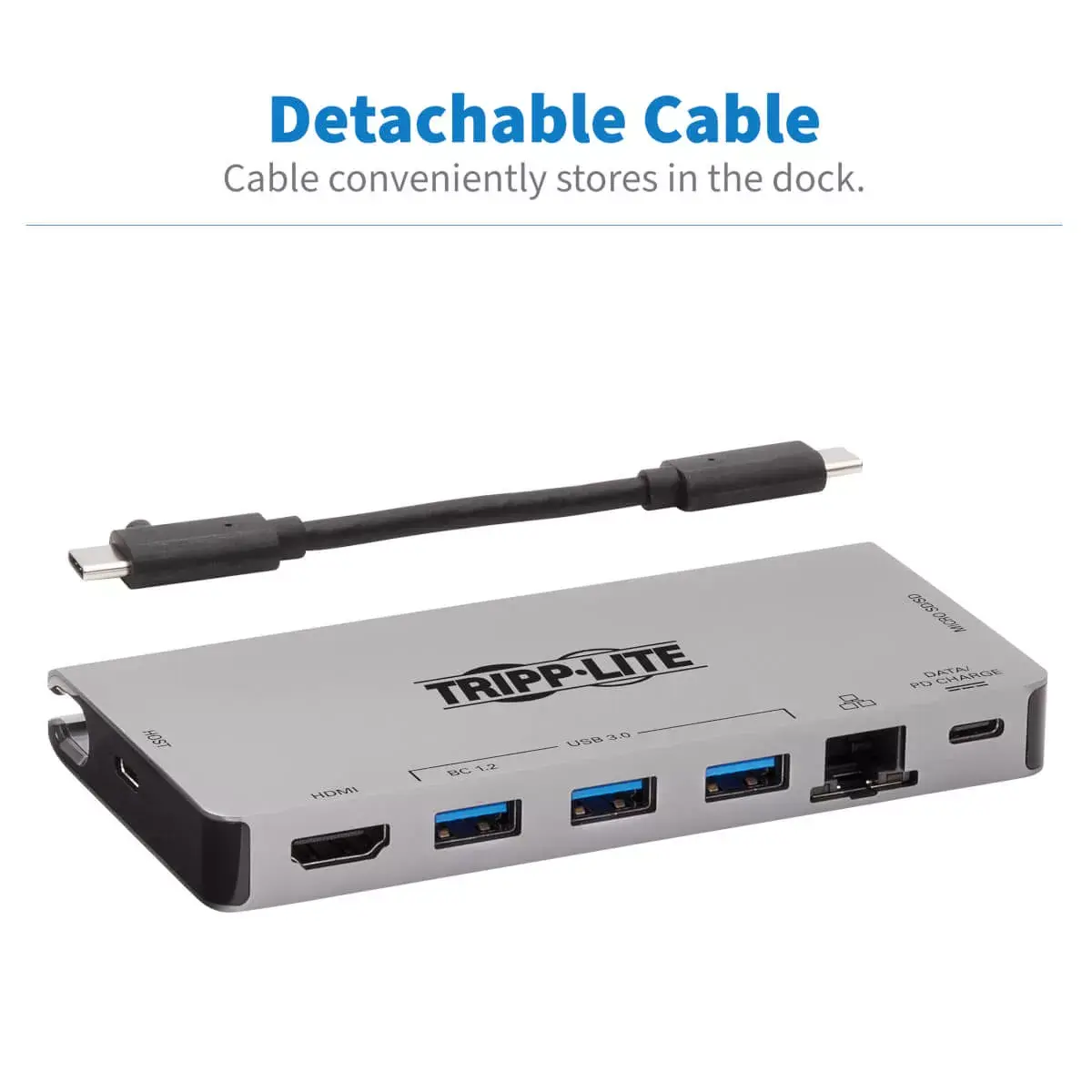
Connect the detachable USB-C cable to a host device that supports USB-C or Thunderbolt 3. For video output, ensure the host supports DisplayPort Alternate Mode and attach an HDMI cable from the dock’s HDMI port to your monitor, TV or projector. Insert SD or microSD cards into the appropriate slots to transfer files. Plug USB-A devices into the hub ports for data or charging. To charge a notebook or other PD-compliant device, connect the device’s AC wall charger to the dock’s USB-C PD port; the PD port also supports data transfer up to 5 Gbps. Use a UTP Ethernet cable to access wired Gigabit networking.
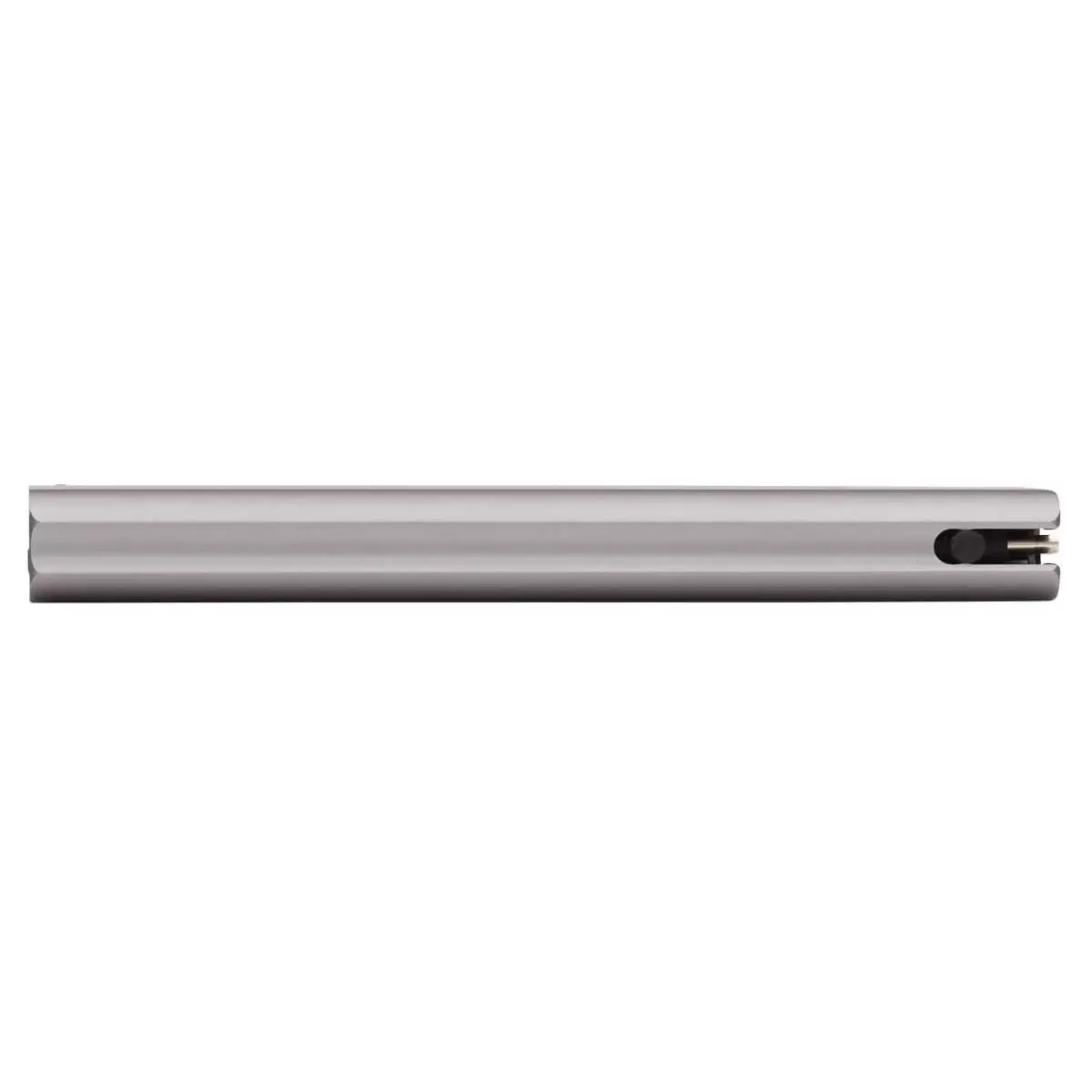
Use a PD 3.0-compliant AC charger rated up to 100W for full charging capability, and connect to a host that supports USB DisplayPort Alt Mode for 4K HDMI output. For best Ethernet performance use a quality Cat5e or Cat6 cable. Disconnect the detachable cable when transporting the dock and slide it into the built-in housing for storage.
{{highlightedFeature.featureTitle}}:
{{getProductFeatureValueById(product, highlightedFeature.featureId)}}
{{ productComparisonGenerationError }}