Dreame vacuums for fast and efficient cleaning!
In cart {{totalProductsCount}} item(s)
Your cart is empty
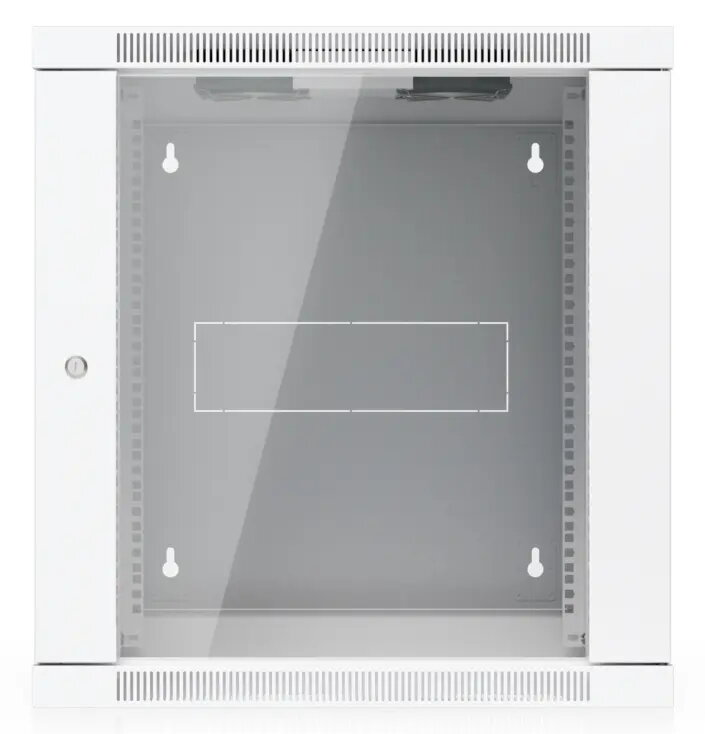
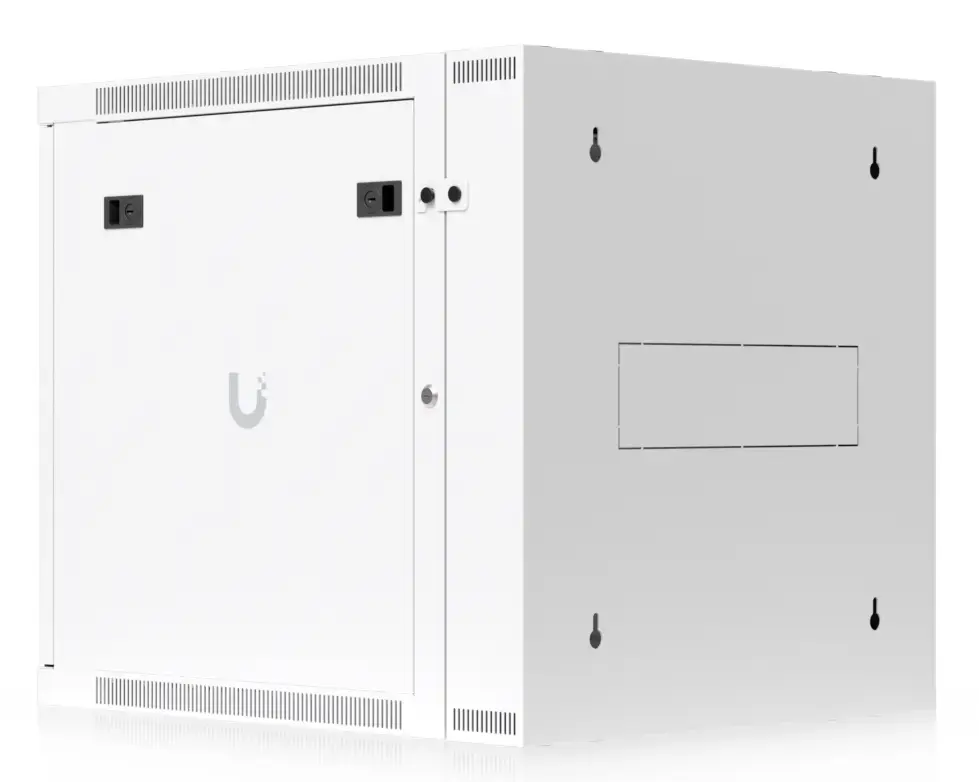
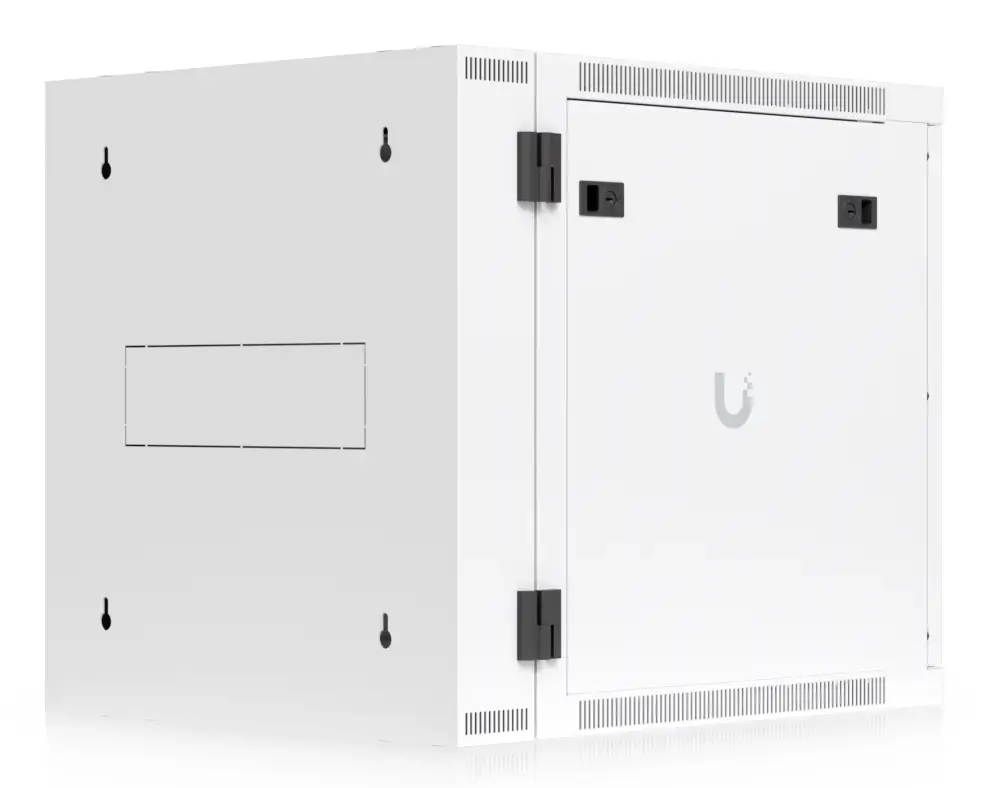
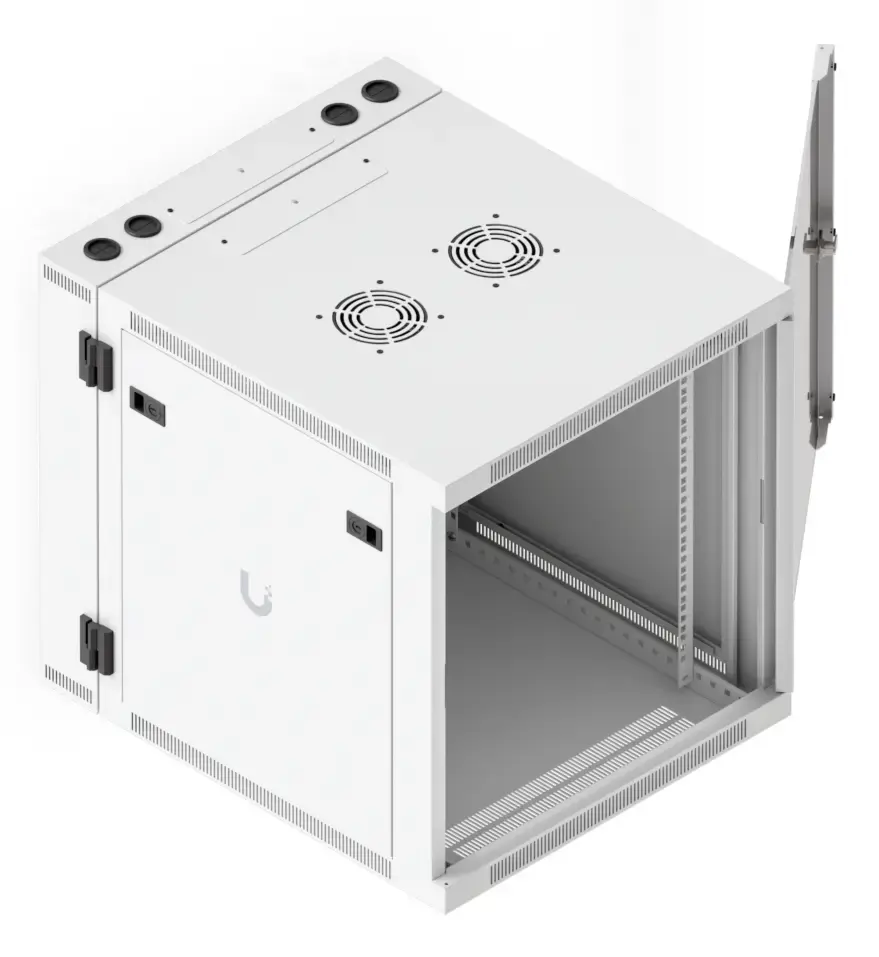
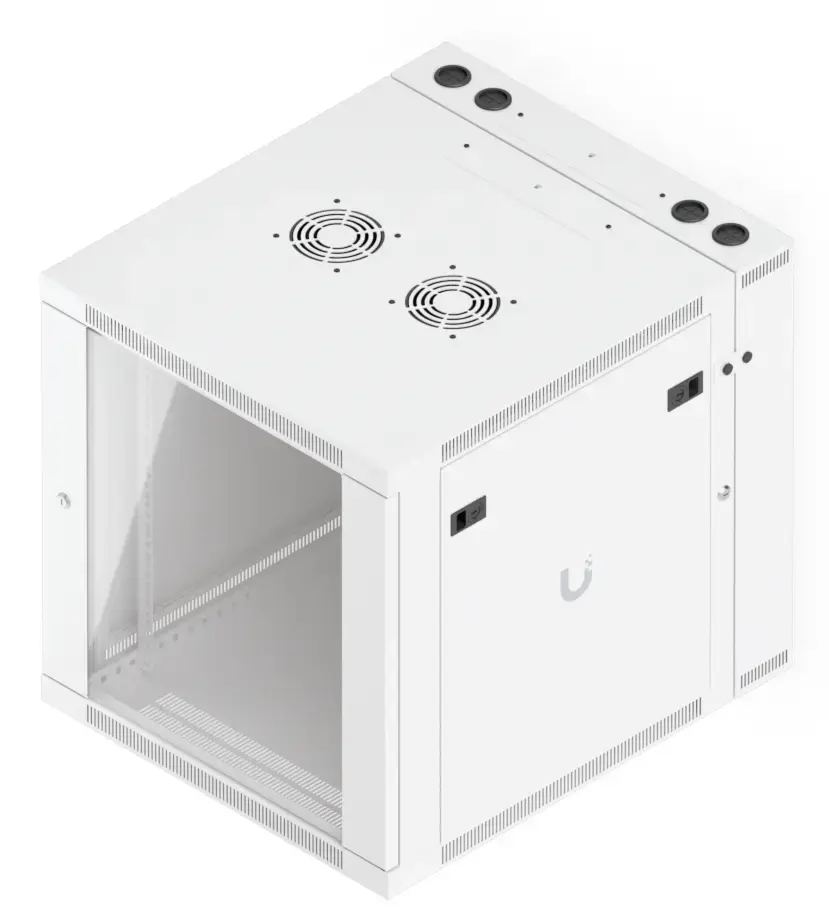
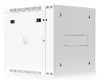
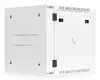
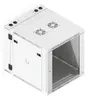
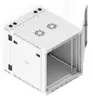
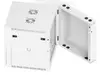
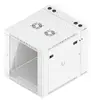
Ubiquiti UACC-Rack-12U-Wall-SW-G Wall Mounted Network Rack, 12U, White
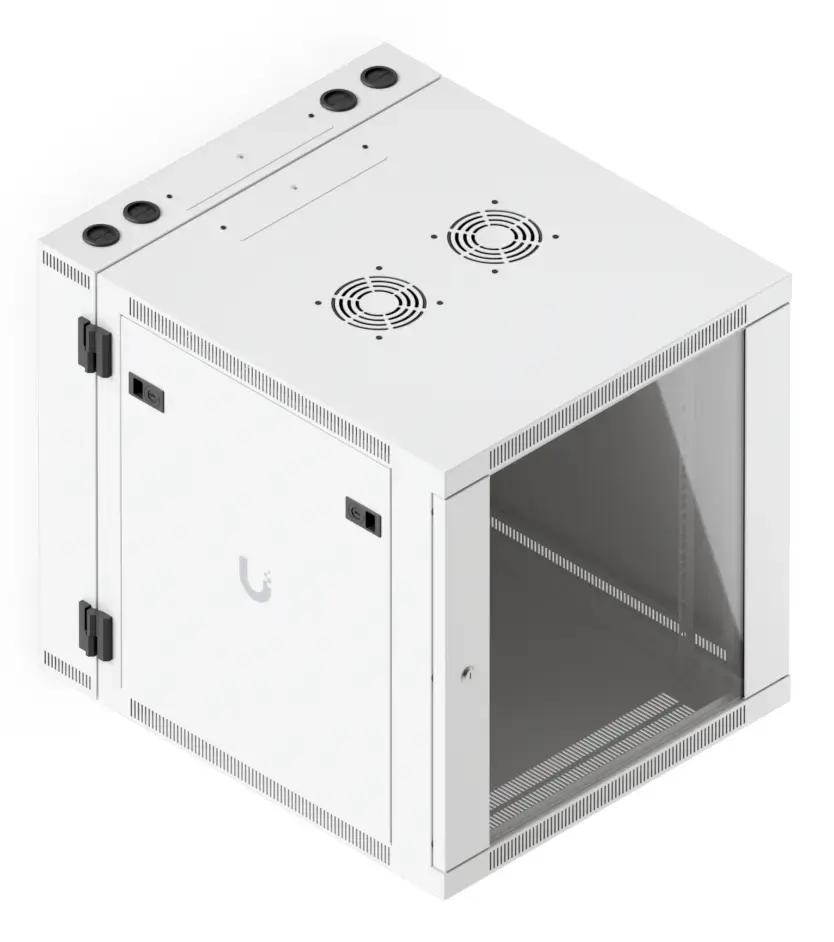
The Ubiquiti UACC-Rack-12U-Wall-SW-G is a professional-grade 12U wall-mounted network rack designed to provide a secure and organized environment for your essential networking hardware. Constructed from durable steel, this enclosure offers a robust solution for housing switches, routers, and other critical components in small to medium-sized network installations. Its clean white finish and functional design ensure that it integrates seamlessly into office or server room environments while maintaining a high standard of equipment protection.
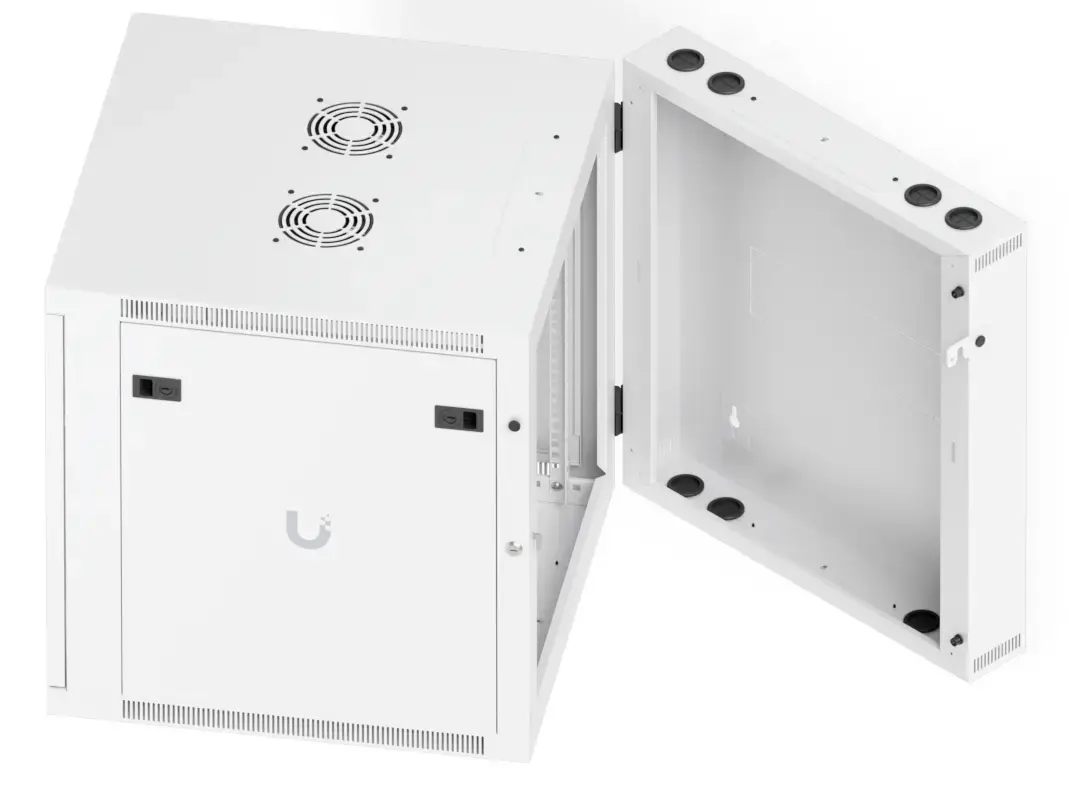
This wall-mounted rack excels in providing a space-efficient storage solution that keeps networking equipment organized and accessible. The inclusion of removable side panels simplifies the installation and maintenance process, allowing for quick access to hardware when needed. With a maximum load capacity of 80 kg, it is built to support a variety of heavy-duty networking devices. The integrated key lock provides an essential layer of security, preventing unauthorized access to sensitive equipment. Furthermore, the unit comes fully assembled with built-in fans, ensuring optimal airflow and temperature management for your hardware.
This rack may not be suitable for large-scale enterprise data centers that require floor-standing cabinets with higher rack unit capacities. Additionally, it is not intended for outdoor use or environments with high humidity and extreme temperatures, as it is designed for indoor climate-controlled spaces.
To use the rack, first ensure that the wall surface is capable of supporting the combined weight of the cabinet and the installed equipment. Secure the rack to the wall using appropriate mounting hardware for your wall type. Once mounted, remove the side panels to facilitate the installation of your networking devices onto the internal rails. Connect your cables through the designated management points and ensure all equipment is properly secured. Finally, replace the side panels and lock the unit to complete the setup.
Usage recommendations: Regularly inspect the mounting points to ensure the rack remains securely attached to the wall. Keep the built-in fans free of dust to maintain efficient cooling performance and extend the lifespan of your networking hardware.
{{highlightedFeature.featureTitle}}:
{{getProductFeatureValueById(product, highlightedFeature.featureId)}}
{{ productComparisonGenerationError }}