Leave your address - as soon as the price of the product goes down, you'll know about it right away
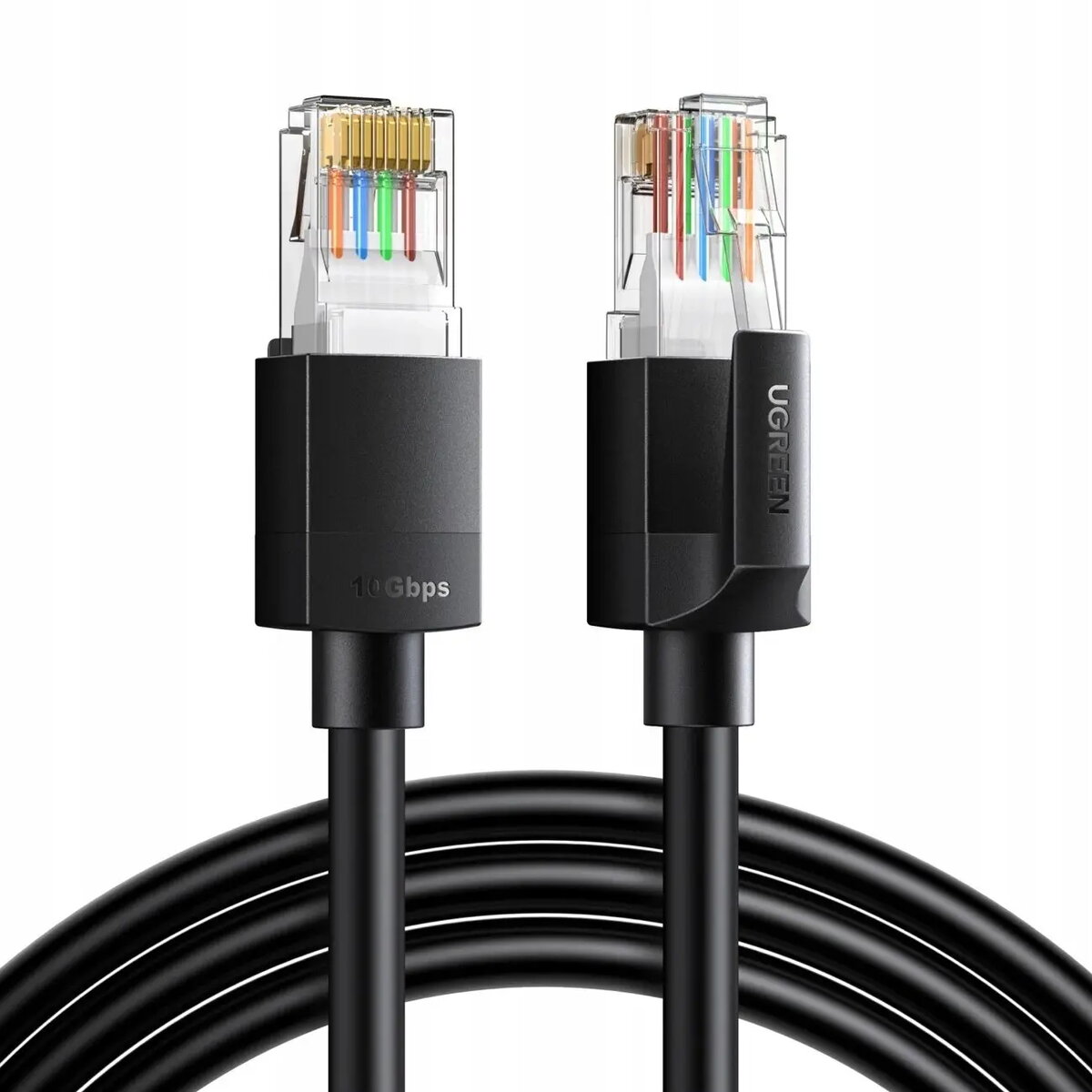
UGREEN Ethernet Cable Cat6 F/UTP 8 m — shielded network patch cable, black
In cart {{totalProductsCount}} item(s)
Your cart is empty
UGREEN Ethernet Cable Cat6 F/UTP 8 m — shielded network patch cable, black
Leave your address - as soon as the price of the product goes down, you'll know about it right away
UGREEN Ethernet Cable Cat6 F/UTP 8 m — shielded network patch cable, black
UGREEN Ethernet Cable Cat6 F/UTP 8 m in black is a shielded network patch cable designed for wired LAN installations that require reliable Gigabit performance. The cable follows Cat6 specification with F/UTP construction: individually twisted pairs covered by an overall foil shield to reduce electromagnetic interference and crosstalk. With an 8 meter length and standard RJ45 termination, it connects routers, switches, PCs, NAS devices and other network equipment for stable data transfer in home and office environments.
The shielded F/UTP design improves signal integrity in environments with potential electromagnetic interference, while Cat6 specifications support up to Gigabit Ethernet speeds and reduced crosstalk compared with lower category cables. The 8 m length offers flexibility for placement of devices without excessive slack. Durable outer jacket and precision RJ45 connectors help maintain consistent network performance and physical reliability over repeated connections.
Plug one RJ45 connector into the LAN port of your router, switch or modem and the other connector into the Ethernet port of your computer, NAS or other network device. Ensure connectors are fully inserted until they click to establish a secure physical connection. Route the cable to avoid sharp bends, tight staples or heavy compression that could damage the internal pairs or the foil shield; maintain gentle bend radii near connectors to preserve performance.
For best performance, keep the cable separated from power lines and sources of strong electromagnetic interference. Use shielded patch panels or metal enclosures for connections in rack environments to maintain shielding continuity. Test link speed after installation to confirm Gigabit connectivity and replace the cable if physical damage or intermittent link issues are detected.
{{highlightedFeature.featureTitle}}:
{{getProductFeatureValueById(product, highlightedFeature.featureId)}}