
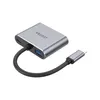
laptop dock UNITEK D1049A
{{selectedOffer && selectedOffer.price | formatAmount}}
{{selectedOffer && selectedOffer.price | formatAmount}}
Short description
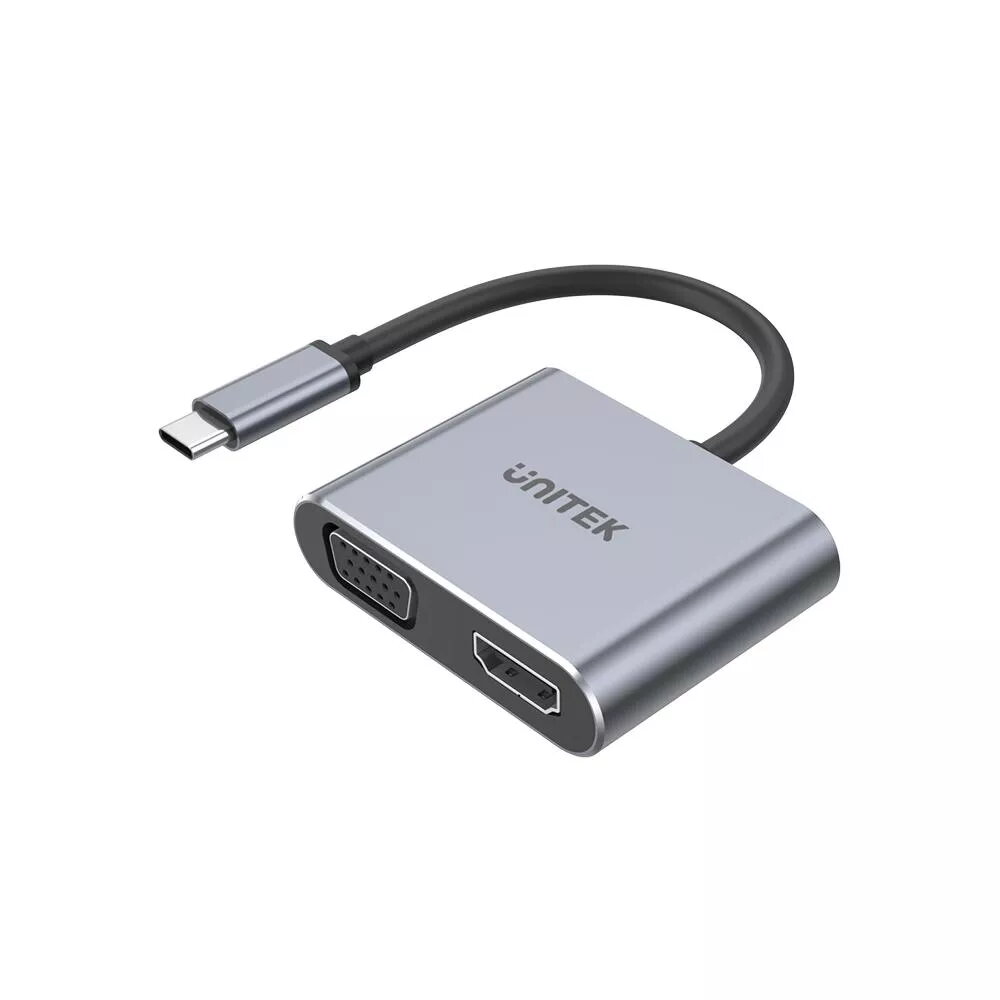
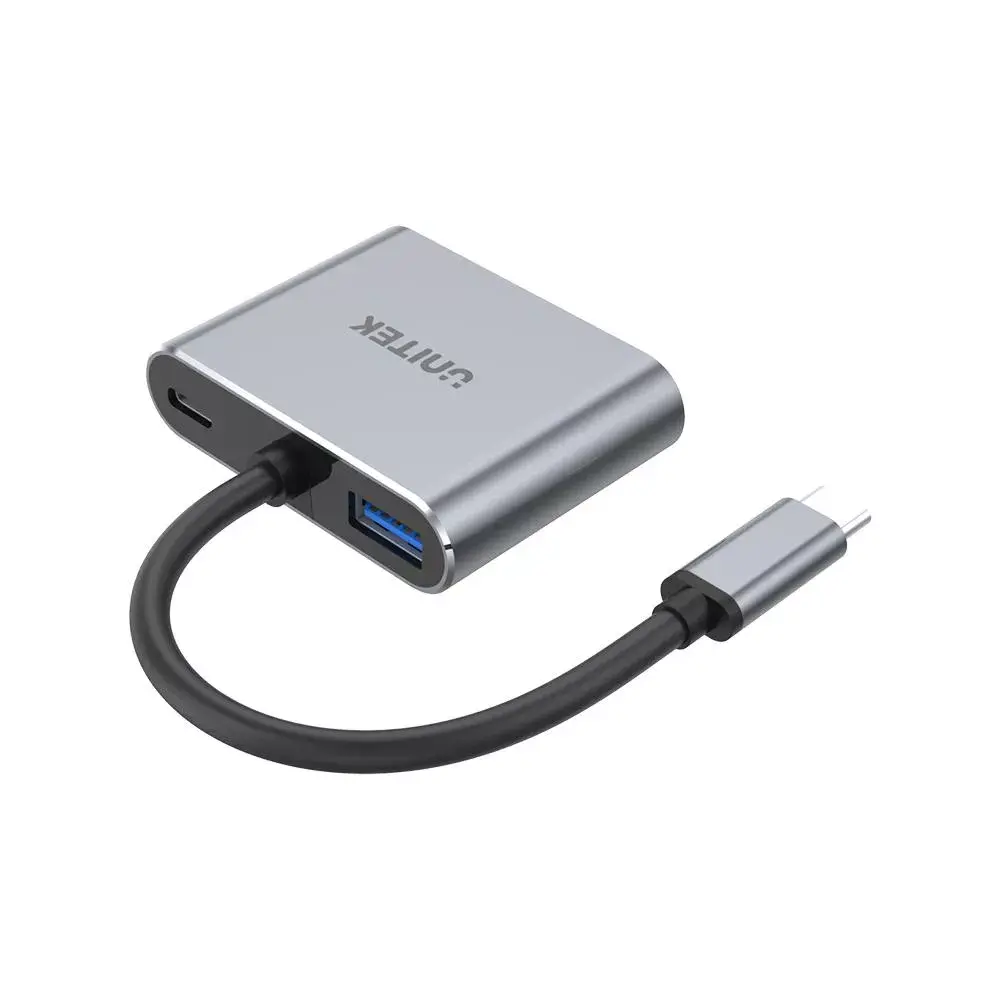
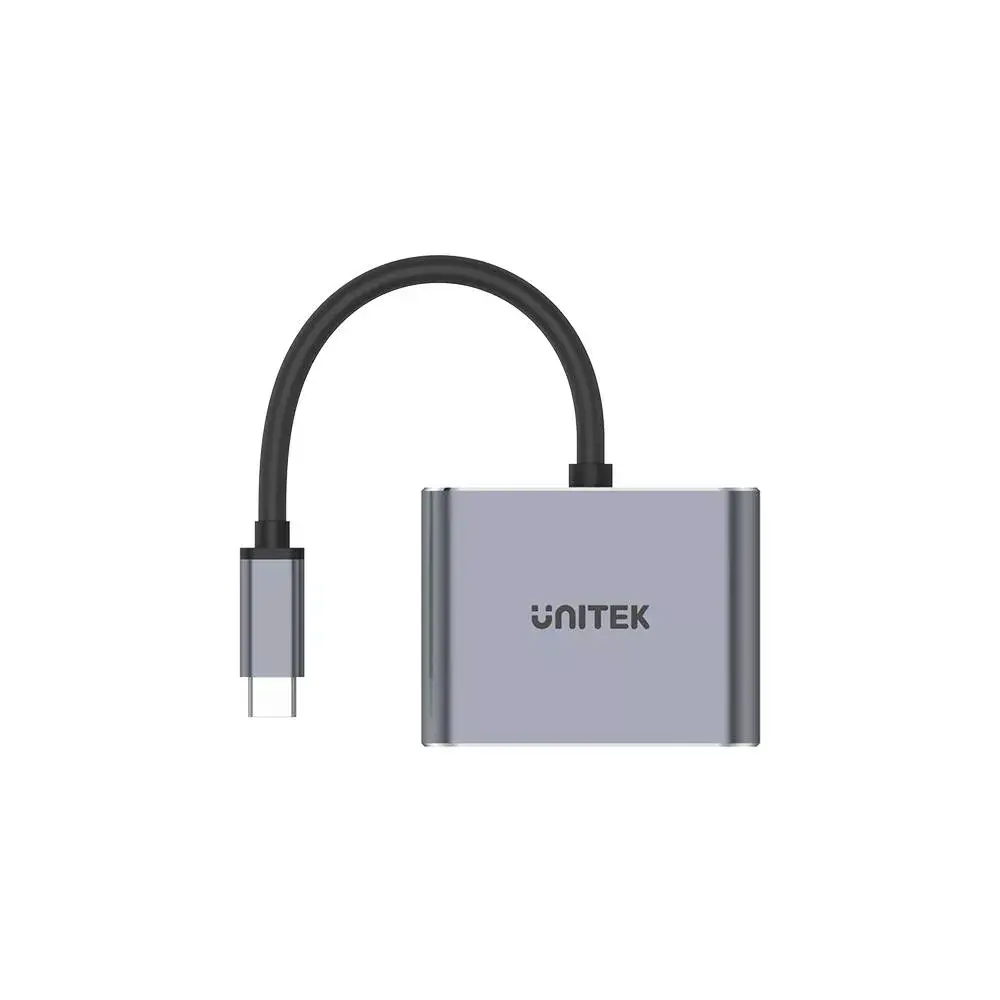
The UNITEK D1049A laptop dock features USB 2.0 Type-C connectivity and supports USB Power Delivery up to 100 W. It includes HDMI, USB 3.2 Gen 1 Type-A, and VGA interfaces, allowing for versatile connectivity options. Compact in size with dimensions of 44.1 mm width, 57.6 mm depth, and 14.6 mm height, this silver dock is perfect for enhancing your laptop's functionality.
Cheapest delivery:
Unisend LV
Pick-up points
Unisend LV
Cost
1.99 €
Deliver
{{selectedOffer.parcelStationDeliveryString}}
Customer service center
2b. Kengaraga str., Riga, Latvia, LV-1063
30.09.2026
{{selectedOffer.officeDeliveryString}}
free
Courier Delivery
Please note that in case of a large parcel additional delivery costs may apply!
From 4.99 € (Weight: 1.00 kg)
Parcel couriers
Unisend LV / Venipak Pickup LV / Venipak Locker LV / DPD Paku skapis / Omniva LV / Latvijas Pasts pakomāts / Latvijas Pasts nodaļa
05.10.2026
{{selectedOffer.parcelStationDeliveryString}}
From 1.99 €

Payment Methods:
Bank transfer, Bank cards on-line, Apple Pay, Google Pay


