Save time and money with our discounts!
In cart {{totalProductsCount}} item(s)
Your cart is empty
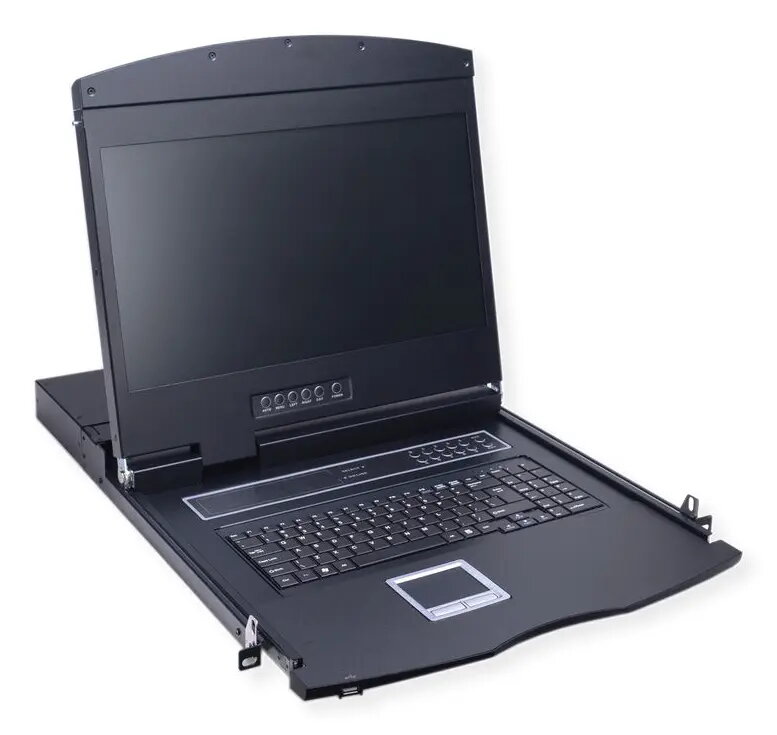
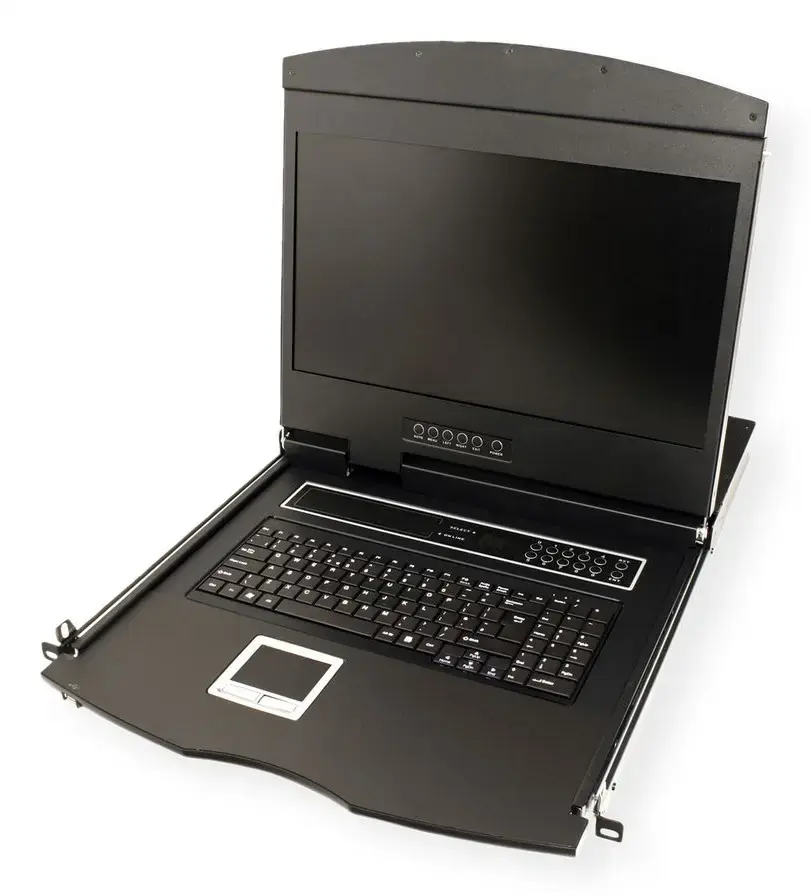
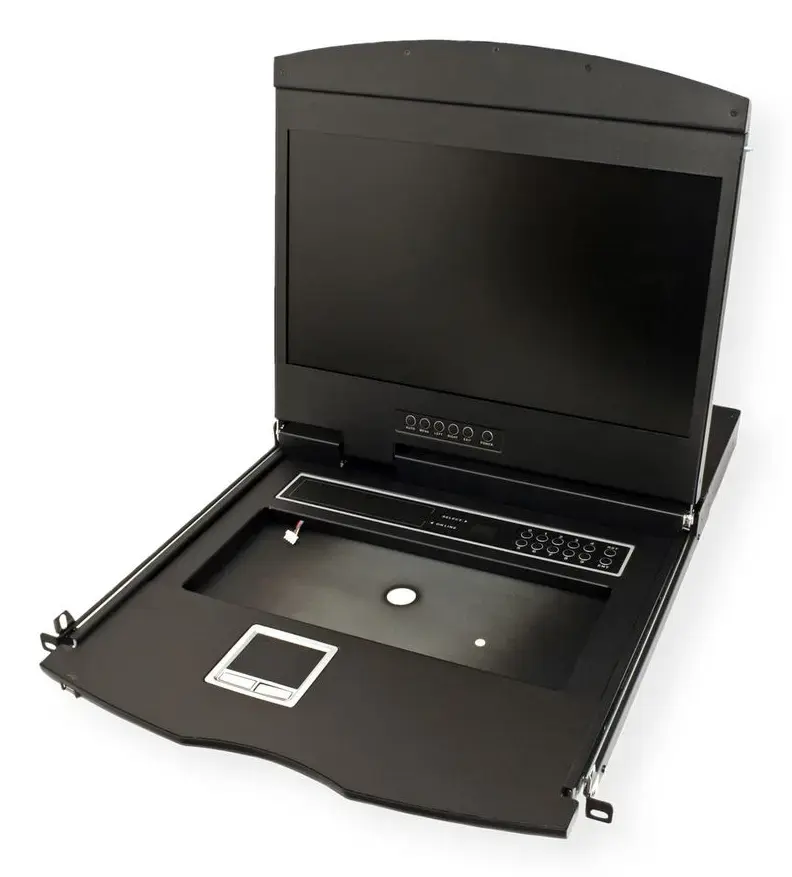
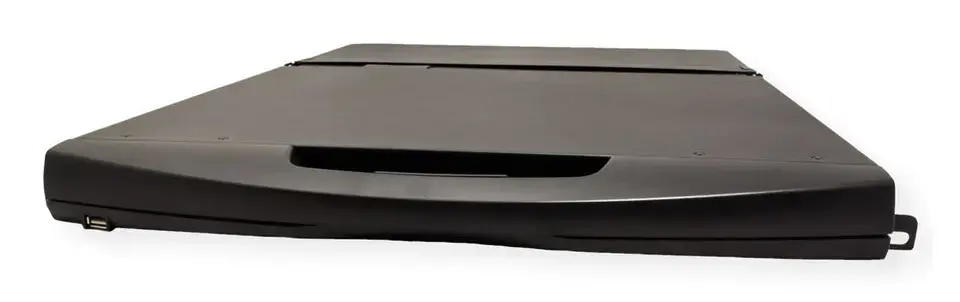
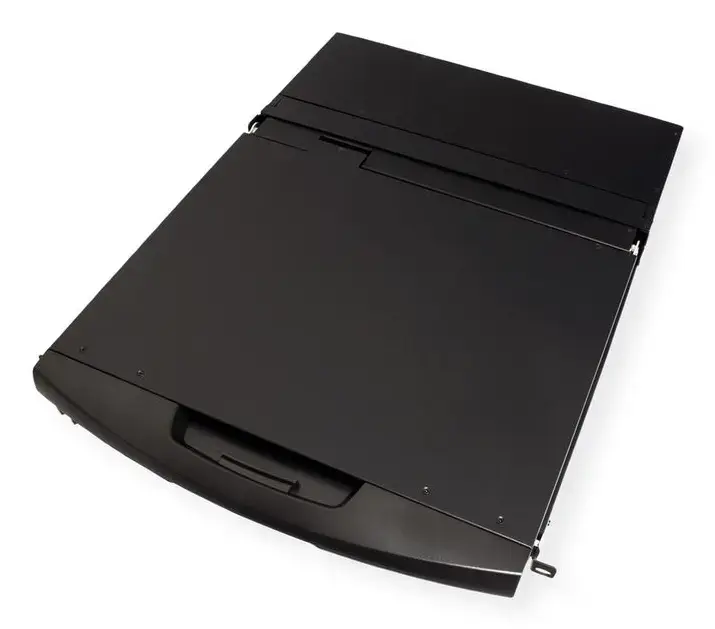
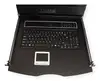
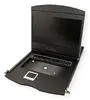
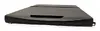
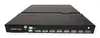
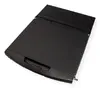
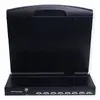
Rack console VALUE 26.99.0193 19" (48.3 cm) 1366×768 1U, USB keyboard/mouse, French layout, black
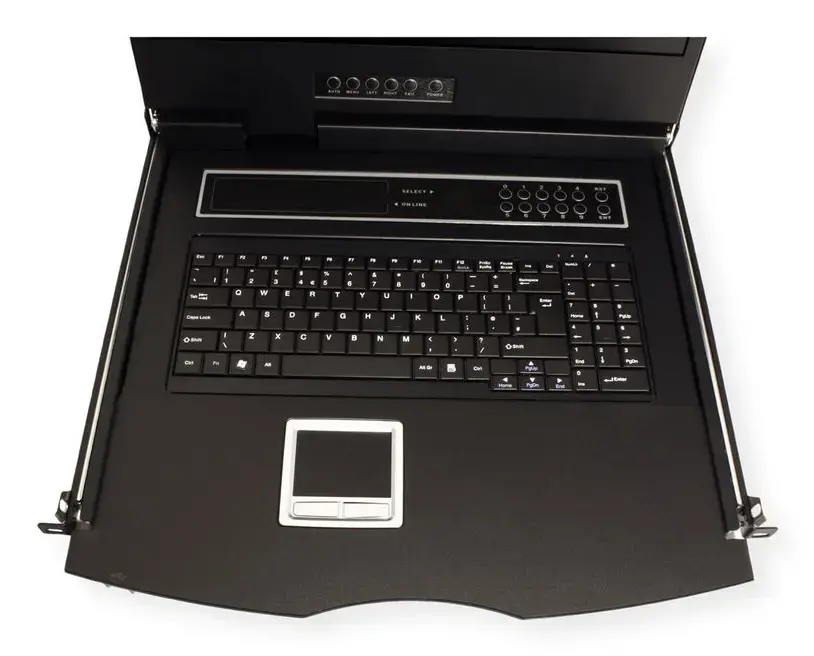
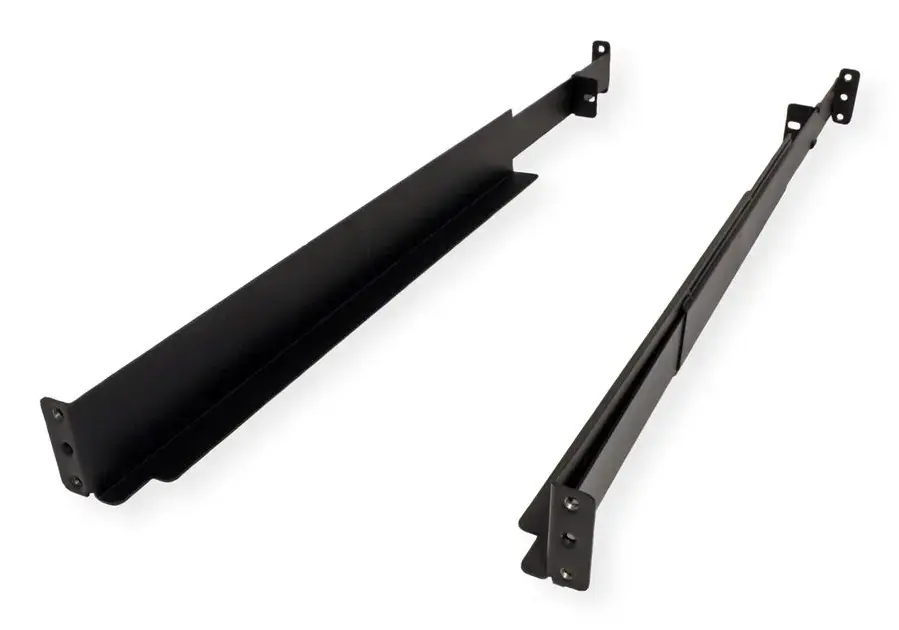
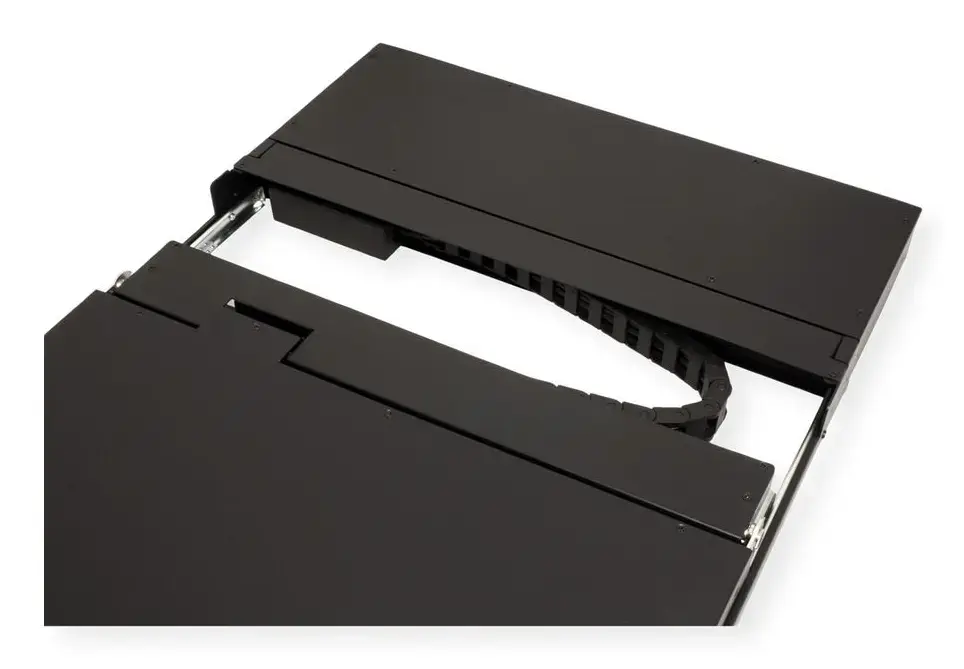
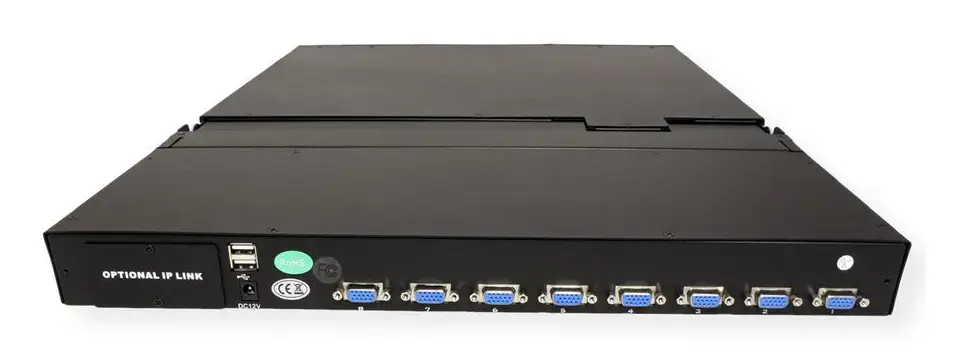
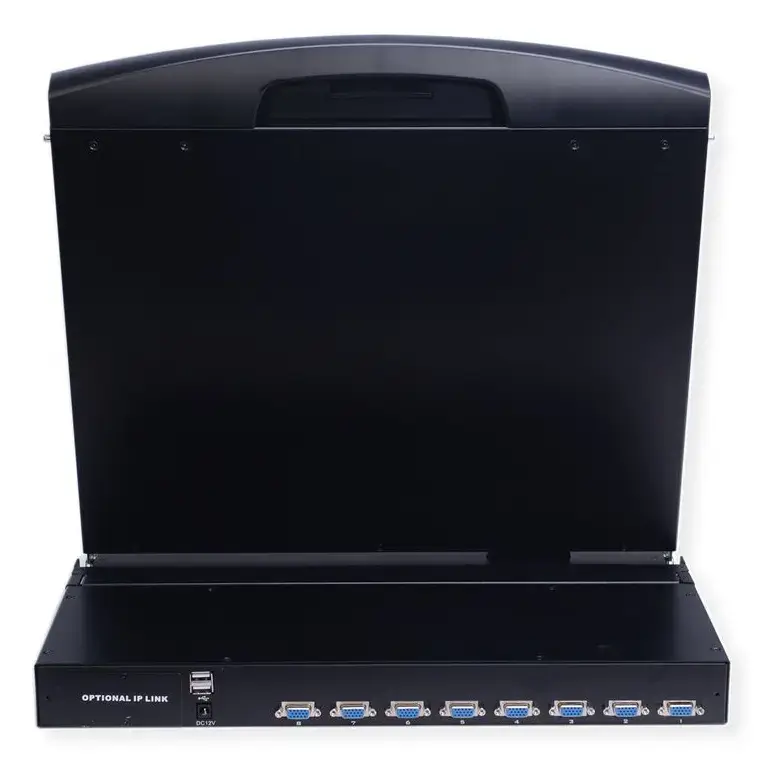
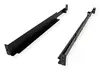
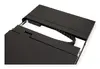
VALUE 26.99.0193 is a 1U rack console that integrates a 19" (48.3 cm) TFT monitor, a built-in keyboard and a touchpad with USB connectivity, designed for installation in a standard 19" server rack. The console provides a 1366×768 resolution display with 250 cd/m² brightness and 1000:1 contrast ratio. It includes a flip-up monitor protected by tempered glass, a durable keyboard with touchpad, and supports both USB keyboard/mouse and VGA video input. Supplied accessories include mounting rails and brackets, power supply and cord, KVM and USB cables, keys and documentation to allow immediate installation and connection to up to eight systems using the integrated KVM switch functionality.
The unit combines monitor, keyboard and mouse in a single 1U housing to save rack space and simplify server access. The integrated 8-port KVM switch enables control of multiple servers from one console without additional software, using OSD, front-panel push buttons or hot-keys. Tempered glass protection for the panel and a durable keyboard design improve robustness for frequent use in data centre and IT rooms. Hot-pluggable ports and both PS/2 and USB support provide flexible connection options for a wide range of equipment.
Mount the console into a 19" rack using the supplied rails and brackets and secure it in a 1U slot. Connect the console to target systems using the included KVM cables (VGA + keyboard/mouse connections) or USB cable as required. Attach the power supply and connect to mains power. Use the On Screen Display (OSD), front-panel push buttons or hot-key sequences to select and switch between connected servers. The console is hot-pluggable, so systems can be added or removed without powering down the unit or connected devices.
For reliable operation, install the console in a properly ventilated rack environment and connect only one system per KVM cable set. Use the supplied power adapter and cables; avoid using non-approved adapters. Clean the tempered glass and keyboard with appropriate, non-abrasive cleaning agents and avoid excessive liquids near the console. Refer to the supplied manual for OSD navigation, hot-key commands and safety instructions.
{{highlightedFeature.featureTitle}}:
{{getProductFeatureValueById(product, highlightedFeature.featureId)}}
{{ productComparisonGenerationError }}