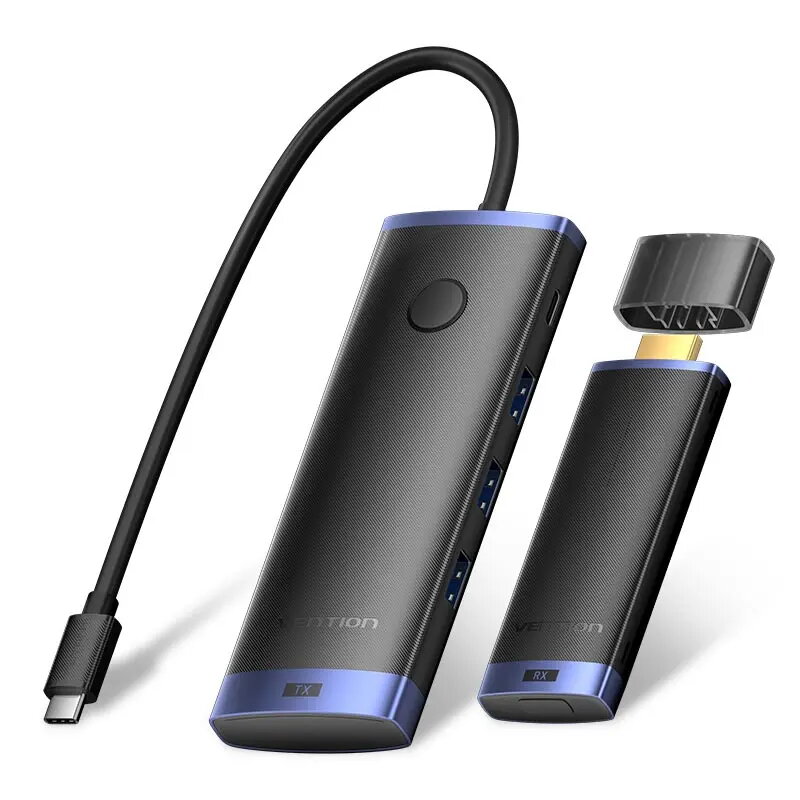
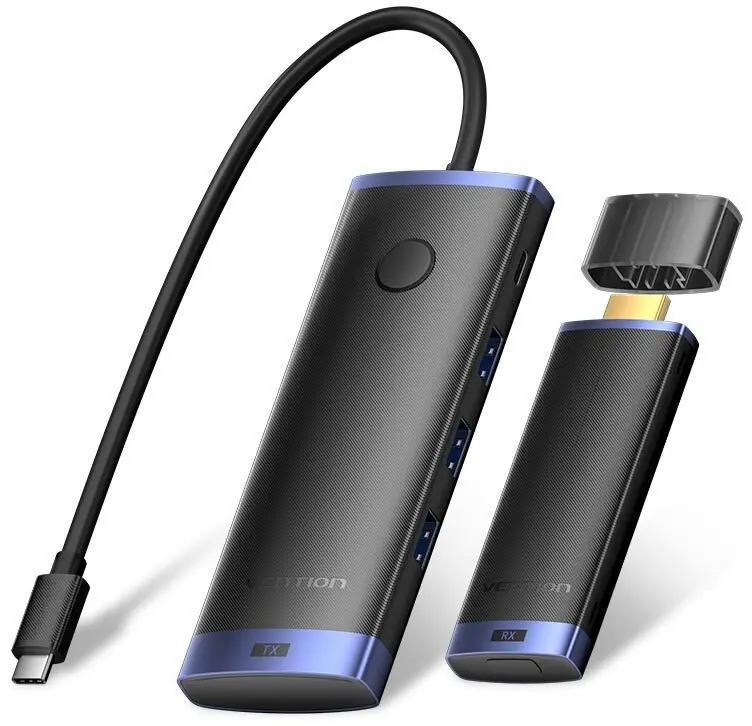
The wireless display adapter Vention TPVBB is compared with wired Vention docking stations (TGLHB, TOLHB, TPUH0, TOJHB, and TGVHB). The main practical difference is that the adapter is designed for wireless Full HD content streaming and screen mirroring via Wi-Fi and HDMI, whereas the alternative products are wired docking stations built to expand laptop and mobile connectivity, power delivery, and peripheral access.
⚙️ The specification comparison covers connection technology, video outputs, networking capabilities, card readers, and expansion ports to help you understand the core functional differences of each device.
| Comparison parameter | Vention TPVBB | Vention TGLHB | Vention TOLHB | Vention TPUH0 | Vention TOJHB | Vention TGVHB | Practical conclusion |
|---|
| Connectivity technology | Wireless (Wi-Fi) | Wired (USB-C) | Wired (USB-C) | Wired (USB-C) | Wired (USB-C) | Wired (USB-C) | The main product provides wireless screen sharing freedom, while the alternatives rely on physical cable connections. |
| Video output | HDMI (Full HD) | HDMI (4K) | HDMI (4K) | Not specified | HDMI | HDMI (4K at 60Hz) | The docking stations support higher 4K resolutions, whereas the wireless adapter focuses on Full HD streaming. |
| Network and ports | None | Basic USB ports | Ethernet RJ-45, USB 3.0x3, card reader | Ethernet RJ-45, card reader | USB 3.0x3, card reader, no Ethernet | Ethernet RJ-45, USB, card reader, audio | All alternative docking stations offer rich wired connectivity options that the wireless adapter lacks. |
| Power and charging | 5V / 2A (for adapter) | USB Power Delivery up to 100W | USB Power Delivery up to 100W | USB Power Delivery up to 100W | USB Power Delivery up to 100W | Power via USB | The docking stations can simultaneously charge the host device up to 100W, while the adapter requires independent power. |
◎ The suitability table evaluates various use cases to help determine whether you need wireless casting or a comprehensive wired desktop expansion setup.
| Use case | Recommended product | Why |
|---|
| Wireless screen mirroring from phone or tablet | Vention TPVBB | Enables convenient cable-free content projection to a TV or projector. |
| Workstation setup with 4K monitor connection and charging | Vention TGLHB or alternative docks | Delivers a wired high-resolution display connection, accessories, and laptop power delivery through a single cable. |
| Wired network access and memory card reading | Vention TOLHB, TPUH0, TOJHB, or TGVHB | Ethernet ports and integrated card readers make these docks ideal for heavy data transfer and stable wired internet. |
The wireless display adapter Vention TPVBB differs fundamentally from the Vention docking station models TGLHB, TOLHB, TPUH0, TOJHB, and TGVHB by focusing entirely on wireless screen casting from mobile devices rather than providing wired port expansion and host charging. Choose Vention TPVBB if your primary need is cable-free media streaming and presentations. If you need to connect a wired monitor, local network, and multiple accessories while powering your laptop, a multi-function wired Vention docking station will be much more suitable.