Save time and money with our discounts!
In cart {{totalProductsCount}} item(s)
Your cart is empty
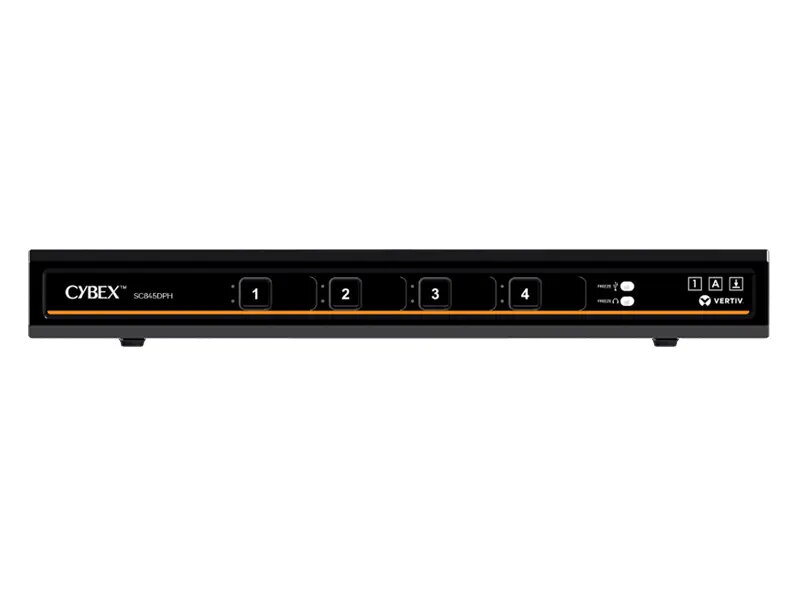
Vertiv SC940DPH-400 4-Port KVM Switch with HDMI and DisplayPort Support
The Vertiv SC940DPH-400 is a professional-grade 4-port KVM switch engineered for secure environments that require efficient management of multiple computer systems. This desktop unit provides seamless switching between four connected devices, supporting both HDMI and DisplayPort video interfaces to ensure compatibility with modern high-resolution monitors. With its robust design and focus on secure data handling, it is a reliable solution for IT professionals and workstation users who need to maintain productivity while managing complex hardware setups.
This KVM switch offers advanced Cursor Navigation Switching technology, which allows users to transition between computers simply by moving the mouse cursor across window borders after pressing the designated control key. The device supports high-definition video output up to 3840 x 2160 pixels at 60Hz, providing crisp and clear visuals for detailed tasks. Its secure architecture is designed to meet rigorous professional standards, ensuring that peripheral management remains stable and protected in demanding IT infrastructures.
This device is not intended for users who require support for more than four computers or those who need specialized video interfaces beyond HDMI and DisplayPort. It may also be overkill for basic home office setups that do not require high-level security features or advanced cursor navigation capabilities.
To set up the Vertiv SC940DPH-400, connect your keyboard and mouse to the designated USB ports on the unit. Connect each of your four computers to the switch using the appropriate HDMI or DisplayPort cables. Once all connections are secure, power on the device. You can switch between computers using the front panel buttons or by utilizing the Cursor Navigation Switching feature by pressing the left CTRL key and moving your mouse cursor across the screen boundaries.
For optimal performance and security, ensure all firmware is kept up to date and that cables are securely connected to prevent signal interference. Use high-quality video cables to maintain the 4K resolution at 60Hz.
{{highlightedFeature.featureTitle}}:
{{getProductFeatureValueById(product, highlightedFeature.featureId)}}
{{ productComparisonGenerationError }}