





A curated selection of maximum value offers!
In cart {{totalProductsCount}} item(s)
Your cart is empty
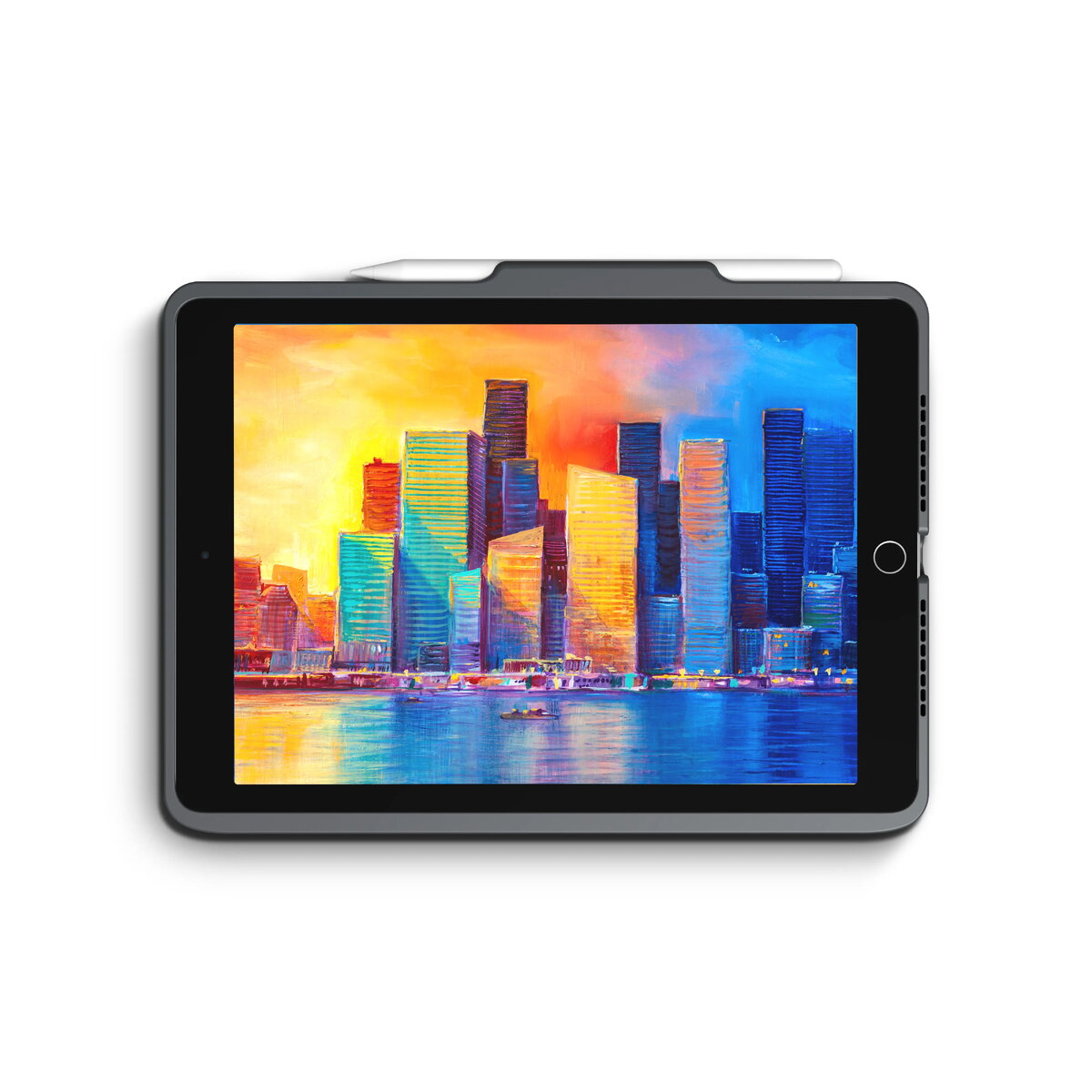
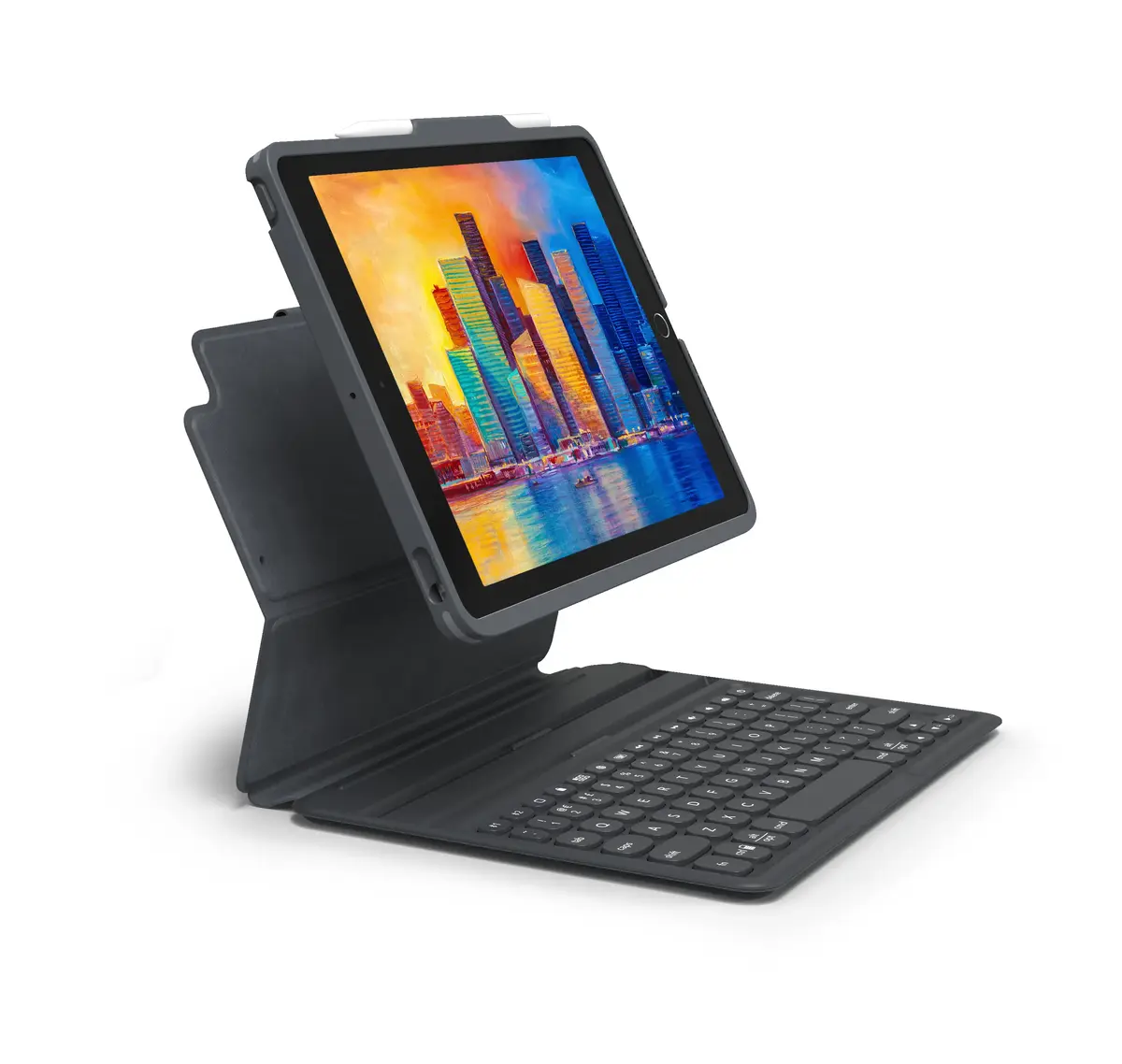
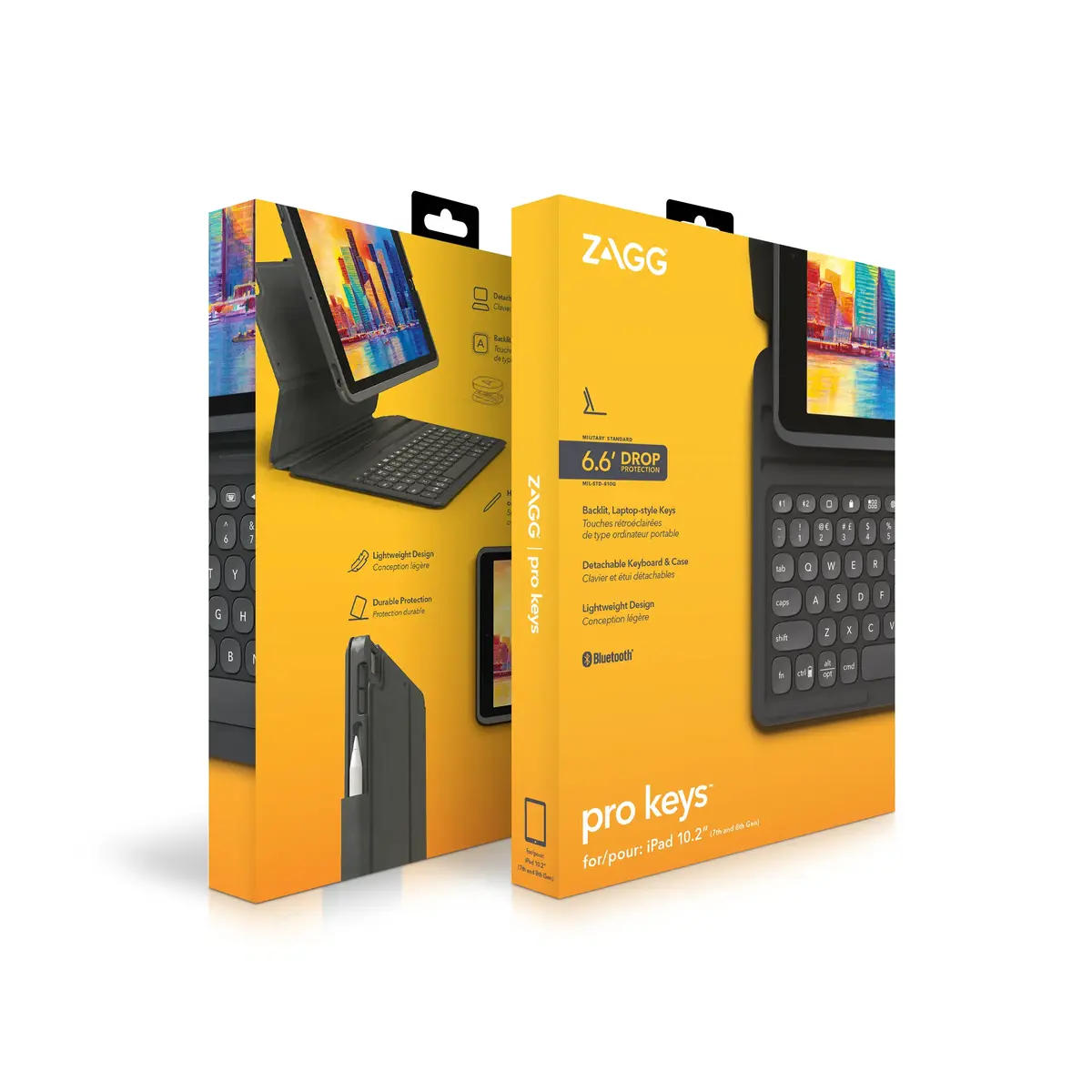
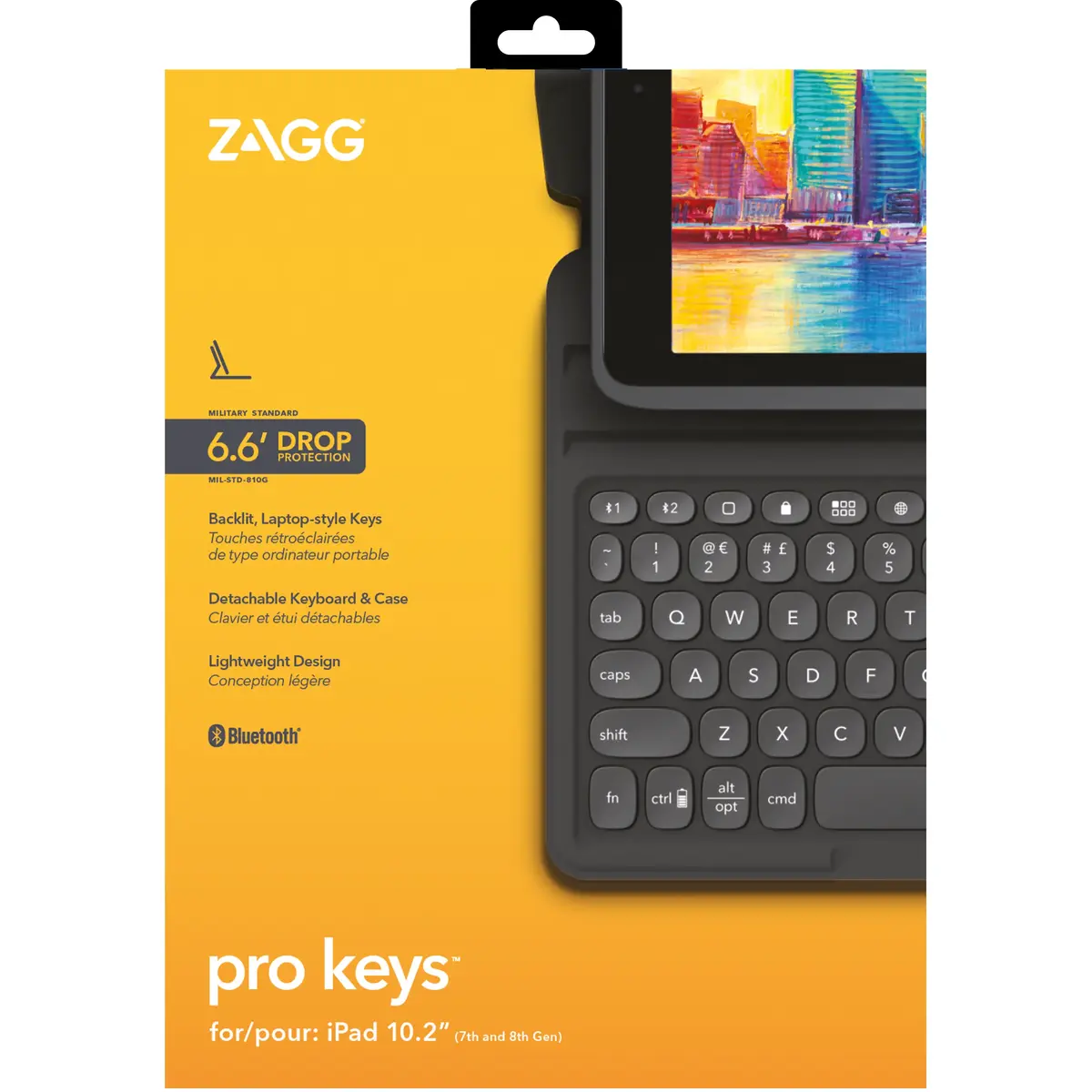
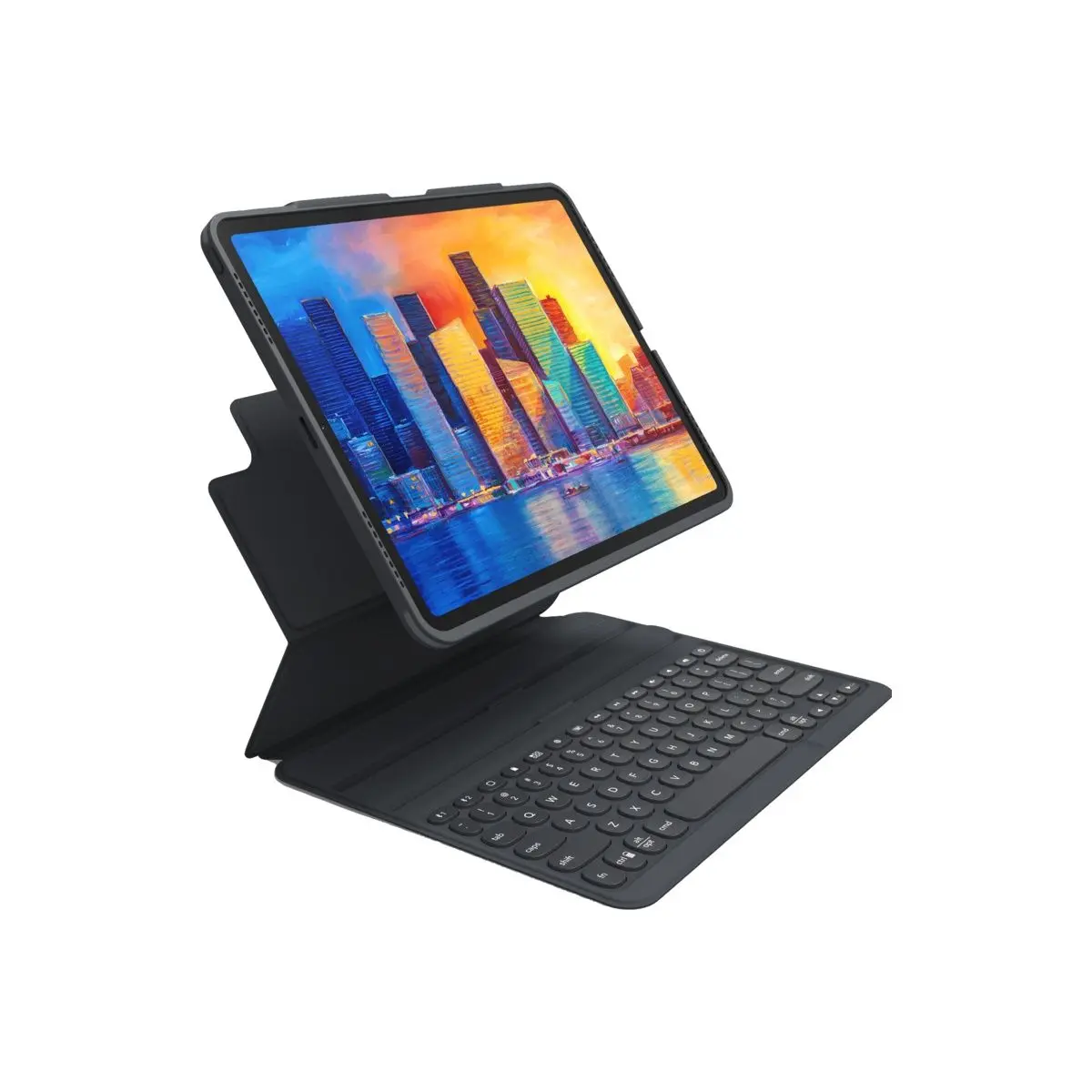
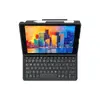
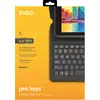
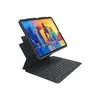
Zagg Pro Keys Wireless Bluetooth Tablet Keyboard for Apple iPad 10.2 with Czech Layout Black and Grey
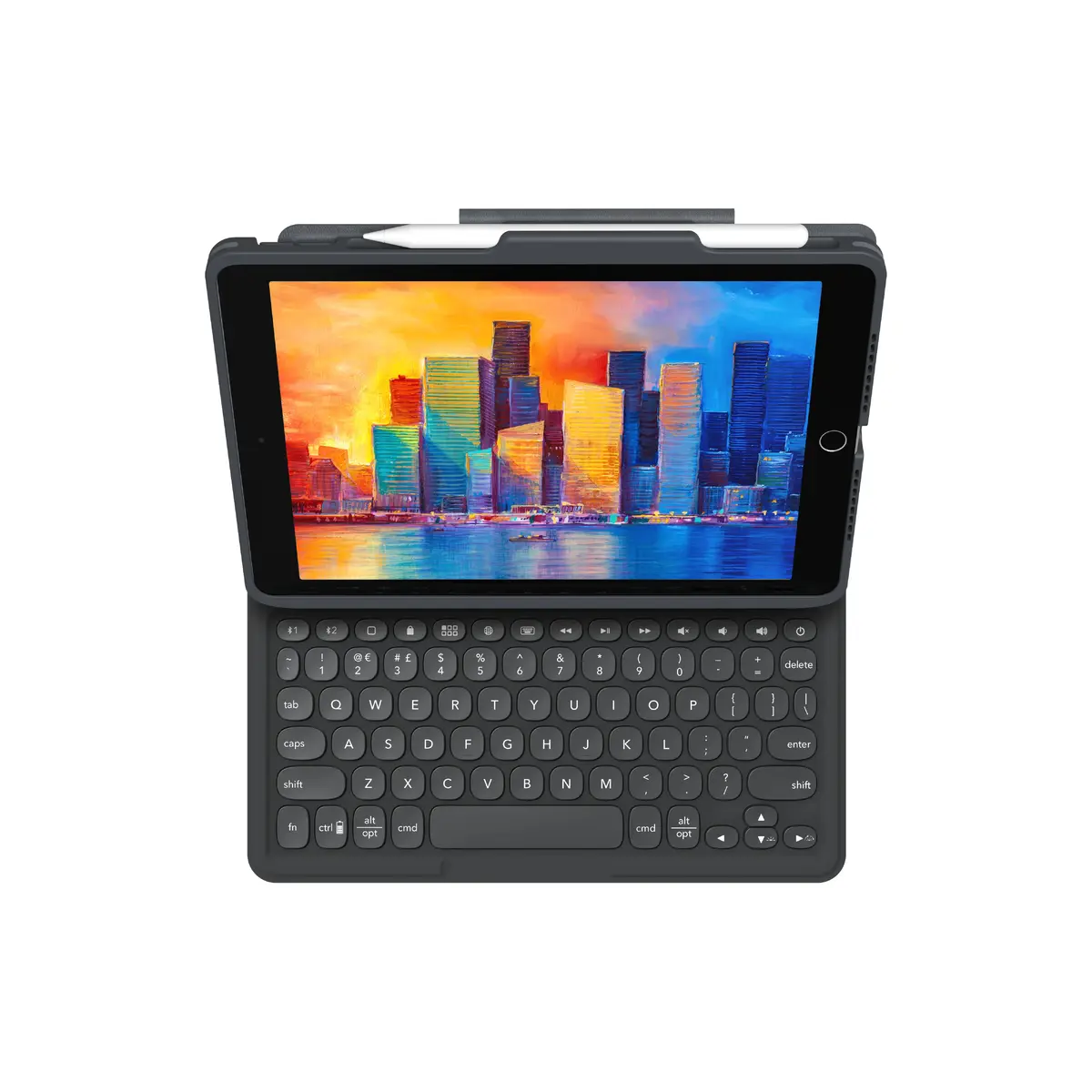
The Zagg Pro Keys Wireless Bluetooth Tablet Keyboard for Apple iPad 10.2 with Czech Layout Black and Grey is a functional accessory designed to enhance your daily productivity and device protection. Combining a durable protective case with an integrated wireless keyboard featuring a Czech language layout, this product transforms your tablet into a portable workstation. It features a lightweight design, multi-device pairing capabilities, and backlit keys for comfortable typing in various environments.
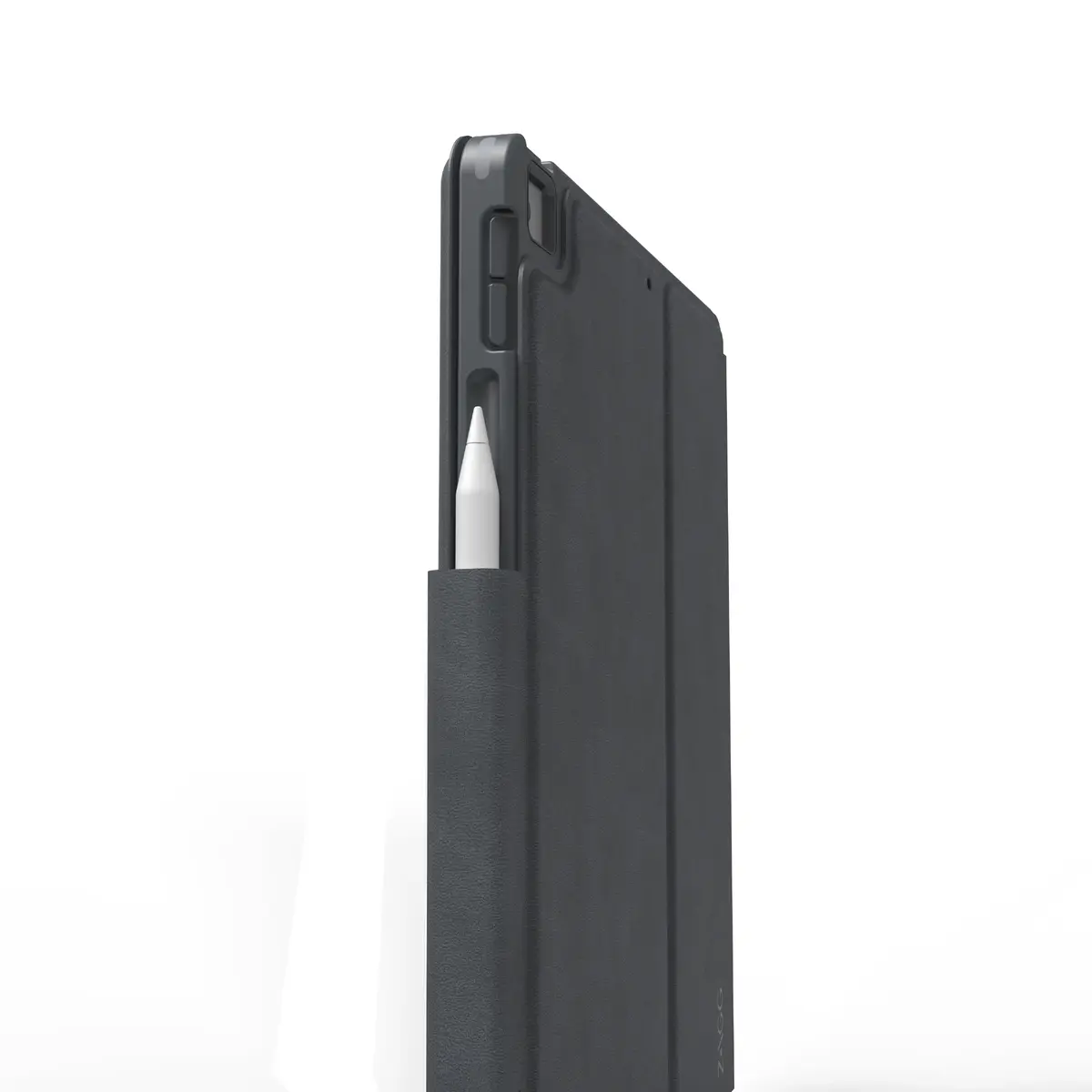
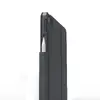
This tablet keyboard offers reliable drop protection up to 6.6 feet thanks to its polycarbonate case with a rigid core, rubberized edges, and corner bumpers. The detachable keyboard and case design allow for flexible use depending on your environment, while the integrated holder keeps your Apple Pencil close at hand. The laptop-style keyframe provides optimal key travel for precise typing, and the seven-color backlit keys facilitate work in low-light conditions. Additionally, the battery supports long-term use and includes a sleep/wake function to preserve power.
This product may not be suitable if you use a different tablet model other than the Apple iPad 10.2, as the case is specifically dimensioned for this device. It is also not ideal for users who do not require a physical keyboard or prefer an ultra-minimalist, keyboard-free tablet cover.
To use the Zagg Pro Keys keyboard, secure your Apple iPad 10.2 into the protective polycarbonate case. Turn on the wireless Bluetooth function on your tablet and pair it with the keyboard. You can connect up to two devices simultaneously and switch between them as needed. Adjust the integrated stand to your preferred viewing angle. To type in low-light environments, activate the backlit keys. When you wish to use the tablet without the keyboard, simply detach the case according to your current needs.
For optimal battery life, ensure the keyboard is turned off or utilize the automatic sleep/wake function when not in active use, and recharge the battery periodically based on your typing frequency.
{{highlightedFeature.featureTitle}}:
{{getProductFeatureValueById(product, highlightedFeature.featureId)}}
{{ productComparisonGenerationError }}