Dreame vacuums for fast and efficient cleaning!

{{ totalProductsCount }}
In cart {{totalProductsCount}} item(s)
In cart {{totalProductsCount}} item(s)
Total:
{{sum | formatAmount}}
Your cart is empty
USB KVM Switch
Fast shipping
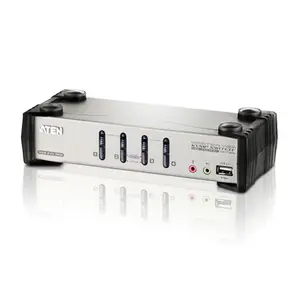
Fast shipping
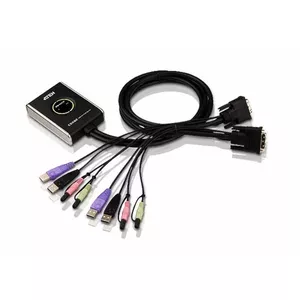
Fast shipping
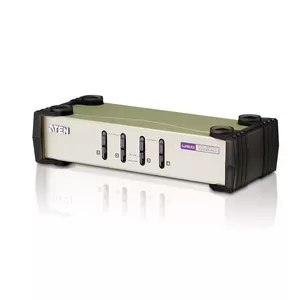
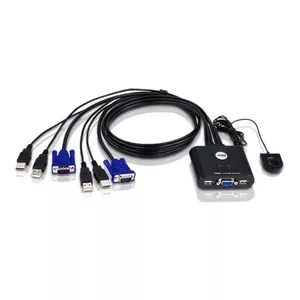
You save: 19.50 €
The discount is valid from 01.07.2026 to 29.07.2026
Lenovo
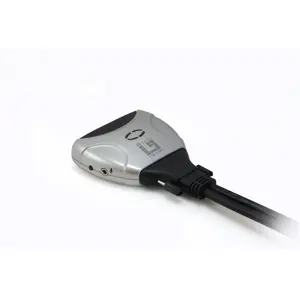
LevelOne 2-Port USB DVI-D KVM Switch audio support USB DVI-I
Delivery: 17.07.2026
145.99 €
126.49 €
Fast shipping
You save: 10.00 €
The discount is valid from 02.07.2026 to 30.07.2026
Incase
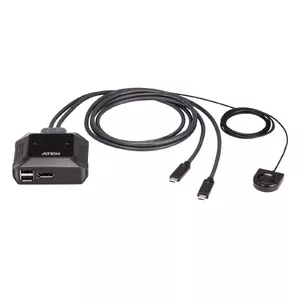
ATEN 2-Port USB-C 4K DisplayPort KVM Switch with Remote Port Selector
Delivery: Tuesday
85.49 €
75.49 €

Fast shipping
Fast shipping
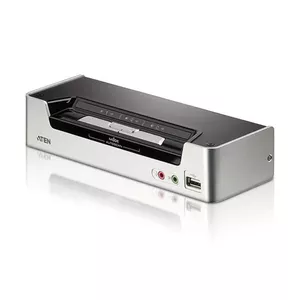
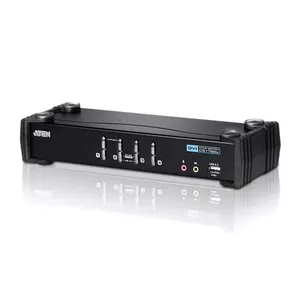
ATEN
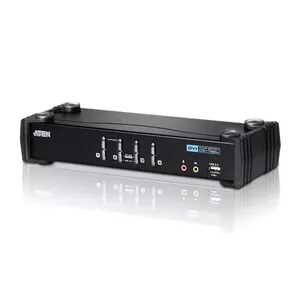
KVM Switch ATEN 4-Port USB DVI KVM Switch with Audio & USB 2.0 Hub
Delivery: 31.07.2026
205.99 €
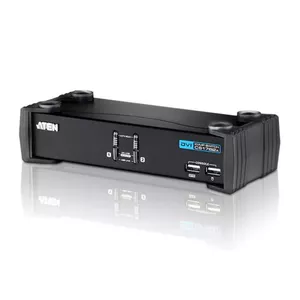
ATEN
KVM Switch ATEN 2-Port USB DVI KVM Switch with Audio & USB 2.0 Hub
Delivery: 31.07.2026
154.49 €
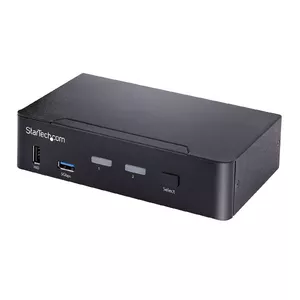
StarTech
KVM Switch StarTech.com SV231DPUCA USB DisplayPort 4K Ultra HD
Delivery: 31.07.2026
307.99 €
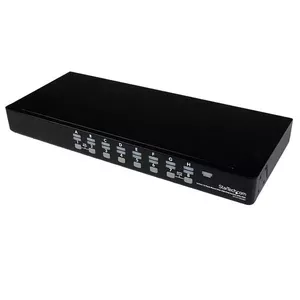
StarTech
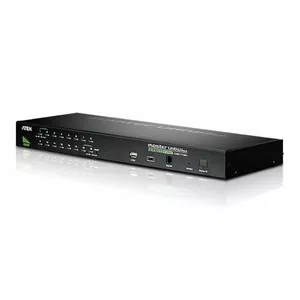
KVM Switch StarTech.com SV1631DUSBU 16 Port USB Rackmount VGA 1U
Delivery: 31.07.2026
672.49 €
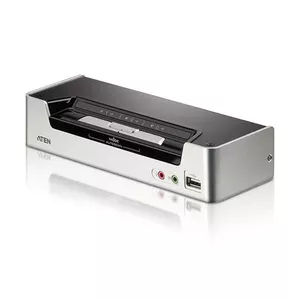
ATEN
KVM Switch ATEN 2-Port USB HDMI KVM Switch with Audio & USB 2.0 Hub
Delivery: 31.07.2026
165.99 €
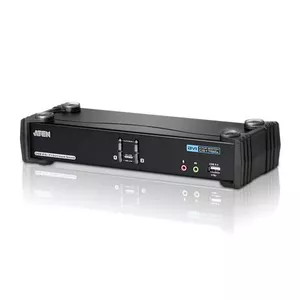
ATEN
KVM Switch ATEN 2-Port USB DVI Dual Link KVM Switch with Audio & USB 2.0 Hub
Delivery: 17.07.2026
181.99 €
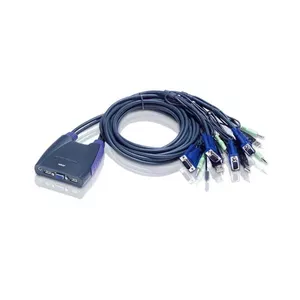
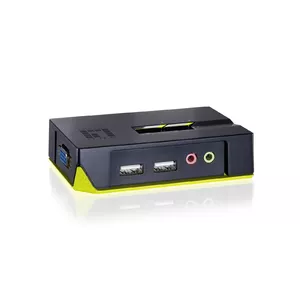
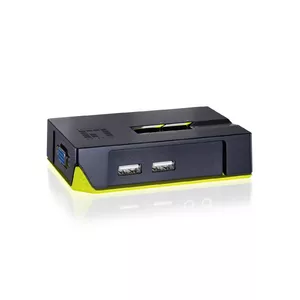

USB KVM switches are hardware devices that allow one keyboard, monitor and mouse to control multiple computers or servers. They are chosen for saving desk space, simplifying workflow and reducing the need for duplicate input devices in offices, home labs and data racks. Models vary by number of ports, supported video resolutions and connection types; some include USB hubs, audio switching or remote access features. Users select USB KVM switches to streamline multi‑PC setups, perform maintenance on several machines without reconnecting peripherals, or manage virtualized and physical systems from a single console.
Use cases of USB KVM Switch
Common scenarios where USB KVM switches are used:
- Office workstations that share a single set of peripherals between multiple desktop PCs.
- IT maintenance and server rooms where administrators need fast access to several servers from one console.
- Home offices and creator setups that alternate between a work PC and a personal machine.
- Testing and development environments where multiple machines must be accessed sequentially.
- Point‑of‑sale or kiosk systems that centralize control of several units.
Types of USB KVM Switch
There are several main types of USB KVM switches, differentiated by topology and features:
- Desktop KVM switches: compact units for 2–4 computers, designed for desk use.
- Rackmount KVM switches: built for server racks, available with higher port counts and durable construction.
- IP or network KVM switches: provide remote access over LAN/WAN for out‑of‑band management.
- USB‑only KVM switches: focus on USB keyboard and mouse switching, sometimes without video support.
- Multi‑monitor KVM switches: support dual or triple displays per computer for advanced workstations.
Key features to consider
- Port count — choose a switch that supports the number of computers you need to control.
- Video support — check maximum resolution and connector types (HDMI, DisplayPort, DVI, VGA).
- USB compatibility — ensure support for USB keyboards, mice and peripherals, including USB 2.0/3.0 if required.
- Switching methods — hotkey, push‑button, on‑screen display (OSD) or remote control options.
- Additional features — audio switching, integrated USB hub, KVM over IP, and power delivery capabilities.
- Build and mounting — desktop vs rackmount form factor and cable management options.
How to choose USB KVM Switch
Selecting the right USB KVM switch involves matching features to your setup and priorities.
- Identify the number of computers and monitors to be connected and pick the appropriate port count and multi‑display support.
- Verify video connector types and maximum resolution to ensure compatibility with your monitors and graphics output.
- Decide whether remote access (KVM over IP) is needed for out‑of‑office management.
- Confirm USB support level for specialized peripherals such as gaming mice, drawing tablets or USB audio devices.
- Consider switching convenience — hotkeys or OSD are faster for frequent switching, while physical buttons are simpler for occasional use.
- Check physical size and mounting options if you plan to install the switch in a rack or keep it on a desk, and review cabling and power requirements before purchase.
Which kvm switches are the most popular and affordable in 2026?
The full list of popular models at affordable prices is available on this page. In 2026, the following models show high demand and an excellent price-to-quality ratio:
- KVM switch DIGITUS USB-C 3.0 HDMI 2‑port 4K60Hz, USB-C/USB-A, aluminium, 135×60×30 mm for 63.99€
- SpeaKa Professional SP-SWAP-500 KVM Matrix Switch with Audio Ports, 3840 x 2160 Pixels, Black for 68.99€
- KVM Switch LevelOne 2-Port USB DVI-D Single Link Cable for 84.49€
- InLine 57885M KVM Extender over IP HDMI Full-HD 150m Sender Unit for 92.99€
- InLine 57885L KVM Extender over IP HDMI Full-HD Receiver for 92.99€
Why is it worth buying kvm switches at AiO.lv?
At the AiO.lv online store, you can place an order at a great price with delivery across Latvia — to Riga, Daugavpils, Liepaja, Jurmala, Ventspils, and other cities, as well as throughout Europe. We offer products from leading manufacturers: APC, Belkin, Club 3D, HAMA, HP, Lenovo, TRENDNET, DIGITUS, LOGILINK, OEM, Unitek, tripp lite, INTER-TECH, ATEN, EATON, MANHATTAN, INTELLINET, Incase, LEVELONE, DELOCK. When you shop with us, you get:
- official warranty and guaranteed quality;
- convenient payment options (including installment and credit);
- fast and reliable delivery across Latvia and to any EU country.
FAQ
Where can you find a kvm switches with cheap prices?
You can buy cheaper at the AiO.lv online store. We offer competitive prices and regular discounts, so you always have the chance to find a great deal.
What is the delivery time for kvm switches?
If you place your order today, delivery will take between 1 and 5 business days depending on the chosen method.
How long is the warranty period for kvm switches?
Our store provides an official manufacturer’s warranty ranging from 12 to 36 months, depending on the model and brand. If needed, you can always contact our customer service department or the manufacturer’s authorized service center for support.
Are kvm switches purchasable with leasing?
Yes, if the selected product costs more than €50. You can learn more about installment purchase options and the terms of application on the Payment page.
Can kvm switches be purchased for a company (with VAT)?
Yes. AiO.lv works with legal entities in Latvia and throughout Europe. All product prices are shown with VAT included. In certain cases, a 0% VAT rate may apply — for example, when purchasing from other EU countries with a valid VAT number. We issue an invoice immediately after the order is placed, support BIS electronic invoices, and automatically generate all required accounting documents. To complete a purchase for a company, simply select the company profile during checkout.


