Save time and money with our discounts!

{{ totalProductsCount }}
In cart {{totalProductsCount}} item(s)
In cart {{totalProductsCount}} item(s)
Total:
{{sum | formatAmount}}
Your cart is empty
Computer Components

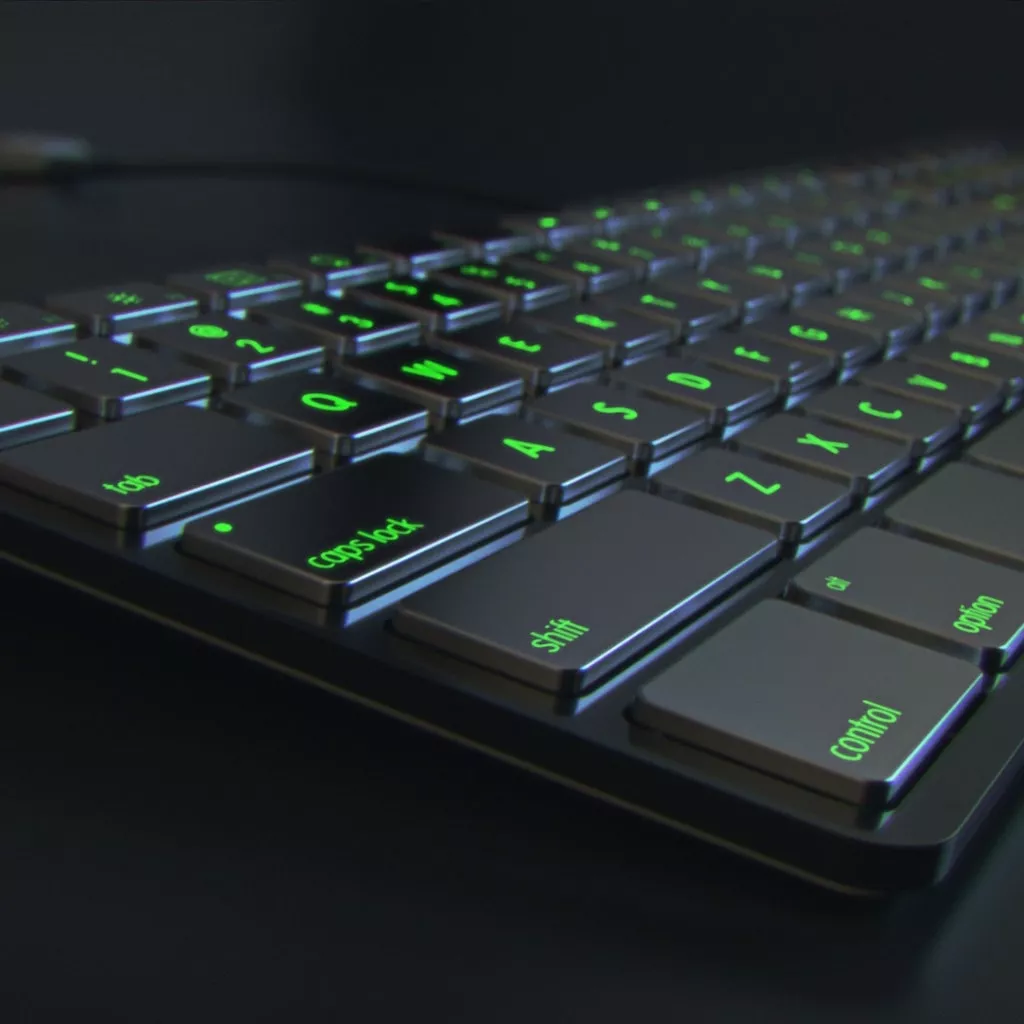
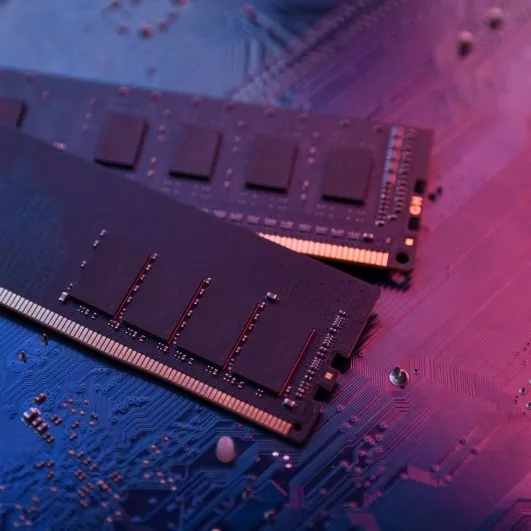
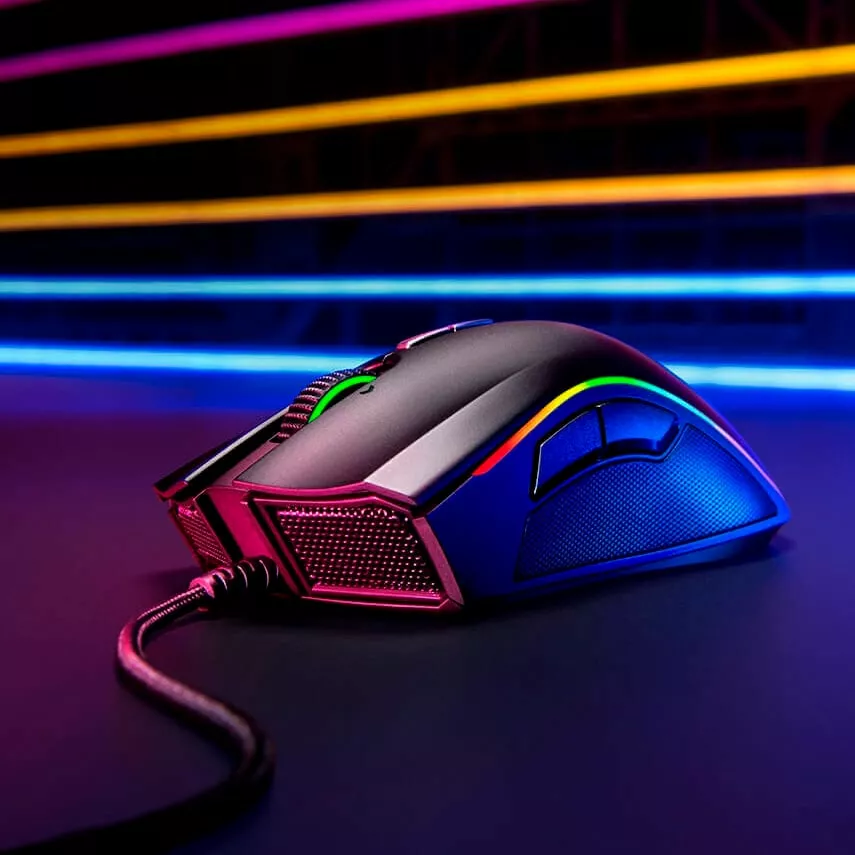

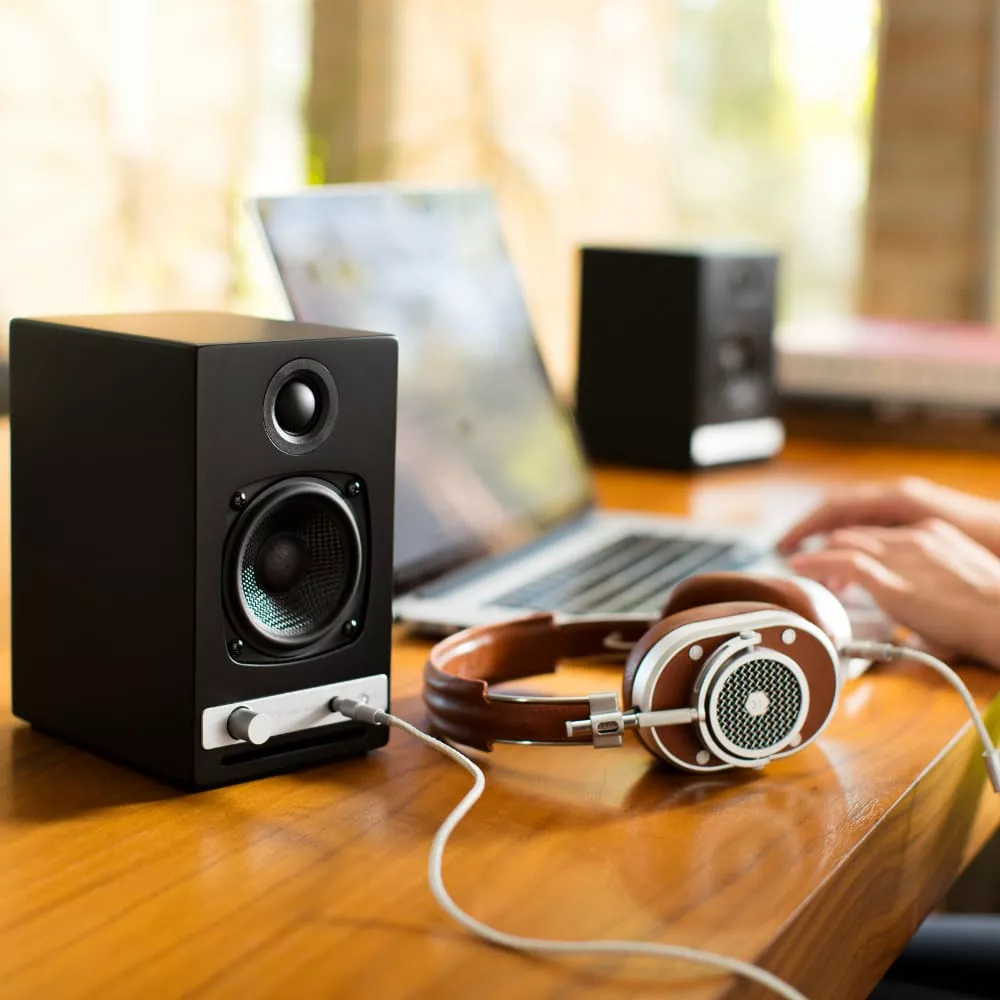
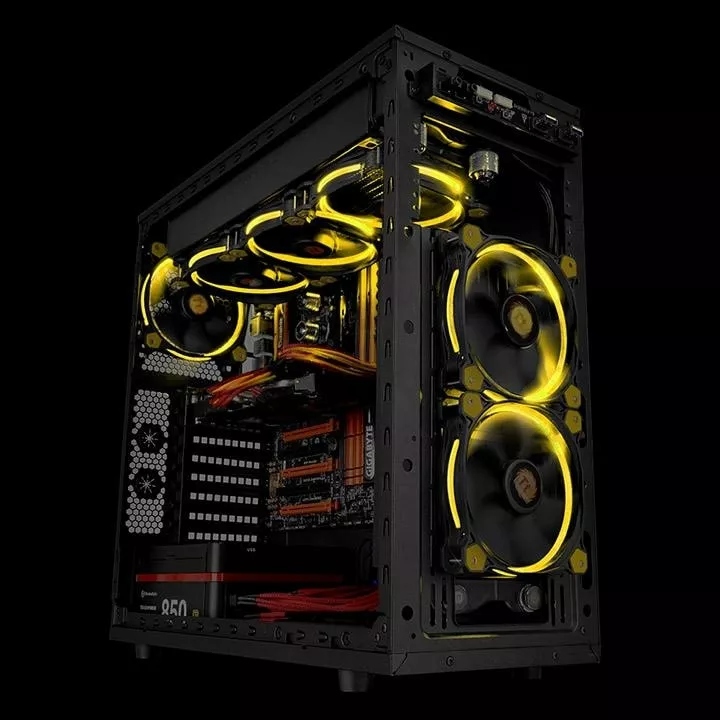
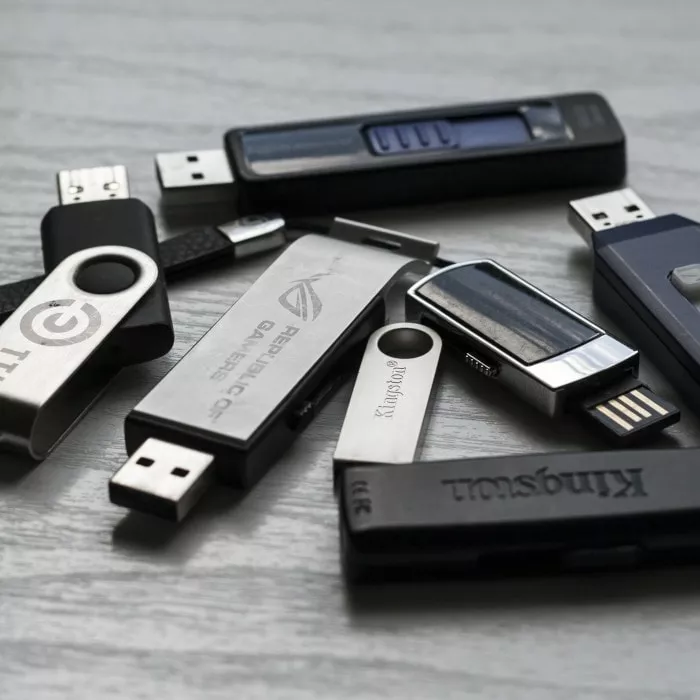
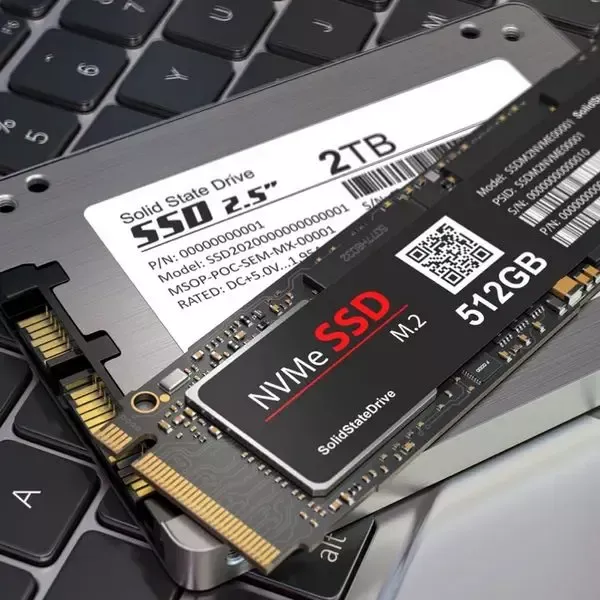
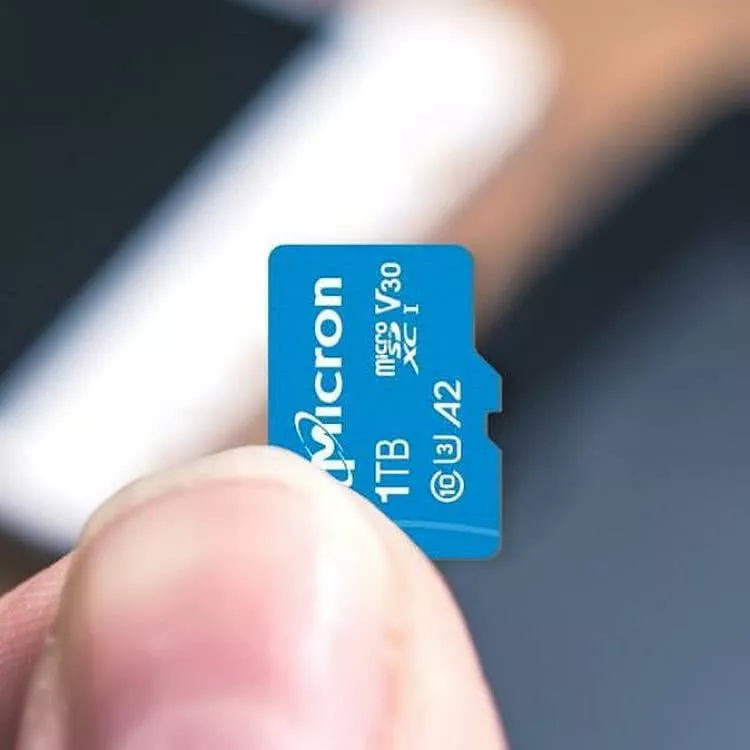
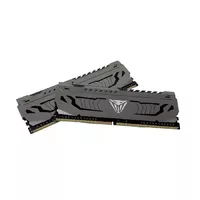
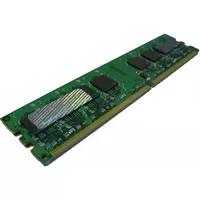
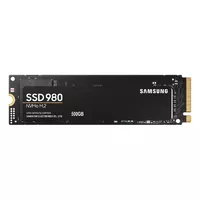
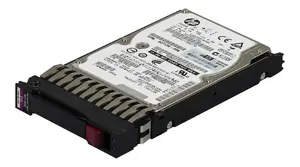
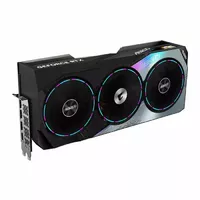
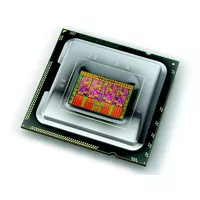
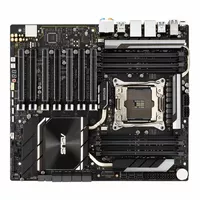
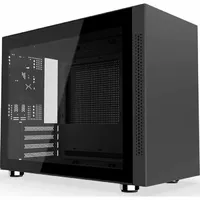
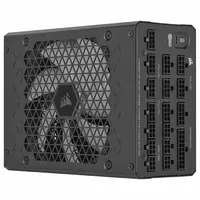
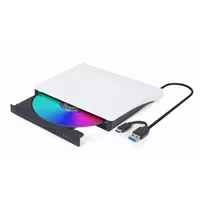
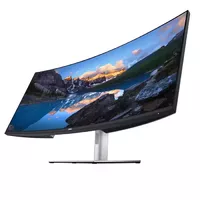
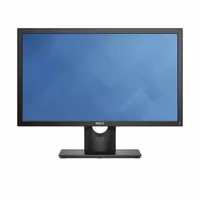

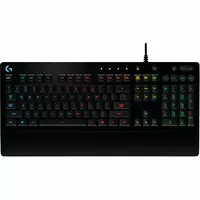
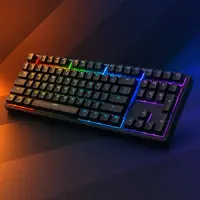


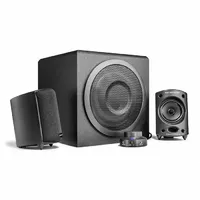
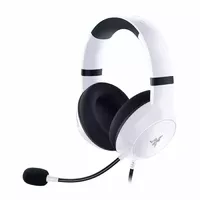
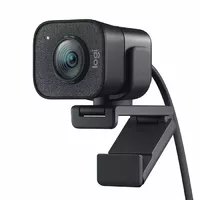
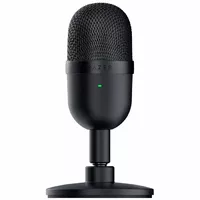
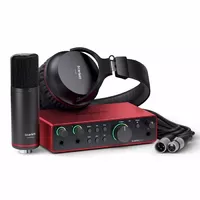
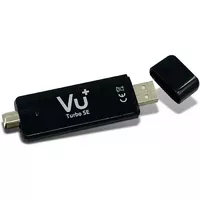
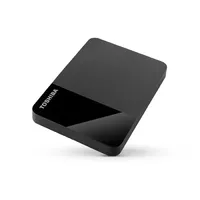
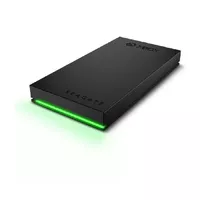

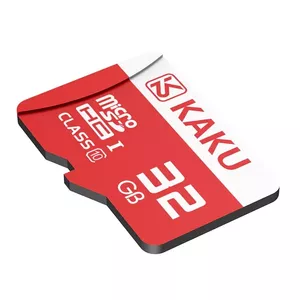
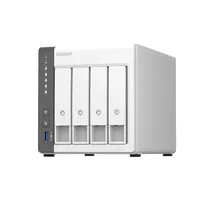
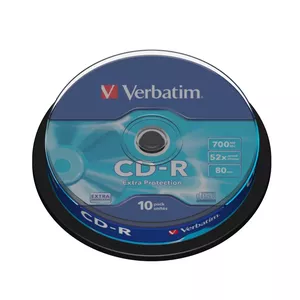
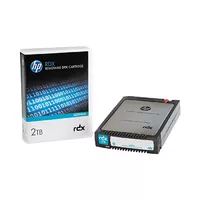
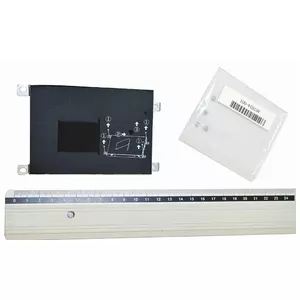






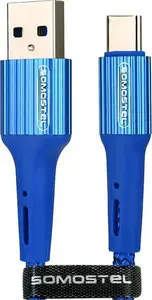
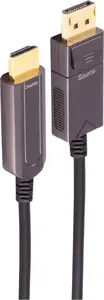
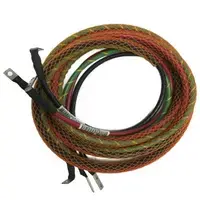
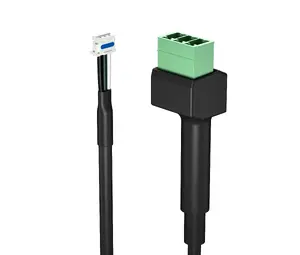
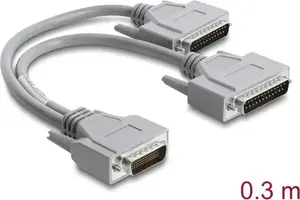
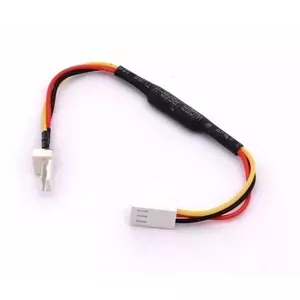
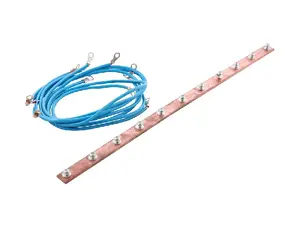
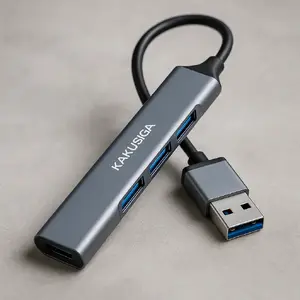
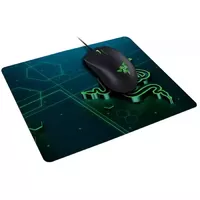

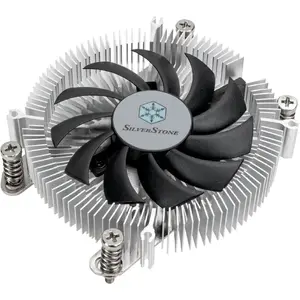
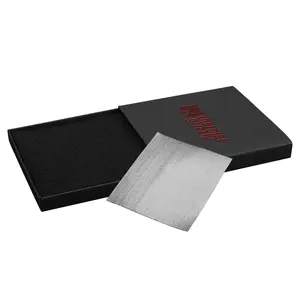
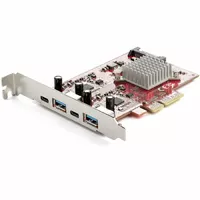
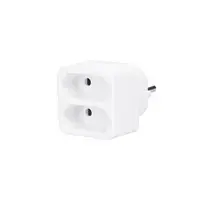
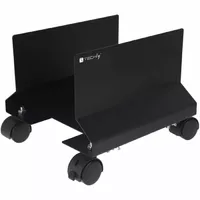

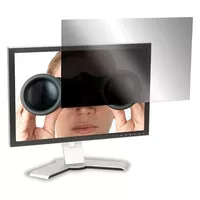
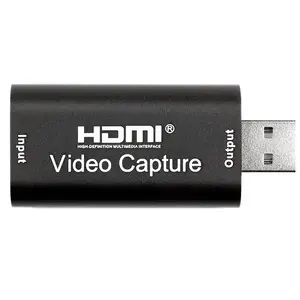
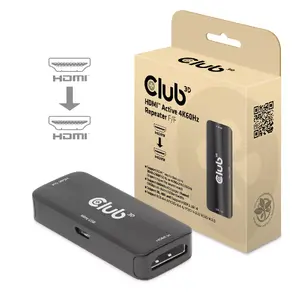
Computer components are individual hardware parts that together form a functioning desktop or workstation, and they are selected to match performance, compatibility, and budget requirements. These components include processors, motherboards, memory modules, storage devices, graphics cards, power supplies, cooling systems and cases; each part performs a specific role in data processing, power delivery, storage and thermal management. Customers choose components when building, upgrading or repairing computers, when customizing systems for tasks such as office work, software development, video editing, gaming or server use. Components are used both by end users assembling a single machine and by system integrators creating multi-unit installations; selection is guided by socket and interface standards, form factors and power and cooling constraints. Quality, compatibility and specification details such as clock speeds, core counts, memory types and interface protocols determine real-world performance and behavior. Evaluating component specifications and matching them to intended workloads helps ensure stable operation and a predictable upgrade path.
Types of Computer components
Common categories of computer components include the following:
- Central Processing Units (CPUs) — chips that execute instructions and control system operations.
- Motherboards — main circuit boards that connect CPU, memory, storage and peripherals via sockets and buses.
- Memory (RAM) — volatile modules that store active data for fast read/write access.
- Storage devices — persistent storage such as SSDs and HDDs for operating systems and files.
- Graphics Processing Units (GPUs) — dedicated or integrated processors for rendering images and accelerating parallel tasks.
- Power Supply Units (PSUs) — provide regulated electrical power to system components.
- Cooling solutions — air coolers, liquid coolers and case fans that manage component temperatures.
- Computer cases — chassis that house components and determine form factor and airflow.
- Expansion cards and peripherals — network cards, sound cards and input/output controllers.
What are Computer components used for?
Computer components are used to assemble and maintain computing systems for a wide range of tasks. They enable basic computing functions like running an operating system and applications, storing and retrieving data, connecting to networks, and displaying graphics. Different components are selected to optimize for specific workloads: high-core-count CPUs and ample RAM for compute-heavy applications, fast NVMe storage for quick data access, and discrete GPUs for graphics rendering or machine learning acceleration. Components are also used to repair faulty systems, replace outdated parts to extend service life, and to configure specialized machines such as media workstations, gaming rigs or compact home servers.
Key Differences between Computer components
Components differ by function, compatibility, performance metrics and physical form factors. CPUs vary by architecture, core/thread count, base and boost frequencies, and supported sockets. Motherboards differ in chipset features, expansion slots, memory support and I/O connectors. Memory differs by capacity, speed (MHz), latency and module type (e.g., DDR4, DDR5). Storage differs by interface (SATA, NVMe), form factor (2.5", M.2) and endurance. GPUs differ by processing cores, memory size and bandwidth, and power draw. PSUs are rated by wattage, efficiency (80 PLUS tiers) and connector types. Cooling solutions differ in thermal capacity, noise levels and mounting compatibility. Understanding these technical distinctions is necessary to ensure parts work together and meet intended performance targets.
How to Choose Computer components?
Choose components by defining your primary use case, compatibility needs and budget, then comparing specifications and reviews. Start with the CPU and motherboard socket compatibility, then select memory type and capacity supported by the motherboard. Match storage interfaces to desired speed and capacity, and choose a GPU that fits the performance needs and physical space of the case. Ensure the PSU provides sufficient wattage and appropriate connectors with a margin for upgrades. Consider thermal solutions and case airflow to maintain safe operating temperatures. Check form factors (ATX, mATX, ITX), interface standards (PCIe, SATA, M.2) and manufacturer specifications for firmware and driver support. Finally, verify return policies and warranty terms when finalizing purchases to manage risk.

14-Day Return Policy
We are confident in our quality, but if the purchase doesn’t fit — you have 14 days to return the product with peace of mind.

Fast Delivery
Get your orders as quickly as possible — right to your door, parcel lockers, or pickup points across Latvia and the EU.

Secure Payment
Pay the way you prefer: cash, VISA, MasterCard, Apple Pay, Google Pay, bank transfer, or 0% installment plan.

Quality Since 2008
AiO.lv has been on the market for over 18 years and has earned trust — with more than 6000 genuine positive reviews on Google.