


Add to wish listAdd to AI comparison
DellDelivery: 22.12.2026
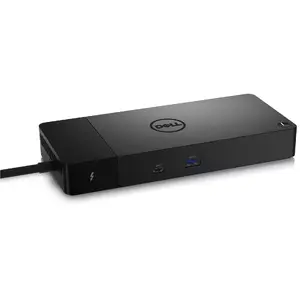
Docking Station DELL Thunderbolt WD22TB4 Connectivity ThunderboltDelivery: 22.12.2026
Markdown:Demo
275.49 €Add to cart

Necessary cookies enable the site’s essential functions, including authentication and security, saving the shopping cart, placing orders, selecting a language, and retaining other user settings. They are always active because the site cannot work correctly without them. These cookies are not used for analytics or advertising.
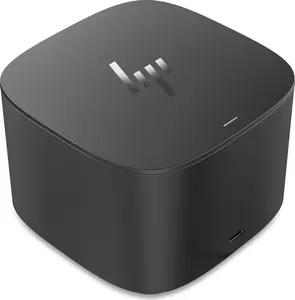
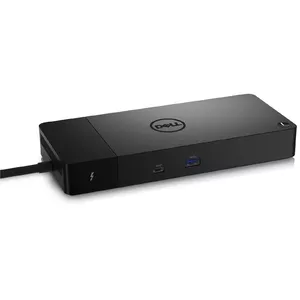
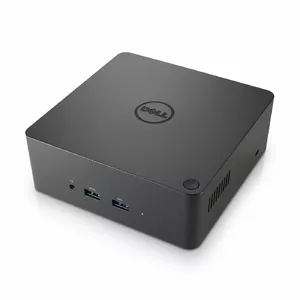

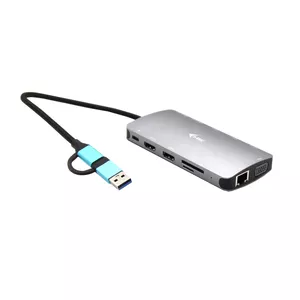
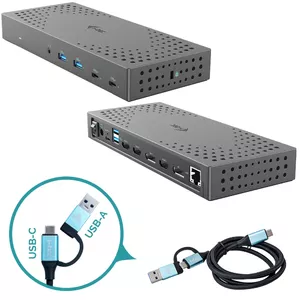
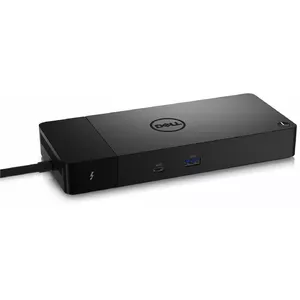
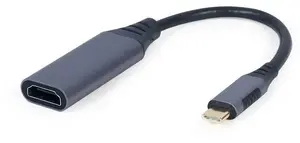
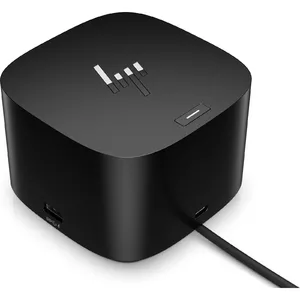
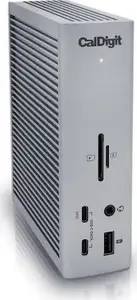
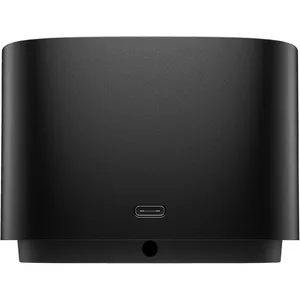
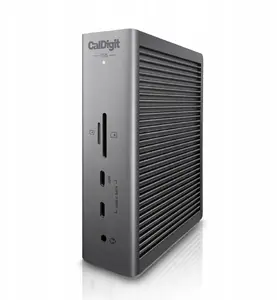
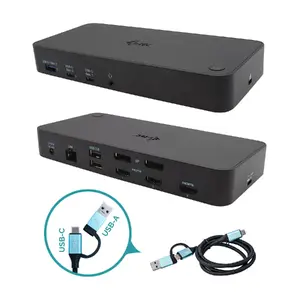
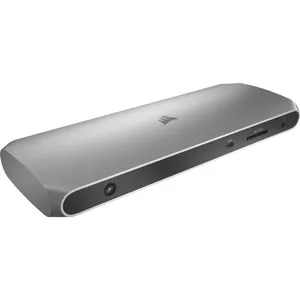
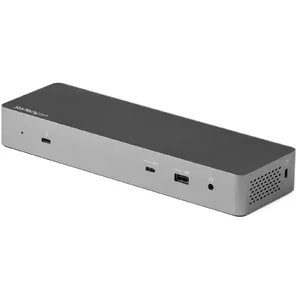
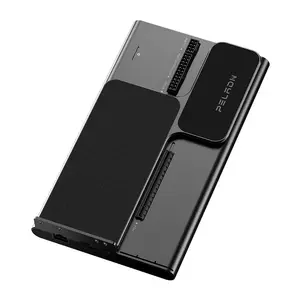
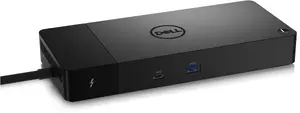
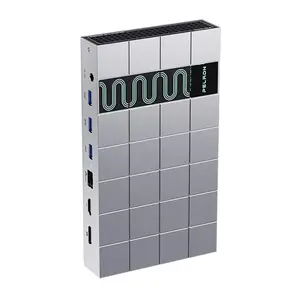
Thunderbolt docking stations are advanced hardware peripherals designed to expand the connectivity of laptops and desktop computers through a single high-bandwidth port. These devices utilize Thunderbolt technology to provide rapid data transfer speeds, support for multiple high-resolution displays, and simultaneous power delivery to connected laptops. They are commonly chosen by professionals who require a streamlined workspace with numerous peripherals, such as external drives, monitors, and networking equipment. By consolidating multiple cables into one connection, these stations simplify cable management and enhance overall system versatility. Users typically select these docking solutions to bridge the gap between portable computing and desktop-level functionality. They are essential for environments where high-speed data throughput and reliable peripheral integration are critical for daily operations.
Thunderbolt docking stations are utilized in various professional and personal computing environments to improve productivity and connectivity:
These devices are generally categorized based on their technical specifications and intended use:
When evaluating Thunderbolt docking stations, consider the following technical specifications:
Selecting the right docking station requires an assessment of your hardware and workflow needs:
Order online at AiO.lv at a good price, with delivery across Latvia and to other EU countries. We deliver to Riga, Daugavpils, Liepāja, Jūrmala, Ventspils and other cities. We offer products from leading manufacturers.

We are confident in our quality, but if the purchase doesn’t fit — you have 14 days to return the product with peace of mind.

Get your orders as quickly as possible — right to your door, parcel lockers, or pickup points across Latvia and the EU.

Pay the way you prefer: cash, VISA, MasterCard, Apple Pay, Google Pay, bank transfer, or 0% installment plan.

AiO.lv has been on the market for over 18 years and has earned trust — with more than 6000 genuine positive reviews on Google.