Dreame vacuums for fast and efficient cleaning!

{{ totalProductsCount }}
In cart {{totalProductsCount}} item(s)
In cart {{totalProductsCount}} item(s)
Total:
{{sum | formatAmount}}
Your cart is empty
Print Servers
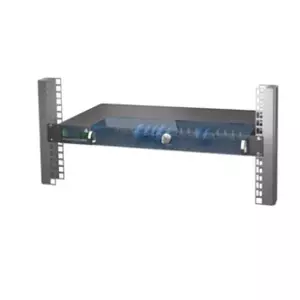
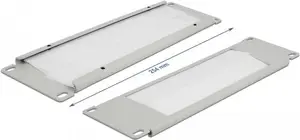
DELOCK
Cable management panel DeLOCK 10" Cable Management Brush Strip 2U grey
Delivery: 24.11.2026
15.49 €
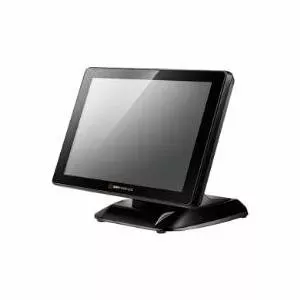
Metapace
Print server Metapace colorp2wifi with Wi‑Fi 802.11b/g/n support
Delivery: 24.11.2026
28.49 €
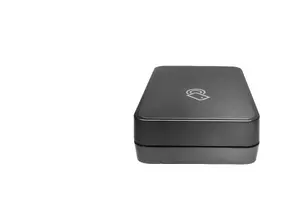

Renew
HP
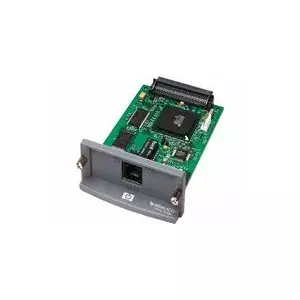
Printserver HP Jetdirect 620 EIO J7934GB-RFB — Ethernet print server card with USB
Delivery: 09.11.2026
53.99 €
HP
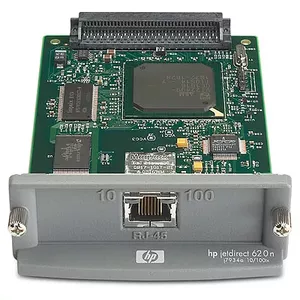
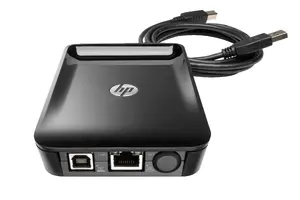
HP Jetdirect LAN Accessory Print Server Ethernet LAN IPv4/IPv6 SNMPv1/v2c/v3 HTTP HTTPS
Delivery: 24.11.2026
57.49 €
Longshine
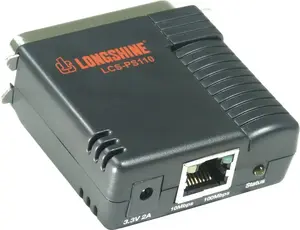
Print server Longshine LCS-PS110-A — Ethernet LAN, 2 MB RAM, 1 MB Flash, Black
Delivery: 09.11.2026
61.49 €
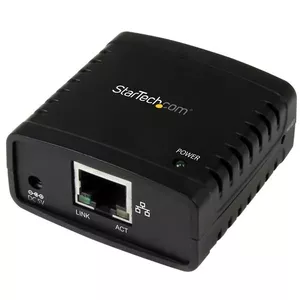
StarTech
Ethernet to USB 2.0 Network LPR Print Server StarTech.com PM1115U2 Black
Delivery: 09.11.2026
64.99 €

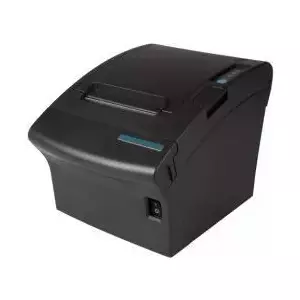
Metapace
Print server Metapace META-4ws Wi‑Fi black — Metapace META-4ws interface, wireless connection
Delivery: 09.11.2026
75.49 €
DIGITUS
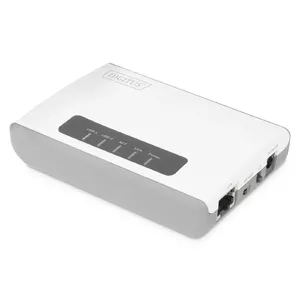
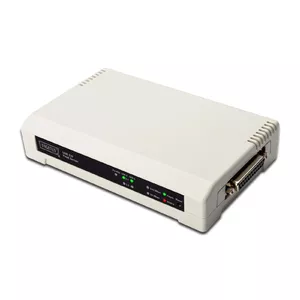
Digitus DN-13006-1 2+1 Port Print Server with 2 USB Type-A ports and Ethernet LAN 10,100 Mbit/s
Delivery: 09.11.2026
88.49 €

Kyocera
Interface board Kyocera IB-37 (MPN 1503T80UN0) — network connectivity module for compatible Kyocera printers
Delivery: 09.11.2026
106.99 €
Longshine
Print server Longshine LCS-PS112 — Ethernet LAN, 1× parallel, 2× USB, RDC2886, 1 MB flash
Delivery: 09.11.2026
109.99 €
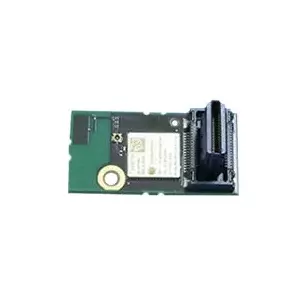
Ricoh
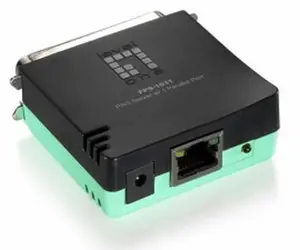
Ricoh Wireless LAN Interface Unit Type M52 for Printers and Scanners
Delivery: 24.11.2026
116.49 €
Print servers are network devices or software applications that enable one or more printers to be shared over a local area network (LAN) or larger IP network. They connect printers to wired or wireless networks, provide print job management, and allow multiple users or devices to send print requests without requiring a direct cable connection to each workstation. Organizations choose print servers to centralize printing resources, reduce the number of required printer drivers on individual computers, and manage access and print queues from a single point. Print servers are used in offices, educational institutions, and environments where several users need reliable access to common printing devices. These products vary by supported interfaces, protocol compatibility, and capacity, which determines their suitability for different network sizes and printer types.
Types of print servers
Common types of print servers differ by form factor and deployment model.
- External hardware print servers: compact devices that connect to a printer via USB, parallel, or Ethernet and attach to the network via Ethernet or Wi‑Fi.
- Internal print server modules: boards or adapters integrated into network-capable printers or multifunction devices to provide built-in network printing.
- Software print servers: applications or services installed on a server or computer that share locally connected printers over the network.
- Cloud and virtual print servers: services that mediate printing via internet-hosted platforms or virtualization infrastructure, supporting remote and mobile printing.
What are print servers used for?
Print servers perform several practical functions in networked printing environments.
- Share printers: allow multiple users and devices to print to the same physical printer without direct connections.
- Manage print queues: organize, prioritize, and hold print jobs to improve throughput and avoid conflicts.
- Provide protocol translation: support common network printing protocols (IP, LPR/LPD, IPP, SMB) and translate between protocols when necessary.
- Centralize administration: enable administrators to control access, monitor usage, and configure printer settings from a single point.
- Enable remote and mobile printing: facilitate printing from mobile devices or remote locations when using cloud-capable or internet-aware servers.
Key differences between print servers
Important distinguishing factors help select the right print server for a given environment.
- Interface support: USB, parallel, Ethernet, or integrated network ports determine which printers can connect directly.
- Network connectivity: wired (Gigabit Ethernet) versus wireless (Wi‑Fi standards) affects placement and performance.
- Protocol and OS compatibility: support for IPP, LPR/LPD, SMB, SNMP and compatibility with Windows, macOS, and Linux influences interoperability.
- Management features: web-based configuration, SNMP monitoring, user access control, and logging capabilities vary by model.
- Capacity and performance: number of simultaneous queues, memory, and processing power impact throughput in busy environments.
How to choose print servers?
Choosing a print server requires matching technical features to operational needs.
- Identify printer interfaces and protocols: confirm the server supports the printer’s connection type (USB, parallel, or network) and required printing protocols.
- Consider network environment: choose wired or wireless models based on network layout, bandwidth needs, and physical constraints.
- Check compatibility with operating systems and applications: ensure drivers and protocol support cover the client devices in use.
- Evaluate management and security features: look for authentication, access controls, encryption for wireless links, and remote management options where needed.
- Assess performance requirements: select a server with adequate memory, processing capacity, and concurrent job handling for expected print volumes.
- Plan for scalability and maintenance: prefer models offering firmware updates, logging, and monitoring to simplify long-term operation and troubleshooting.
Why is it worth buying print servers at AiO.lv?
At the AiO.lv online store, you can place an order at a great price with delivery across Latvia — to Riga, Daugavpils, Liepaja, Jurmala, Ventspils, and other cities, as well as throughout Europe. We offer products from leading manufacturers: HP, Kyocera, Lexmark, Ricoh, DIGITUS, OEM, Xerox, LEVELONE, DELOCK, Zebra, IOGEAR, Dymo, Metapace, Longshine, Lantronix, SEH, Silex, w&t, StarTech, Sonstige. When you shop with us, you get:
- official warranty and guaranteed quality;
- convenient payment options (including installment and credit);
- fast and reliable delivery across Latvia and to any EU country.
FAQ
Where can you find a print servers with cheap prices?
You can buy cheaper at the AiO.lv online store. We offer competitive prices and regular discounts, so you always have the chance to find a great deal.
What is the delivery time for print servers?
If you place your order today, delivery will take between 1 and 5 business days depending on the chosen method.
How long is the warranty period for print servers?
Our store provides an official manufacturer’s warranty ranging from 12 to 36 months, depending on the model and brand. If needed, you can always contact our customer service department or the manufacturer’s authorized service center for support.
Are print servers purchasable with leasing?
Yes, if the selected product costs more than €50. You can learn more about installment purchase options and the terms of application on the Payment page.
Can print servers be purchased for a company (with VAT)?
Yes. AiO.lv works with legal entities in Latvia and throughout Europe. All product prices are shown with VAT included. In certain cases, a 0% VAT rate may apply — for example, when purchasing from other EU countries with a valid VAT number. We issue an invoice immediately after the order is placed, support BIS electronic invoices, and automatically generate all required accounting documents. To complete a purchase for a company, simply select the company profile during checkout.


