Dreame vacuums for fast and efficient cleaning!

{{ totalProductsCount }}
In cart {{totalProductsCount}} item(s)
In cart {{totalProductsCount}} item(s)
Total:
{{sum | formatAmount}}
Your cart is empty
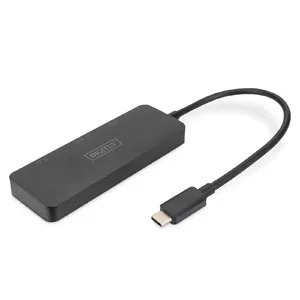
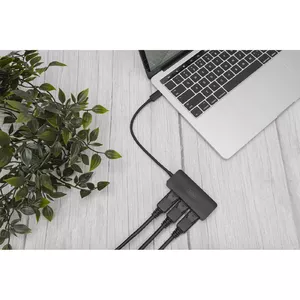
USB-C Docking Hub

HP
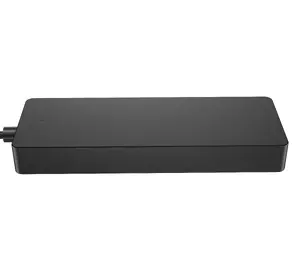
USB-C Travel Hub G2 EURO — HP portable USB-C travel hub with European power plug
Delivery: 20.07.2026
82.49 €
HP
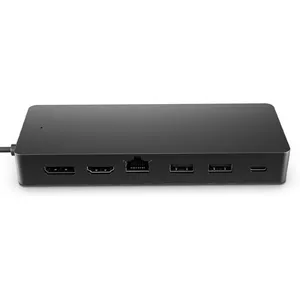
USB-C Travel Hub G3 — HP, USB 3.2 Gen 2 Type-C host, HDMI, USB-A, PD up to 65W, 116×41.9×14.5 mm
Delivery: 20.07.2026
87.99 €
Fast shipping
SWISSTEN
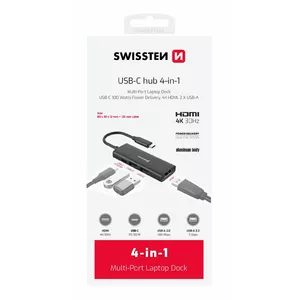
USB-C Hub docking station SWISSTEN 4in1 100W power delivery, HDMI 4K, 2× USB-A
Delivery: Wednesday
23.99 €
Fast shipping
SWISSTEN
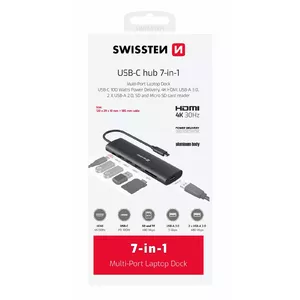
USB-C multi-port laptop dock SWISSTEN 7in1 — USB-C 100W, HDMI 4K, USB-A 3.0, 2× USB-A 2.0, SD, MicroSD
Delivery: Wednesday
35.99 €
You save: 0.50 €
The discount is valid from 25.06.2026 to 25.07.2026
VERBATIM
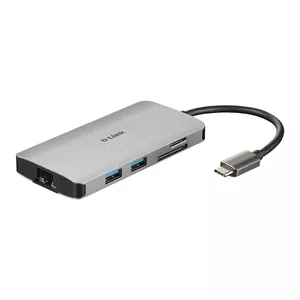
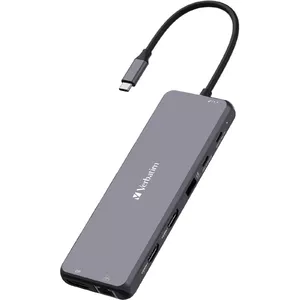
Verbatim CMH-08 USB Type-C Hub 5000 Mbit/s Silver
Delivery: 13.07.2026
47.49 €
46.99 €
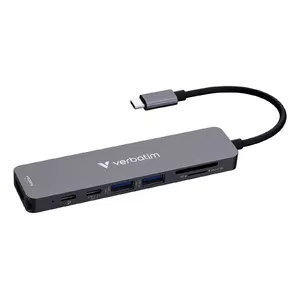
VERBATIM
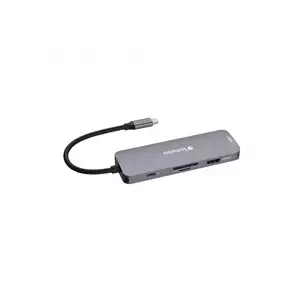
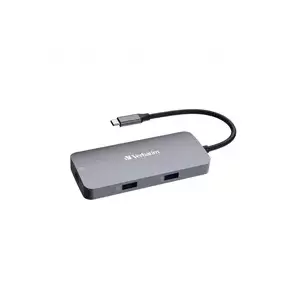
Verbatim USB-C Essentials Multiport Hub 7 ports HDMI USB-C USB-A SD microSD
Delivery: 13.07.2026
26.49 €
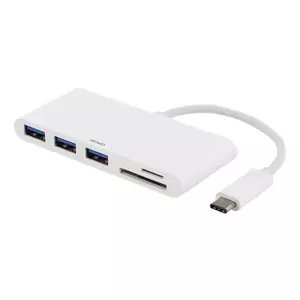
DELTACO
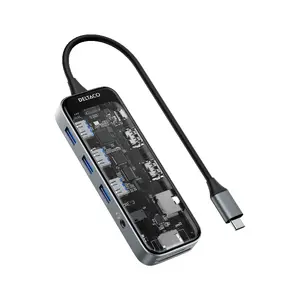
Deltaco USBC-HDMI30 interface hub USB Type-C 5000 Mbit/s Black Grey Transparent
Delivery: 13.07.2026
77.49 €
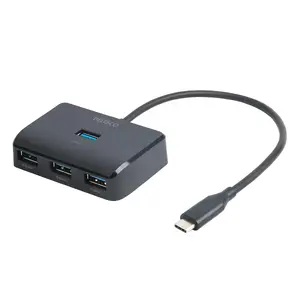
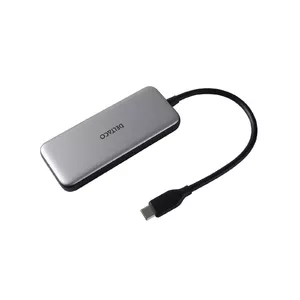
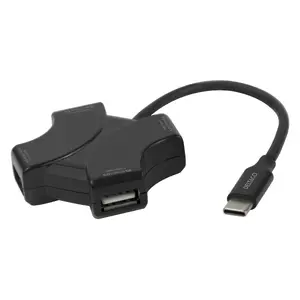
USB-C docking hubs and related multiport adapters provide a compact way to expand a USB-C port into multiple connections such as HDMI/DisplayPort, USB-A, Ethernet, SD card readers and additional USB-C power delivery. These devices are chosen when users need to connect external monitors, wired networks, legacy peripherals or additional storage to modern laptops, tablets and some smartphones that offer USB-C with alternate mode or Thunderbolt support. Hubs vary by size, power capability and supported video/resolution standards, making them suitable for home offices, meeting rooms, mobile work setups and multimedia use. Most products rely on the host device’s USB-C port for data and video signals, and some include pass-through charging to power the host. When selecting a hub, buyers typically consider the number and types of ports, supported power delivery, and compatibility with their device’s video and operating system requirements.
Use cases of USB-C docking hub
Common scenarios where a USB-C docking hub is used include:
- Connecting one or more external monitors for increased screen space and presentations.
- Adding wired Ethernet for stable, low-latency network connections in offices or meeting rooms.
- Attaching USB-A peripherals such as keyboards, mice, printers and external drives.
- Importing photos and files via SD or microSD card readers for content creation and backup.
- Providing a single-cable solution for charging, data transfer and video output while working on the go.
Types of USB-C docking hub
There are several common form factors and types of USB-C hubs to match different needs:
- Portable multiport hubs — compact, bus-powered adapters for travel and mobile use.
- Full-featured docking stations — larger units with multiple video outputs, Ethernet, USB and higher power delivery for desktop setups.
- Thunderbolt-compatible docks — higher bandwidth devices that support multiple high-resolution displays and faster data transfer.
- Specialized adapters — single-purpose converters (e.g., USB-C to HDMI, USB-C to Ethernet) for straightforward connectivity needs.
Key features to consider
When comparing USB-C docking hubs, check these technical and practical features:
- Port selection and placement — ensure the hub offers the specific ports you need and fits your workspace layout.
- Power delivery (PD) support — verify maximum wattage to charge your laptop while using the hub.
- Video output and resolution — confirm supported standards (HDMI, DisplayPort, DP Alt Mode) and maximum resolution/refresh rate.
- Bandwidth and protocol (USB-C vs Thunderbolt) — higher bandwidth allows multiple high-resolution displays and faster data transfers.
- Build quality and cooling — metal housings and passive cooling can improve durability and thermal performance.
- Compatibility — check operating system support and any driver requirements for full functionality.
How to choose USB-C docking hub
Choose a hub based on the devices and tasks you plan to support. Start by listing required ports (video, USB-A, Ethernet, card readers) and confirm your laptop’s USB-C capabilities: whether it supports DisplayPort Alt Mode, USB4 or Thunderbolt. Match the hub’s power delivery rating to your laptop’s charging needs if you want passthrough charging. For multi-monitor setups, select docks that explicitly state supported resolutions and the number of external displays. Consider bus-powered portable hubs for travel and compact desks, and select a larger powered dock for stationary workstations that need more ports and higher sustained performance. Finally, read technical specifications and compatibility notes to avoid issues with operating systems or older hardware.
Which usb hubs are the most popular and affordable in 2026?
The full list of popular models at affordable prices is available on this page. In 2026, the following models show high demand and an excellent price-to-quality ratio:
- Hub MediaRange MRCS502 for 6.49€
- USB Hub Goobay 74458 USB 2.0 Type-A 5000 Mbit/s Light Grey for 6.49€
- USB hub Riff HUB307 — 7 USB 3.0 ports, DC 5V external power for 7.99€
- USB Hub Lindy 4 Port USB 2.0 Mini Hub for 7.99€
- Retoo USB-A 3.0 Hub with 7 Ports, Individual Switches and LED Backlight for 7.99€
Why is it worth buying usb hubs at AiO.lv?
At the AiO.lv online store, you can place an order at a great price with delivery across Latvia — to Riga, Daugavpils, Liepaja, Jurmala, Ventspils, and other cities, as well as throughout Europe. We offer products from leading manufacturers: Apple, Belkin, Club 3D, D-Link, Dell, HAMA, HP, Lenovo, Microsoft, RAIDSONIC, SANDBERG, TARGUS, TRENDNET, TRUST, VERBATIM, WENTRONIC, DIGITUS, LOGILINK, OEM, GEMBIRD. When you shop with us, you get:
- official warranty and guaranteed quality;
- convenient payment options (including installment and credit);
- fast and reliable delivery across Latvia and to any EU country.
FAQ
Where can you find a usb hubs with cheap prices?
You can buy cheaper at the AiO.lv online store. We offer competitive prices and regular discounts, so you always have the chance to find a great deal.
What is the delivery time for usb hubs?
If you place your order today, delivery will take between 1 and 5 business days depending on the chosen method.
How long is the warranty period for usb hubs?
Our store provides an official manufacturer’s warranty ranging from 12 to 36 months, depending on the model and brand. If needed, you can always contact our customer service department or the manufacturer’s authorized service center for support.
Are usb hubs purchasable with leasing?
Yes, if the selected product costs more than €50. You can learn more about installment purchase options and the terms of application on the Payment page.
Can usb hubs be purchased for a company (with VAT)?
Yes. AiO.lv works with legal entities in Latvia and throughout Europe. All product prices are shown with VAT included. In certain cases, a 0% VAT rate may apply — for example, when purchasing from other EU countries with a valid VAT number. We issue an invoice immediately after the order is placed, support BIS electronic invoices, and automatically generate all required accounting documents. To complete a purchase for a company, simply select the company profile during checkout.


