Save time and money with our discounts!

{{ totalProductsCount }}
In cart {{totalProductsCount}} item(s)
In cart {{totalProductsCount}} item(s)
Total:
{{sum | formatAmount}}
Your cart is empty
Markdown Multifunction Devices (MFPs)
Fast shipping
New Arrival
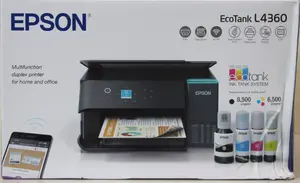
Epson
Epson EcoTank L4360 Inkjet Printer Colour A4 Wi-Fi Duplex Multifunctional
Delivery: Wednesday
Markdown: Open box
281.49 €
Fast delivery available
Open box
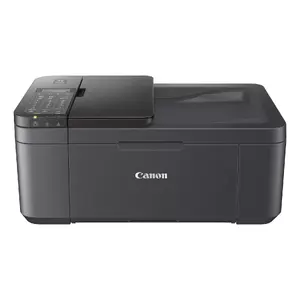
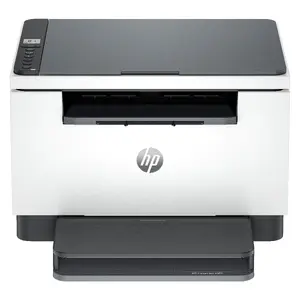
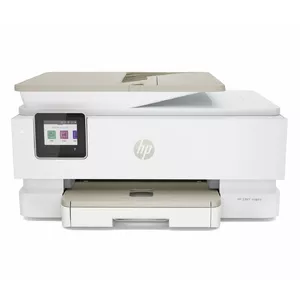
Demo
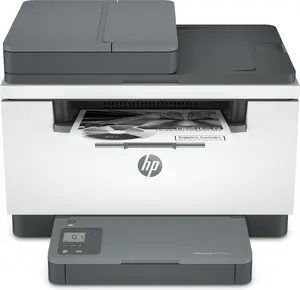
HP
Multifunction Laser Printer HP LaserJet MFP M234sdn — Mono, 29 ppm, 600×600 DPI, A4, Ethernet, Duplex
Delivery: 09.11.2026
132.99 €
Open box
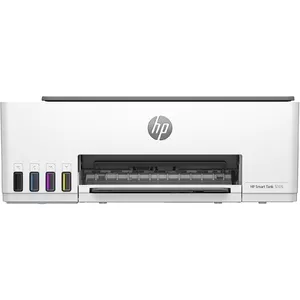
HP
Multifunction Printer HP Smart Tank 5105 Thermal Inkjet Colour Printing
Delivery: 26.10.2026
152.99 €
Open box
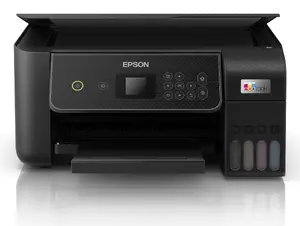
Epson
Inkjet Colour Multifunction Printer Epson EcoTank ET-2870 A4 5760 x 1440 DPI 33 ppm Wi-Fi Black
Delivery: 26.10.2026
187.49 €
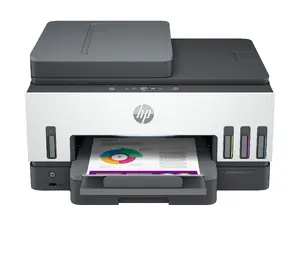
Demo
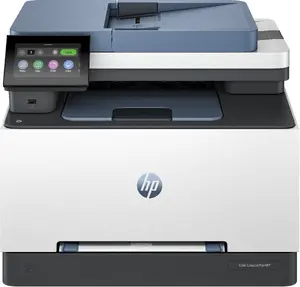
Fast shipping
Open box
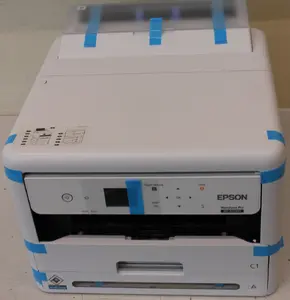
Fast shipping
Excellent choice
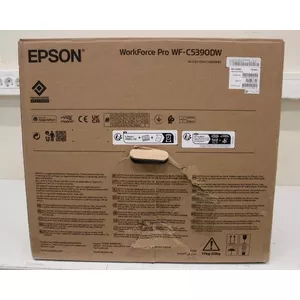
Epson
Multifunction Device Epson WorkForce Pro WF-C5390DW Inkjet Colour
Delivery: Wednesday
381.99 €
Fast shipping
Excellent choice
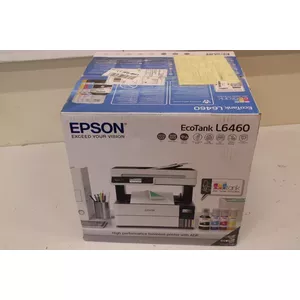
Epson
Epson Colour Inkjet 3-in-1 Wi‑Fi printer C11CJ89403SO — colour inkjet, 3‑in‑1, Wi‑Fi (damaged packaging)
Delivery: Wednesday
421.49 €
Open box
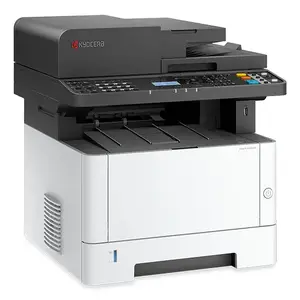
Kyocera
Multifunction Device KYOCERA ECOSYS MA3500fx Thermal inkjet Color
Delivery: 26.10.2026
466.49 €
Demo
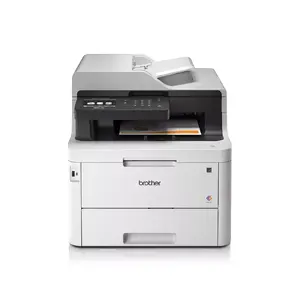
Brother
Multifunction printer Brother MFC-L3770CDW LED A4 colour 2400 x 600 DPI 24 ppm Wi‑Fi
Delivery: 09.11.2026
536.49 €
Fast shipping
Open box
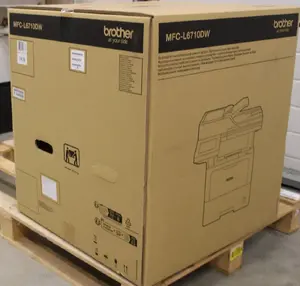
Brother
Brother MFC-L6710DW All-in-One Monochrome Laser Printer, A4, Wi-Fi, Duplex, Fax
Delivery: Wednesday
635.99 €
Demo
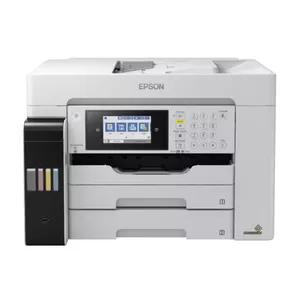
Epson
Epson EcoTank ET-16680 Inkjet Multifunction Printer A3 Colour Printing Wi-Fi Ethernet LAN ADF Scanner
Delivery: 09.11.2026
732.99 €
Fast shipping
Excellent choice
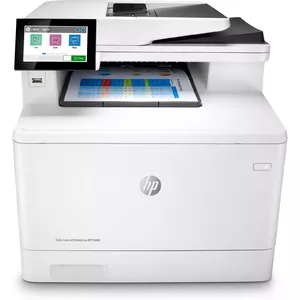
HP
Multifunction Printer HP Color LaserJet Enterprise MFP M480f Laser Colour
Delivery: Wednesday
786.99 €
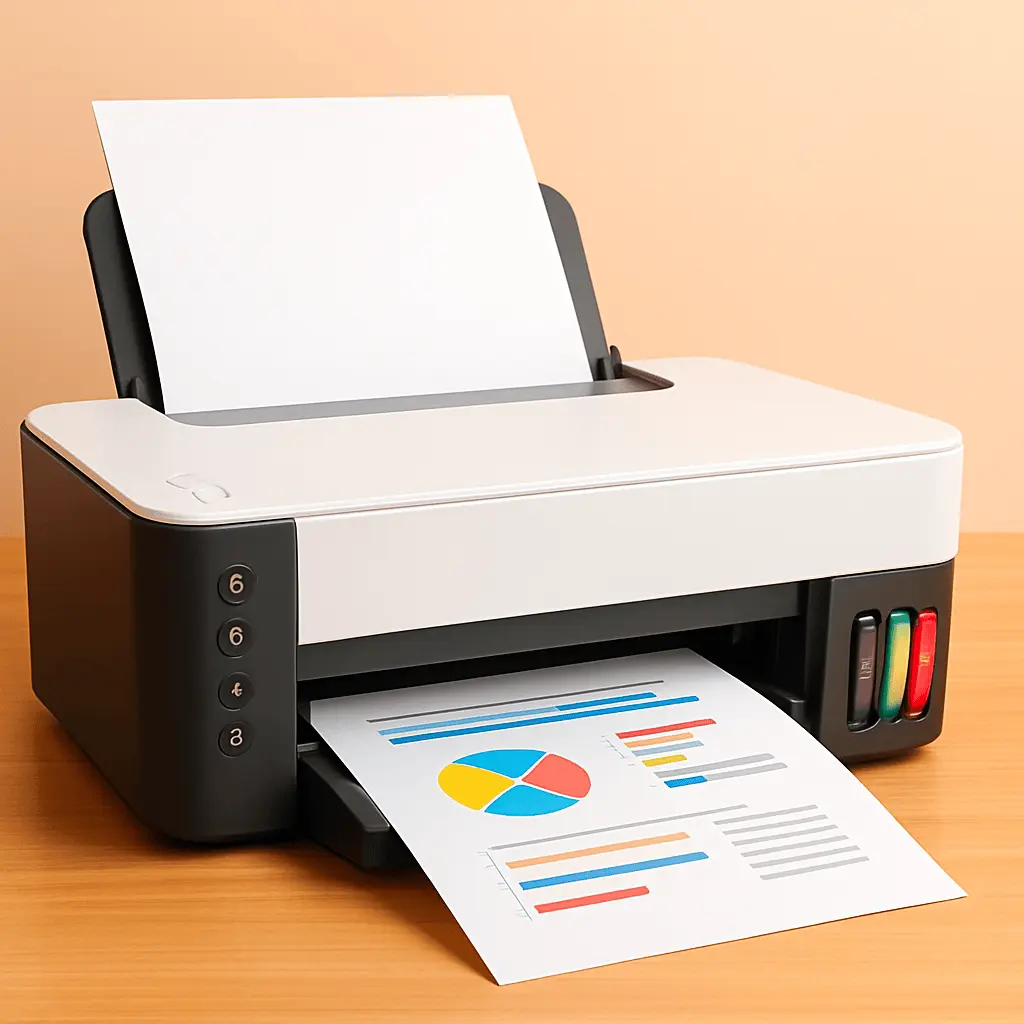
Multifunctional printers combine printing with additional functions such as scanning, copying, and often faxing, in a single device designed for home, office, or small business use. These devices are used to handle everyday document tasks, including black-and-white and color printing, digitizing paper documents, reproducing copies, and sending or receiving faxes where supported. Buyers typically choose multifunctional printers when they need to save space, simplify workflow, or reduce the number of individual devices to maintain. Models vary by print technology, speed, monthly duty cycle, connectivity options, and supported media sizes, which makes it important to match a unit’s specifications to expected workload and document types. Energy consumption and consumable costs (ink or toner) also influence operating cost and long-term suitability. Technical features such as automatic document feeders, duplex (two-sided) printing, network support, and mobile printing compatibility affect usability in different environments.
Types of multifunctional printers
Multifunctional printers are available in several main types that differ by print technology and target use cases:
- Inkjet MFPs: use liquid ink cartridges, suitable for mixed text and color graphics, common in homes and small offices.
- Laser MFPs: use toner and a laser imaging system, typically faster for high-volume black-and-white printing and common in offices.
- All-in-one color laser MFPs: combine color laser printing with scanning and copying for businesses requiring color documents at higher volumes.
- LED and solid-ink MFPs: alternative technologies offering specific trade-offs in speed, cost per page, or maintenance.
- Compact and portable MFPs: smaller footprint devices that prioritize space savings and mobile use over high volume.
- High-capacity or production MFPs: designed for heavy workloads with larger paper trays, higher duty cycles, and advanced finishing options.
What are multifunctional printers used for?
Multifunctional printers serve a range of document-handling tasks in different settings:
- Printing documents: produce text documents, reports, brochures, and images in black-and-white or color depending on model.
- Scanning and digitization: convert paper documents into digital formats (PDF, JPEG, etc.) for storage, email, or OCR processing.
- Copying: reproduce single- and multi-page documents quickly without a separate copier.
- Faxing: transmit and receive faxes where fax functionality is included and phone line connectivity is available.
- Network and mobile printing: connect to wired or wireless networks and support printing from smartphones, tablets, and cloud services.
Key Differences between multifunctional printers
Key distinctions between models arise from hardware, performance, and connectivity features:
- Print technology: inkjet vs. laser vs. other technologies affects print speed, cost per page, and color reproduction.
- Speed and duty cycle: pages per minute (ppm) and monthly duty cycle indicate suitability for light, medium, or heavy use.
- Resolution and print quality: DPI and color management determine output quality for text and images.
- Paper handling: input tray capacity, supported paper sizes, duplexing, and automatic document feeder (ADF) features affect productivity.
- Connectivity: USB, Ethernet, Wi‑Fi, Wi‑Fi Direct, and mobile/cloud printing protocols determine how devices integrate into workflows.
- Consumables and operating cost: cartridge/toner yield and availability, plus optional high-yield or subscription programs, impact long-term cost.
How to choose multifunctional printers?
Selecting a multifunctional printer requires matching device capabilities to your needs and budget:
- Assess workload: estimate monthly page volume and decide between light, medium, or heavy-duty models based on duty cycle.
- Choose print technology: prefer inkjet for occasional color output and photo prints; choose laser for fast monochrome or high-volume needs.
- Check essential features: look for ADF, duplex printing, scan resolution, and paper capacity that match task requirements.
- Consider connectivity: ensure the printer supports your network setup and mobile or cloud printing methods used in your environment.
- Evaluate total cost of ownership: compare consumable costs, replacement cartridge yields, and energy use, not just initial price.
- Space and noise constraints: consider device size and operating noise for office or home placement.
Which markdown multifunction devices (mfps) are the most popular and affordable in 2026?
The full list of popular models at affordable prices is available on this page. In 2026, the following models show high demand and an excellent price-to-quality ratio:
- Epson L1350 Color Inkjet Printer A4 Wi-Fi 5760 x 1440 DPI 33 ppm Black for 139.99€
- Epson EcoTank L3310 Inkjet Colour Multifunction Printer A4 5760 x 1440 DPI 33 ppm Wi-Fi Direct Printing Black for 150.49€
- Epson EcoTank L3351 Inkjet Colour Multifunction Printer A4 Wi-Fi USB for 160.49€
- Xerox WorkCentre 3025/BI Mono Laser Multifunction Printer, A4, 20 ppm, 600x600 DPI, Wi-Fi and USB for 169€
- Epson EcoTank L3361 Inkjet Colour Multifunction Printer A4 Wi-Fi Apple AirPrint LCD Display for 179.99€
Why is it worth buying markdown multifunction devices (mfps) at AiO.lv?
At the AiO.lv online store, you can place an order at a great price with delivery across Latvia — to Riga, Daugavpils, Liepaja, Jurmala, Ventspils, and other cities, as well as throughout Europe. We offer products from leading manufacturers: Brother, Canon, Epson, HP, Kyocera, Lexmark, OKI, Ricoh, Konica Minolta, Sharp, Xerox, HP Enterprise, PANTUM, ic intracom, No name, Triumph-Adler, Hewlett Packard. When you shop with us, you get:
- official warranty and guaranteed quality;
- convenient payment options (including installment and credit);
- fast and reliable delivery across Latvia and to any EU country.
FAQ
Where can you find a markdown multifunction devices (mfps) with cheap prices?
You can buy cheaper at the AiO.lv online store. We offer competitive prices and regular discounts, so you always have the chance to find a great deal.
What is the delivery time for markdown multifunction devices (mfps)?
If you place your order today, delivery will take between 1 and 5 business days depending on the chosen method.
How long is the warranty period for markdown multifunction devices (mfps)?
Our store provides an official manufacturer’s warranty ranging from 12 to 36 months, depending on the model and brand. If needed, you can always contact our customer service department or the manufacturer’s authorized service center for support.
Are markdown multifunction devices (mfps) purchasable with leasing?
Yes, if the selected product costs more than €50. You can learn more about installment purchase options and the terms of application on the Payment page.
Can markdown multifunction devices (mfps) be purchased for a company (with VAT)?
Yes. AiO.lv works with legal entities in Latvia and throughout Europe. All product prices are shown with VAT included. In certain cases, a 0% VAT rate may apply — for example, when purchasing from other EU countries with a valid VAT number. We issue an invoice immediately after the order is placed, support BIS electronic invoices, and automatically generate all required accounting documents. To complete a purchase for a company, simply select the company profile during checkout.


